
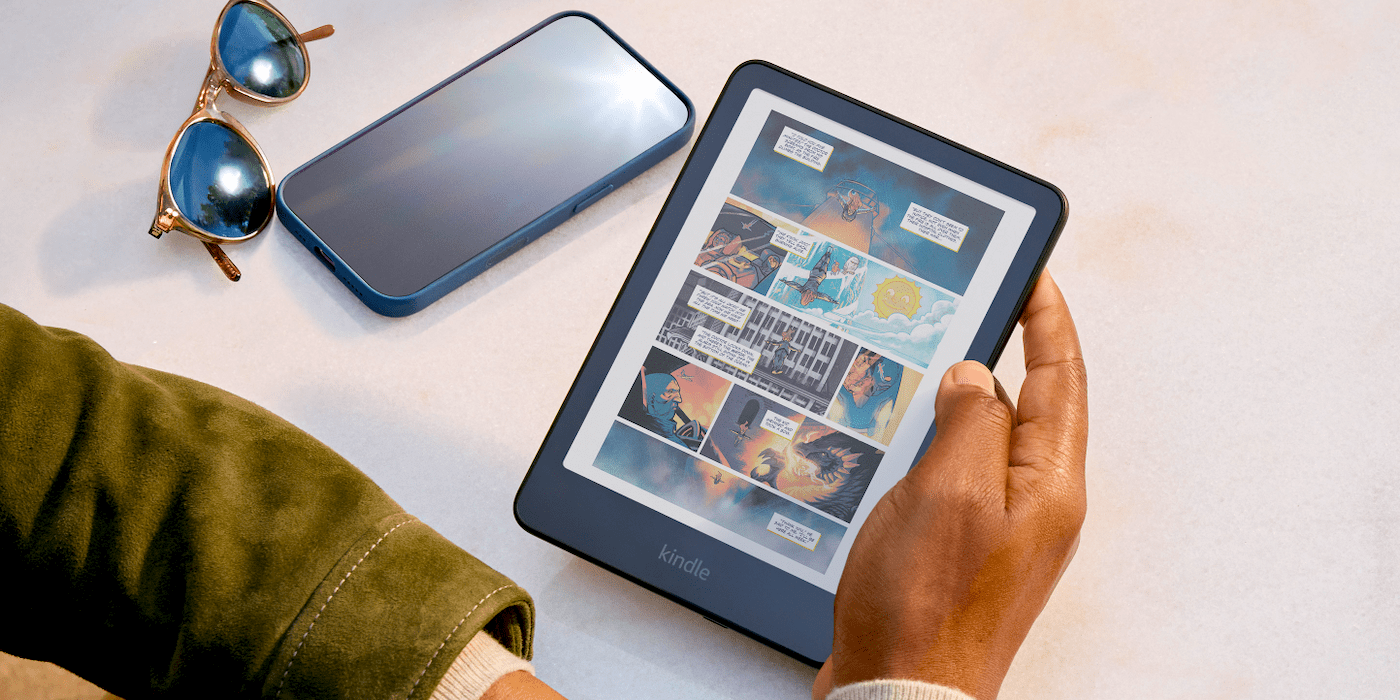
This morning Amazon is serving up the first deals of the year on Kindle devices. This includes the now previous-generation Kindle Scribe – it is quite similar to the newer and more pricey $499 model – at up to $140 off the list price alongside the latest base Kindle from $89.99 shipped and Kindle Colorsoft down at $199.99 shipped, or $50 off.
While the deals on the latest and most affordable base model Kindle aren’t quite as low as the Black Friday price at $89.99 shipped, deal haven’t been all that deep on these in general and today’s offers are $10 more than the latest November price.
- Amazon Kindle (Lockscreen ad-supported) $90 (Reg. $110)
- Amazon Kindle (without Lockscreen ads) $110 (Reg. $130)
The deeper of today’s deals though land on the Amazon Kindle Scribe at up to $120 off. This is the now previous-generation late 2024 model that remains in the lineup as more affordable take on Amazon’s Kindle-meets-tablet experience with the digital notebook features – “replace your stack of notebooks with a single device purpose-built for writing, reading, and thinking. No notifications or social media.”
- Kindle Scribe 16GB $280 (Reg. $400)
- Kindle Scribe 32GB $290 (Reg. $420)
- Kindle Scribe 64GB $310 (Reg. $450)
Get more details on the new late 2025 Kindle releases below:
- Amazon reveals all-new Kindle Scribe lineup, including very first model with color display
- Amazon’s first Kindle Scribe reader/tablet with a color display goes up for purchase today
Kindle Scribe features:
- A digital notebook for all your writing needs – Replace your stack of notebooks with a single device purpose-built for writing, reading, and thinking. No notifications or social media.
- With AI tools to transform your notes – Convert messy handwriting into readable font, summarize your notes, and change their length and tone with built-in AI notebook tools.
- Feels like pen on paper – See, feel and hear your thoughts meet the page with every stroke of the Premium Pen. No need to set up or charge, just start writing.
- Easily import and mark up documents – Import documents and PDFs using Send to Kindle, and mark them up directly on the page.
- Capture insights as you read – Just start writing on a book’s page and Active Canvas will create space for your notes. Expand the margins to add more notes, or collapse them to see the original page.


FTC: We use income earning auto affiliate links. More.




Comments