
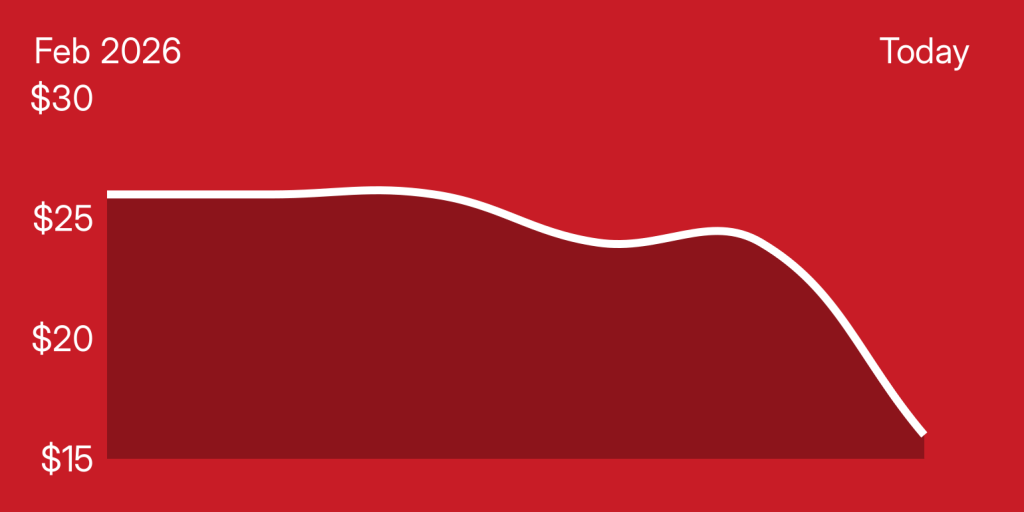
New low/$16
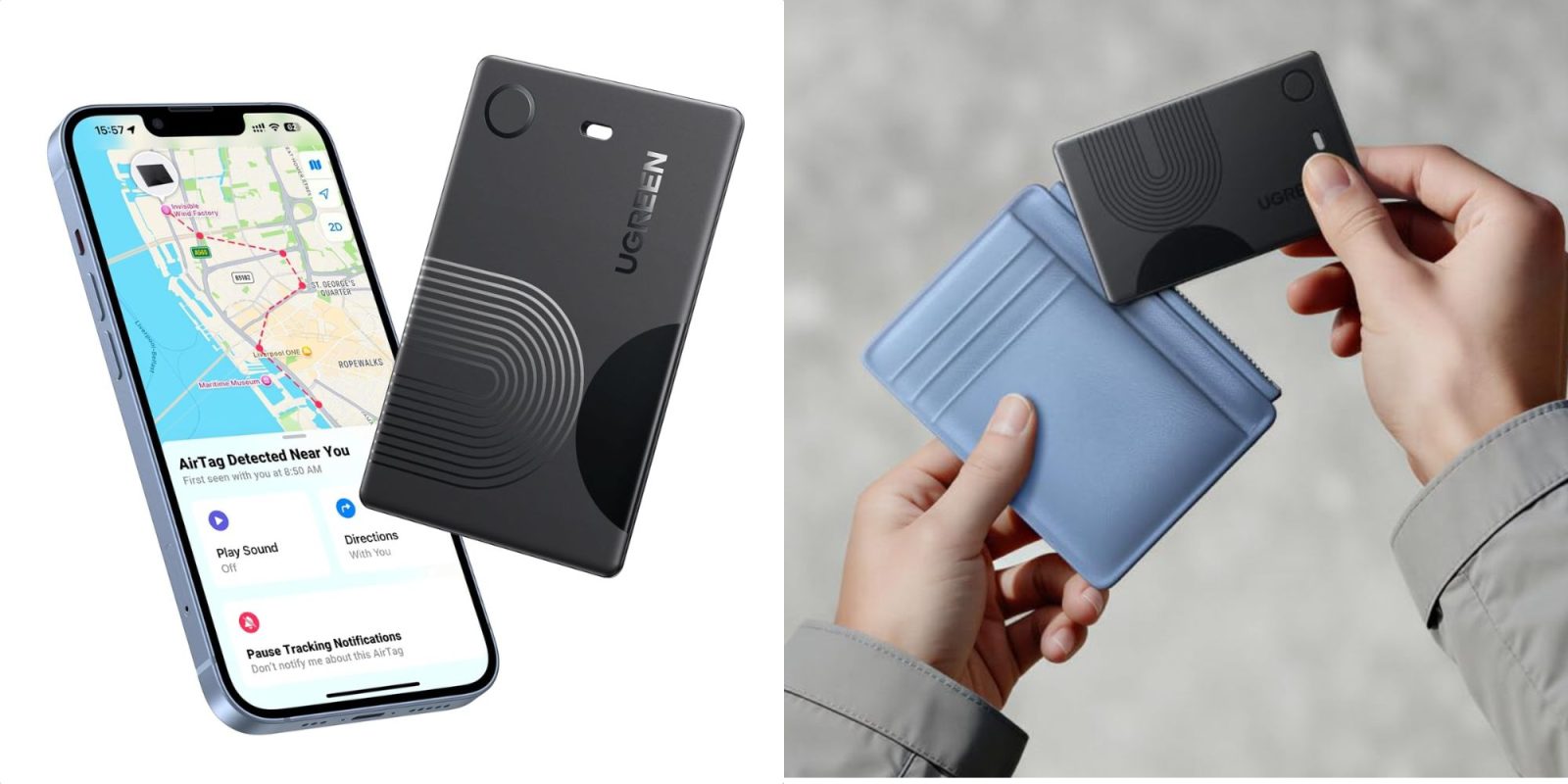
UGREEN FineTrack Find My Slim Wallet Tracker Card
Buy for $16 (Reg. $26)
Prime-exclusive discount.
What we love
This is an upgraded version of the original FineTrack Slim wallet tracker I’ve been using for over a year. The new model isn’t rechargeable, so it’s one less thing to worry about, and UGREEN rates the built-in battery for up to seven years of use. The core features remain the same, meaning you get a slim design that fits easily into your wallet, Apple Find My support for real-time tracking, IP68 water resistance, and a loud 100dB alert.

More curated coverage for you

UGREEN FineTrack Find My Slim Wallet Tracker Card features:
- Say goodbye to Lost Valuables with Wallet Tracker:Left something outside? If it’s at the airport or the shopping mall, simply open the map in the Find My app to view its location and get directions. Stay connected to your valuables anytime, anywhere—with confidence and peace of mind.Note: Securely attach the wallet tracker card to your item before use
- Loud 100dB Alert: When the map shows items nearby, you can tap “play sound” in the Apple Find My app. The wallet tracker emits a 100-decibel beep within Bluetooth range — as loud as a morning alarm clock — audible even under thick blankets, cushions, or in a hidden corner
- 7-Year Ultra-Long Battery Life: Slip this ultra-thin smart tag in your wallet, keys, or bag and forget about charging. It keeps working for up to 7 years, giving you worry-free protection for everyday adventures, travel, or busy workdays
- Lost items notification pop-up on phone: When your wallet finder moves out of range, the Find My app sends an instant alert with its last known location. Activate Lost Mode with your contact info so nearby Apple devices can help recover it quickly
- Setup is quick and easy: Simply press and hold the function button on the bluetooth tracking card for about 2-3 seconds until you hear a beep to pair. Open the “Find My” app, enable Bluetooth, tap “Add Item,” select “Other Supported Items,” and then tap “Connect.” Confirm the prompts to complete pairing. Paired with a device. Unpair before connecting to a new one
Get bite-sized deals sent directly to your inbox every day with our 9to5Toys Steals newsletter


FTC: We use income earning auto affiliate links. More.

You’re reading 9to5Toys — experts digging up all the latest technology and lifestyle deals, day after day. Be sure to check out our homepage for all the latest news, and follow 9to5Toys on Twitter, Facebook, and LinkedIn to stay in the loop. Don’t know where to start? Check out the best Apple deals, our daily podcast, and subscribe to our YouTube channel




Comments