
This offer has expired!
Be sure to follow us on Twitter for the latest deals and more. Sign-up for our newsletters and have our best offers delivered to your inbox daily.
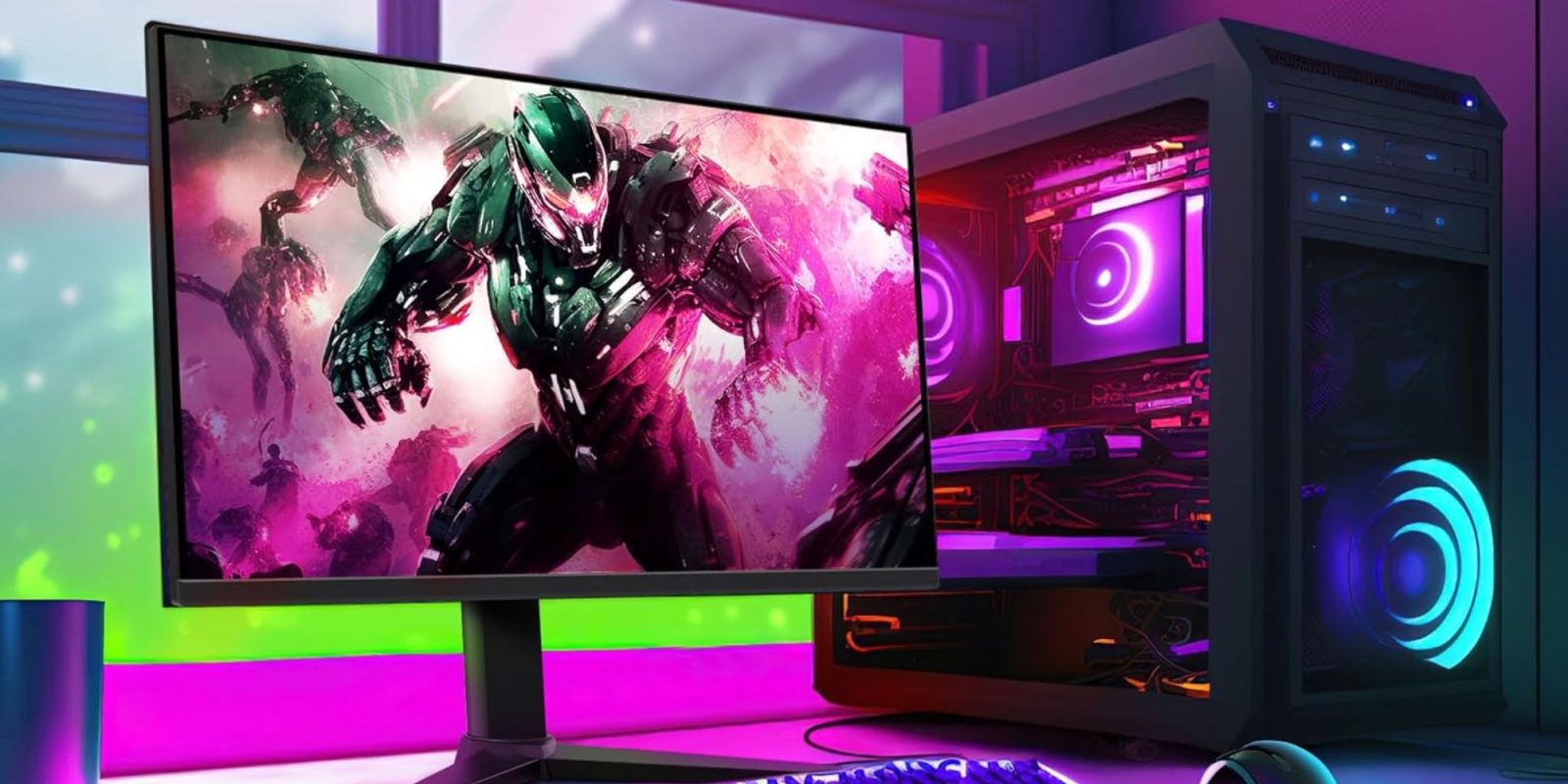
Today only, as part of its daily deals offer, Woot has listed a 24-inch Amazon 165Hz gaming monitor for $69.99 Prime shipped (a $6 delivery fee will apply otherwise). This is an already affordable, value-packed model that typically goes for $110 at Amazon, where it’s currently listed at $85. Today’s deal at Woot, however, shaves an additional $15 off that price to mark a new best price to beat. Not only is this the lowest price we have tracked for this particular display, but it’s also one of the best prices you’ll find for a high-refresh rate display. At just $70, it could work well as an affordable gaming display or even a secondary monitor for your setup. Head below for more details.
This 24-inch Amazon gaming monitor keeps things fairly straightforward, while covering the essentials for an affordable setup. It sports a 23.8-inch FHD panel with a 1920 x 1080 resolution, which should look sharp enough at this size for everyday use, gaming, and general multitasking. The main draws here are its 165Hz refresh rate and Adaptive Sync support, which make this a great panel for gaming. It’s VESA-compatible as well, so you can mount it on an arm or wall instead of relying on the included stand. It is not packed with premium extras, but it should make a solid primary display for a budget gaming PC or an inexpensive secondary screen for a larger setup.
If you don’t mind spending a bit more for a full-fledged gaming display, AOC’s Agon Pro QD-OLED model is at $350. It sports a QHD 240Hz refresh rate display, and it’s down from its usual price of $500.
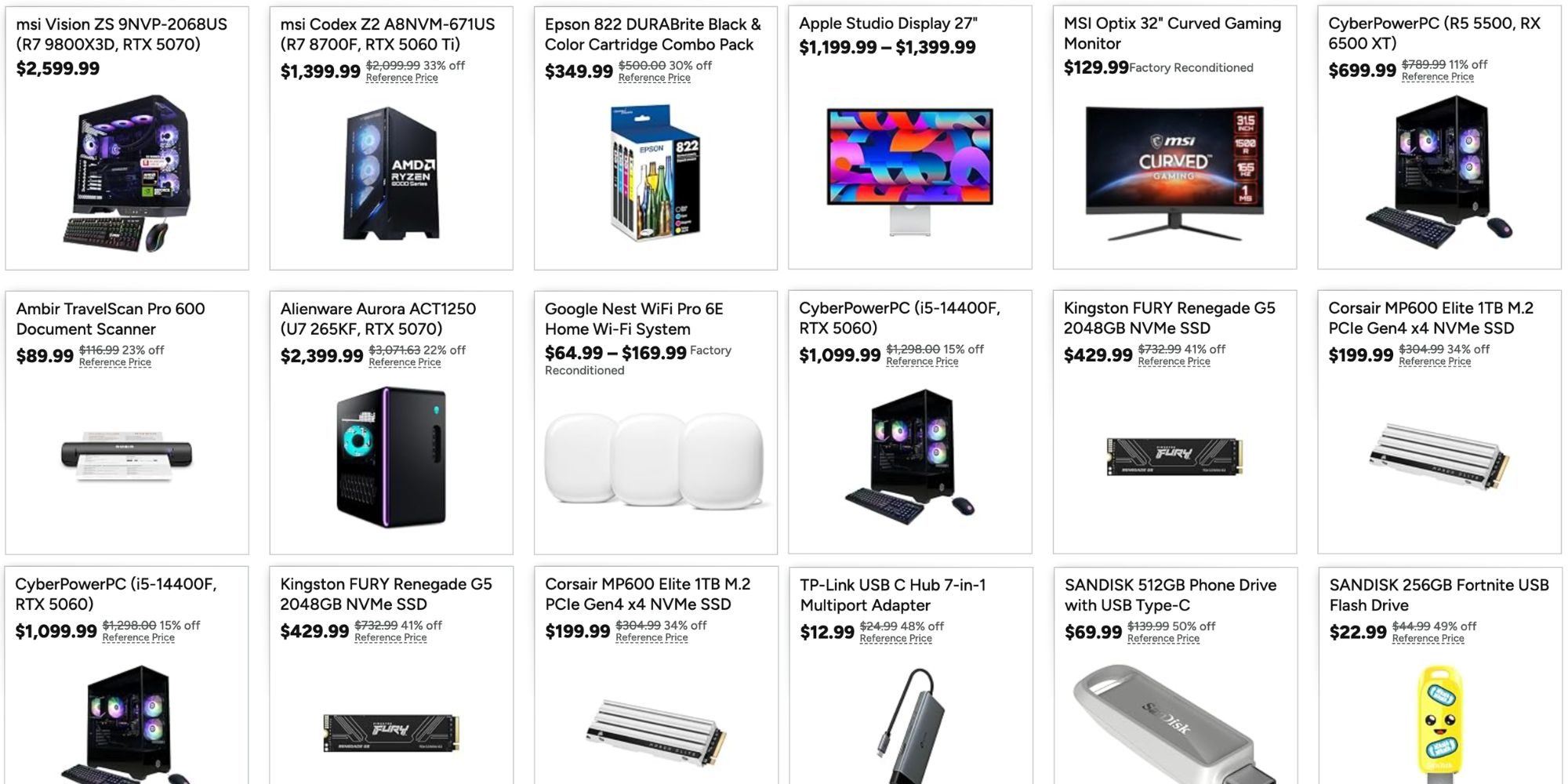
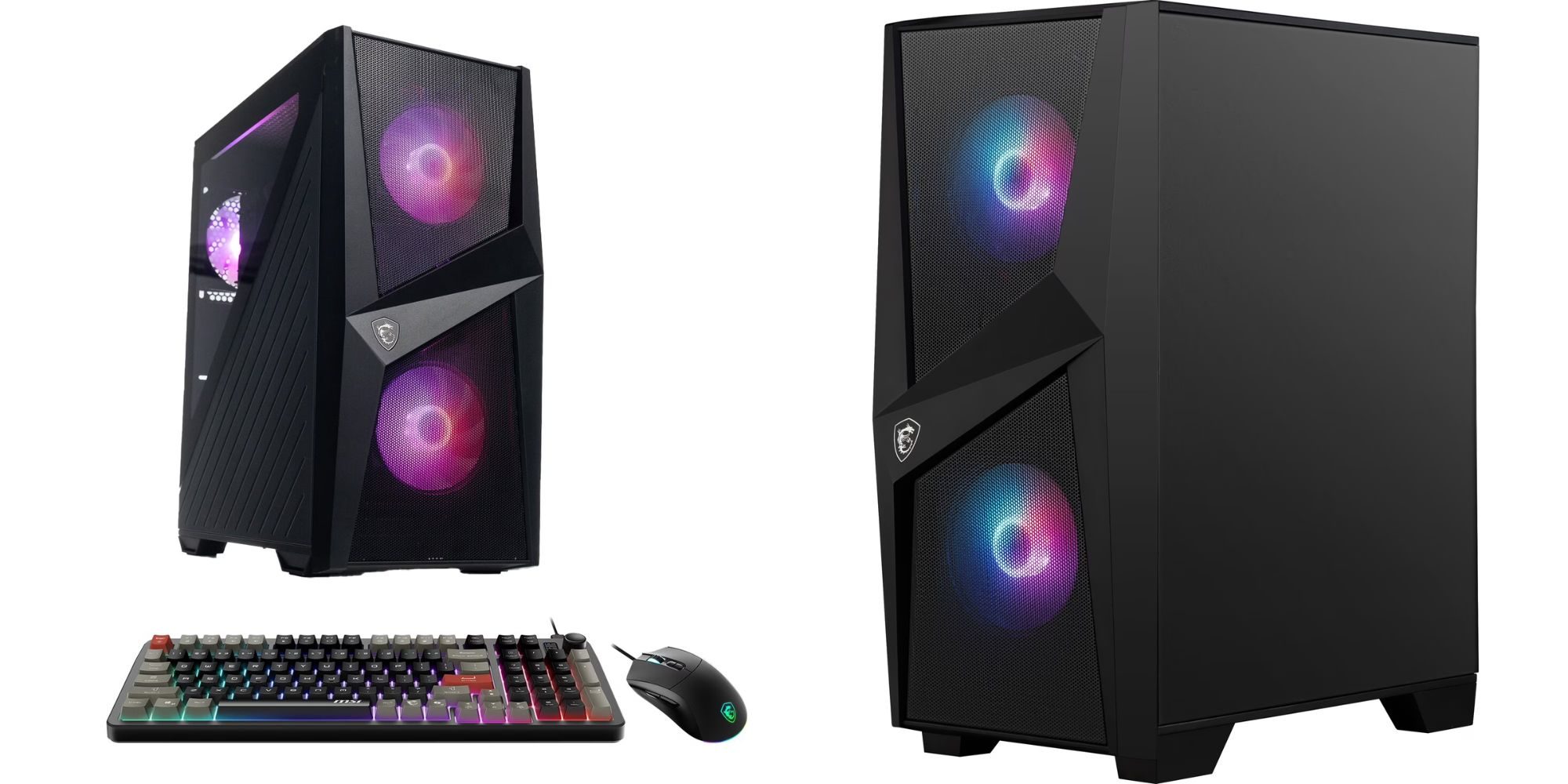
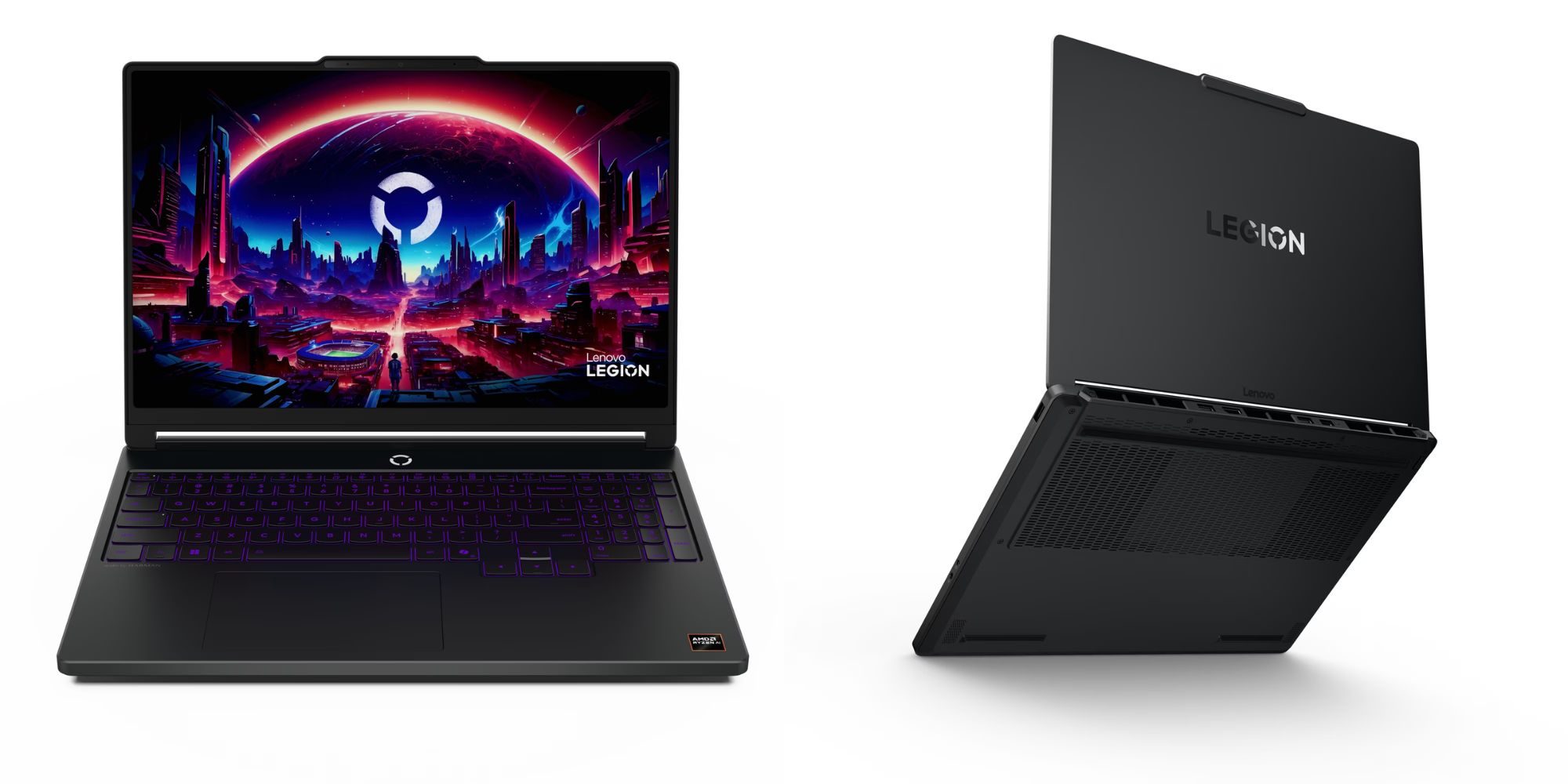
Other notable PC gaming deals
Amazon 24-inch FHD 165Hz gaming monitor features:
- 24-inch IPS digital monitor for gaming and entertainment
- Crystal clear 1080P high definition picture and graphics relay
- Nearly zero lag with 1ms response time for smooth gaming experience
- Additional specs include adaptive sync, VESA compatibility, and 165Hz (Note: To achieve maximum refresh rate, ensure your computer ports and graphics card support FHD output at 165Hz. Use a DisplayPort 1.4 or HDMI 2.0 compatible cable. Consult your device manufacturer’s manual for more information. Finally, select the maximum 165Hz refresh rate in your computer’s advanced display settings.)


FTC: We use income earning auto affiliate links. More.




Comments