

This offer has expired!
Be sure to follow us on Twitter for the latest deals and more. Sign-up for our newsletters and have our best offers delivered to your inbox daily.
Update (2/20 7:45am): We’ve confirmed that you can stack this deal with the Bing Rewards offer to get 200GB of OneDrive storage.
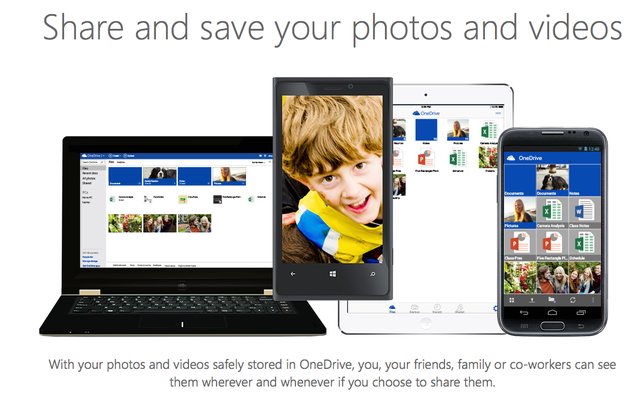
Dropbox users are eligible to get an additional 100GB of complimentary OneDrive storage for one year. New or existing OneDrive users simply have to sign-in to their account at this promotional page and link OneDrive with Dropbox. It’s a pretty painless way to grab an extra 100GB of storage.
No official word on if you can combo this with last week’s Bing Rewards promotion that gave OneDrive users an extra 100GB of storage for two years by joining Bing Rewards. If you have to choose only one, today’s promotion doesn’t require the extra sign-up, which is nice.


FTC: We use income earning auto affiliate links. More.


Official word, both offers can be combine. I created an account using outlook email first and then joined the Bing Rewards for the two years offer. I now have a total of 215GB FREE.
Nice! Thanks for dropping a comment.
and what will happen one year from now?
The amount of storage you have will decrease – so at that point you’d want to make sure you don’t loose anything. However, there is a good chance you’d have an opportunity to add storage between now and then.
Great tip! I grabbed the storage, but cannot figure out how to link Dropbox to OneDrive. Can you share how?
If you visit the link in the article, you will be asked to login to OneDrive then to link your Dropbox.
You can combine this promo with the other one. I have 230 GB of space now.
Great – that’s good to know! Thanks for passing this along.