
This offer has expired!
Be sure to follow us on Twitter for the latest deals and more. Sign-up for our newsletters and have our best offers delivered to your inbox daily.
Through an update earlier this month, Logitech keyboards have taken control of the “Print Screen” function, leaving many screenshot tools broken on Windows machines. Luckily, it’s a quick and easy fix.
Logitech makes several excellent keyboards for Windows, macOS, and more, and a big part of the appeal comes from the customizations that are made possible in the “Logi Options+” app. However, a new update to that app is causing problems for users.
The “Print Screen” key on Logitech keyboards no longer works as intended.
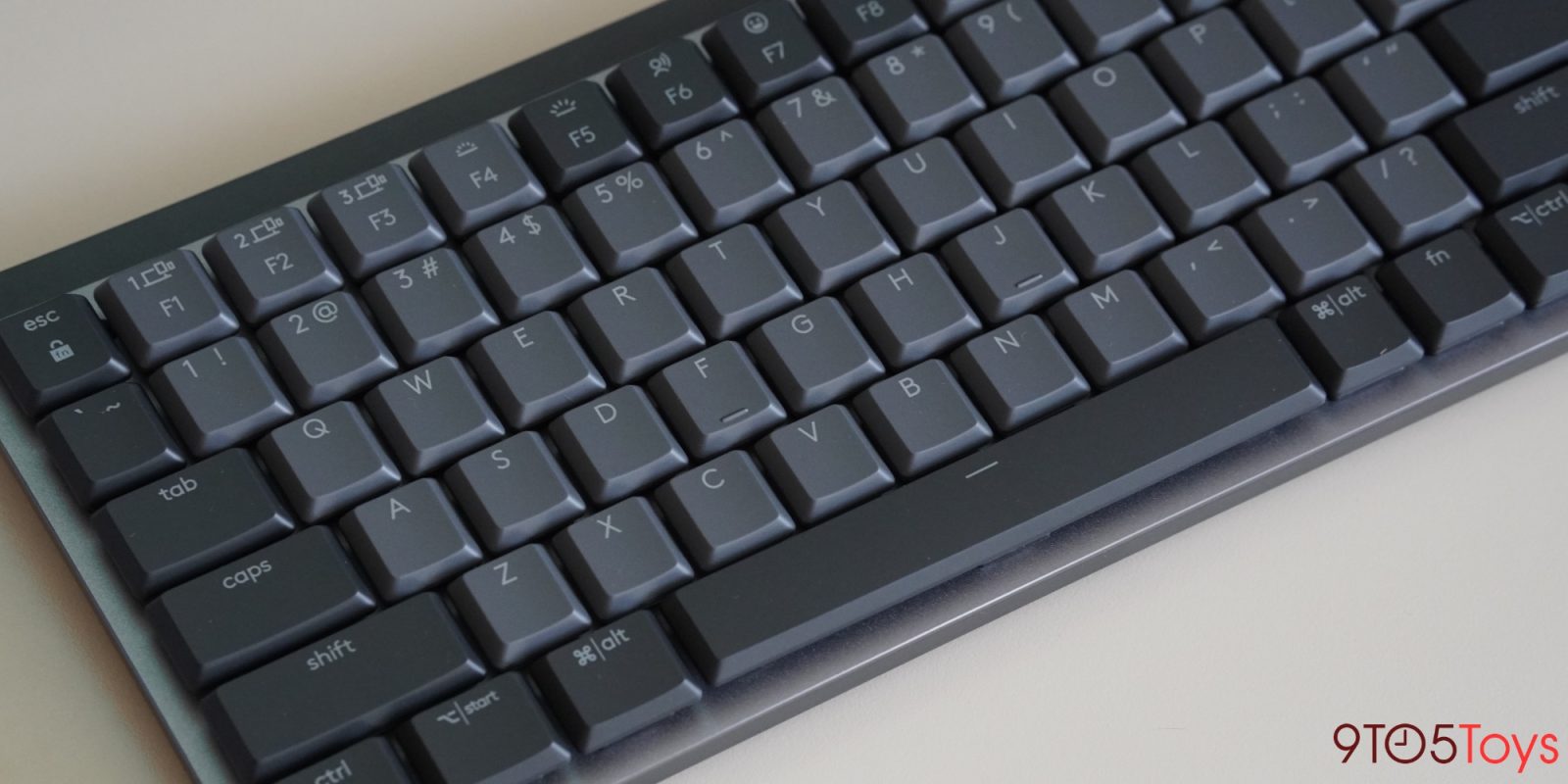
This is because the latest Logi Options+ update forcibly takes control of the “Print Screen” button on Logitech keyboards, such as the MX Keys S and MX Mechanical. Logitech’s latest update to the app includes a revamp of Logitech’s own screenshot tools, which are automatically made to be the default behavior for this key.
Logitech admits to this change in its changelog for the 1.86 update:
The screen capture action was recently updated for Windows with additional options. If you were using it for a basic print screen function (as an action for a key/button), you’ll need to reassign it to the ‘Print Screen’ action.
Logitech’s screen capture tool defaults to a simple screenshot with no added UI, which is confusing to the end user, especially as this change was made without any notice. For many, “Print Screen” suddenly just stopped working. Logitech’s software also doesn’t automatically copy screenshots to the clipboard, instead saving them to a file in a directory deep within Windows files.
This is now configurable, which is nice, but it’s also easy to restore things back to how they were.
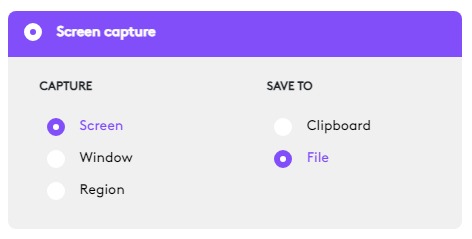
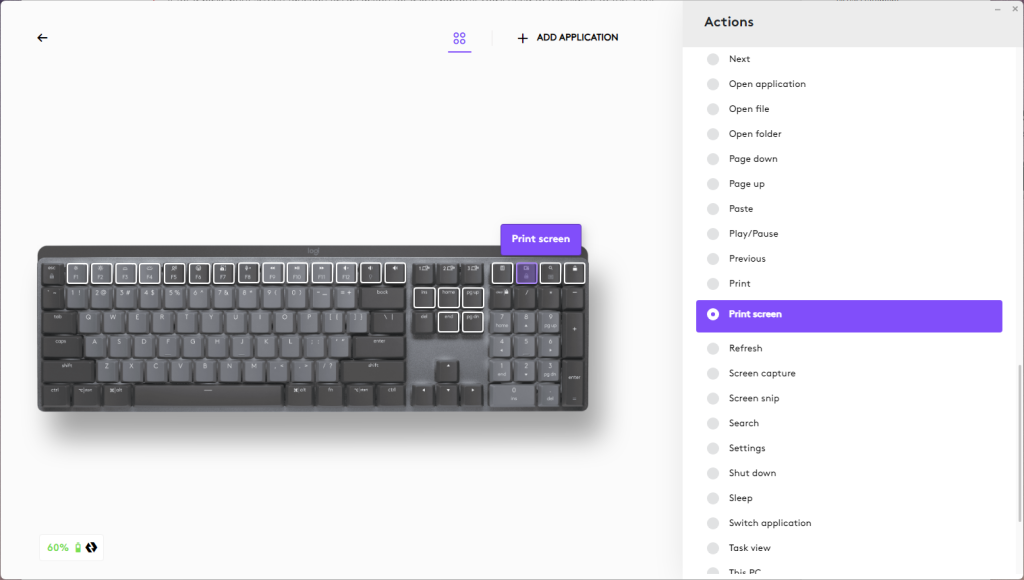
By opening Logi Options+ on Windows, you can simply go to your keyboard’s settings (an MX Mechanical in the screenshot below) and select the screen capture button you were previously using as a “Print Screen” key. This is usually the same key used for “Scroll Lock” on full layouts, or assigned to one of the F1-F10 keys on smaller layouts.
By reassigning that key back to “Print Screen,” your typical screenshot tool should start working again, whether than is Windows’ built-in Snipping Tool app, or a third-party option such as ShareX.
Logitech keyboards are available from retailers such as Amazon and Best Buy, with the MX Mechanical featured in this post currently available from just $93.58 through Amazon’s “Renewed” program.


FTC: We use income earning auto affiliate links. More.




Comments