
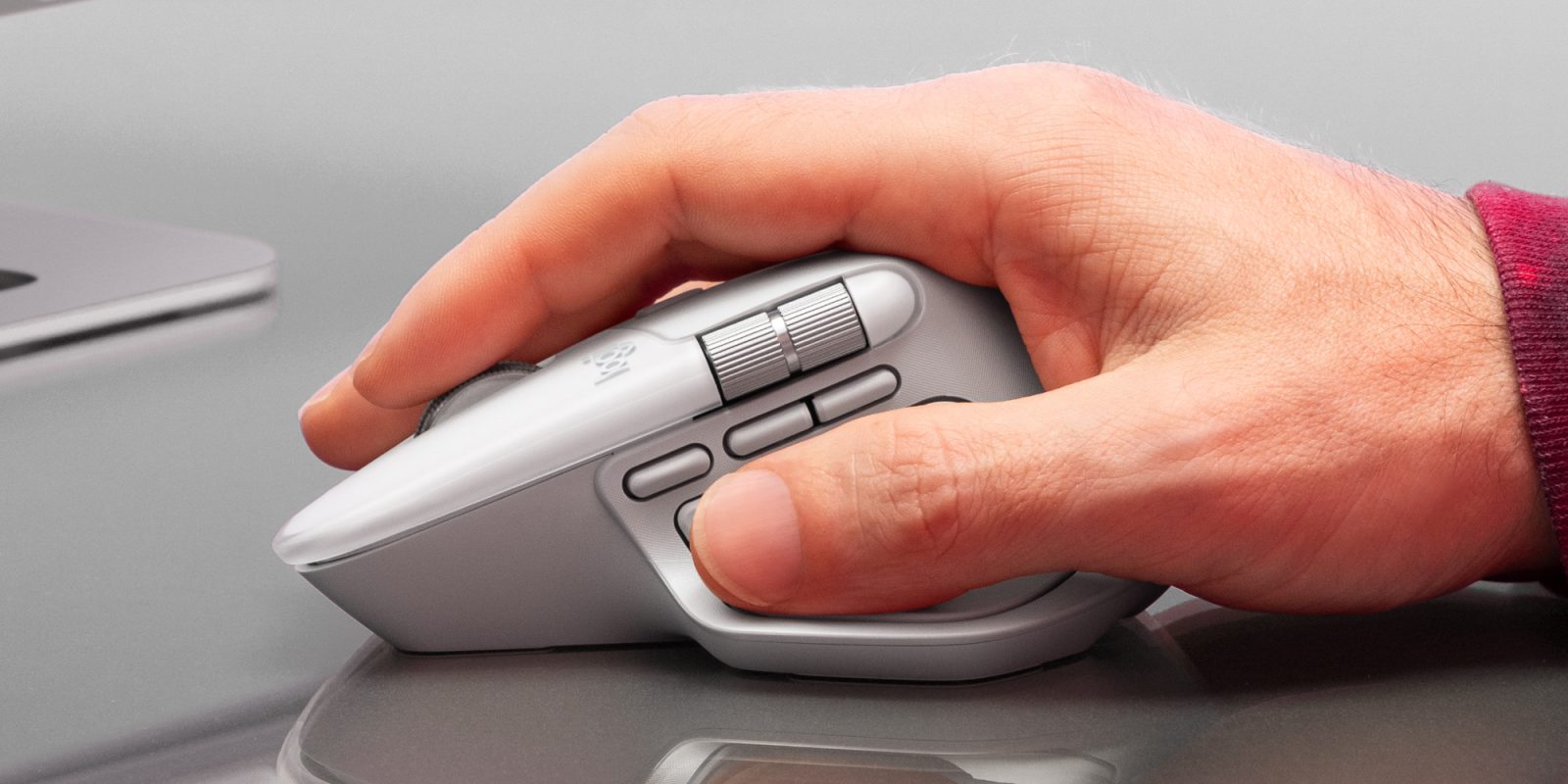
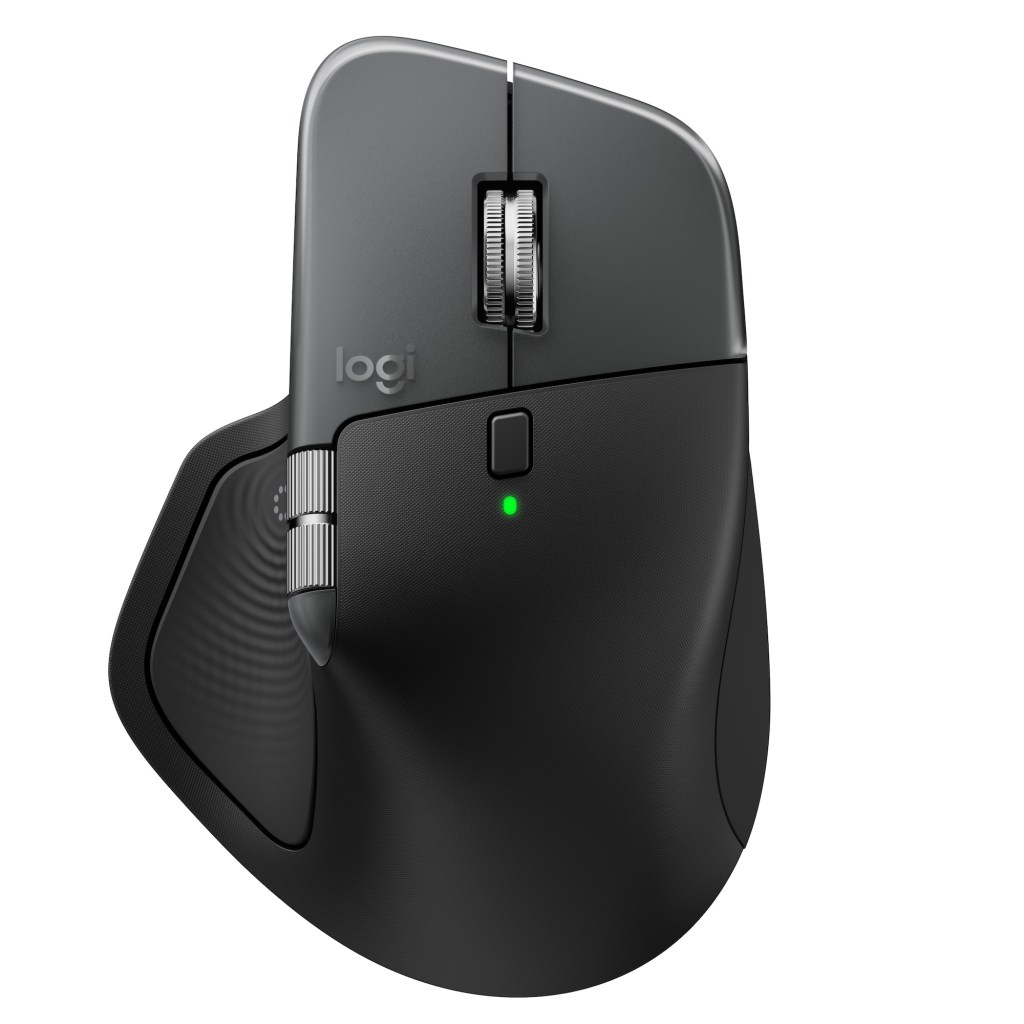
Logitech has now officially revealed the new MX Master 4 mouse. The long-awaited, and oft leaked new flagship mouse from the brand is surfacing in an official capacity today. The new Logitech MX Master 4 is now available for purchase at $119.99 shipped. Scope out the details and some hands-on impressions down below.
New Logitech MX Master 4 debuts today
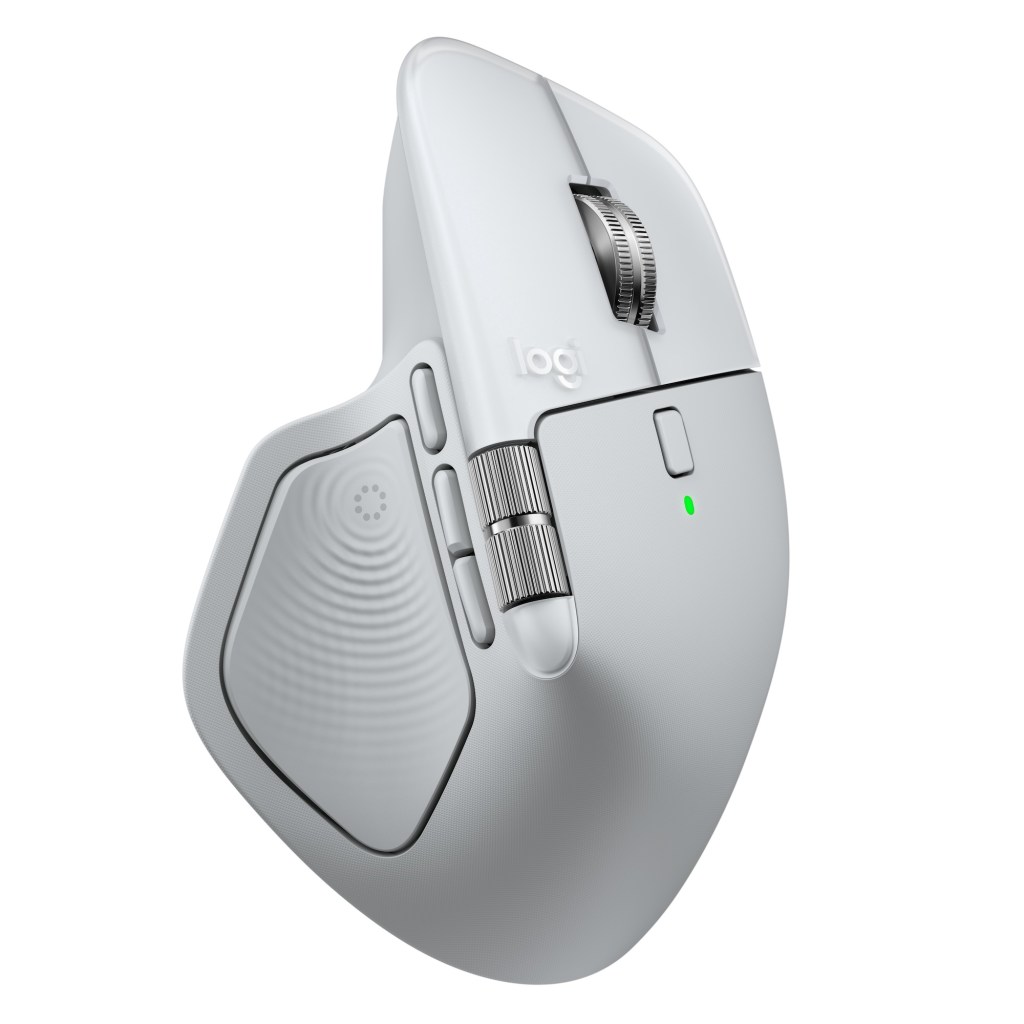
The new Logitech MX Master 4 launches today in Graphite, Pale Grey, and Black, alongside Space Black and White Silver on the MX Master 4 for Mac at $119.99 shipped.
Logitech MX Master 4 features at a glance:
- Customizable haptic feedback: Tactile responses on specific actions, shortcuts, and notifications for ultimate control and efficiency.
- Actions Ring: A digital overlay enabled by Logi Options+, streamlines workflows with app-specific shortcuts, saving users up to 33% of their time and reducing repetitive mouse movements by 63% when using MX Master 41.
- 2X stronger connectivity: A high-performance chip, optimized antenna placement, and USB-C dongle deliver faster, stronger, reliable performance.
- Flow through tasks: Scroll up to 1,000 lines per second and stop on a pixel with the MagSpeed Scroll Wheel, Logitech’s fastest, quietest, and most precise3 scrolling experience.
- Track on any surface: An 8,000 DPI sensor works on virtually any surface, even glass, and delivers responsive, pixel-perfect control for large screens and focused workflows.
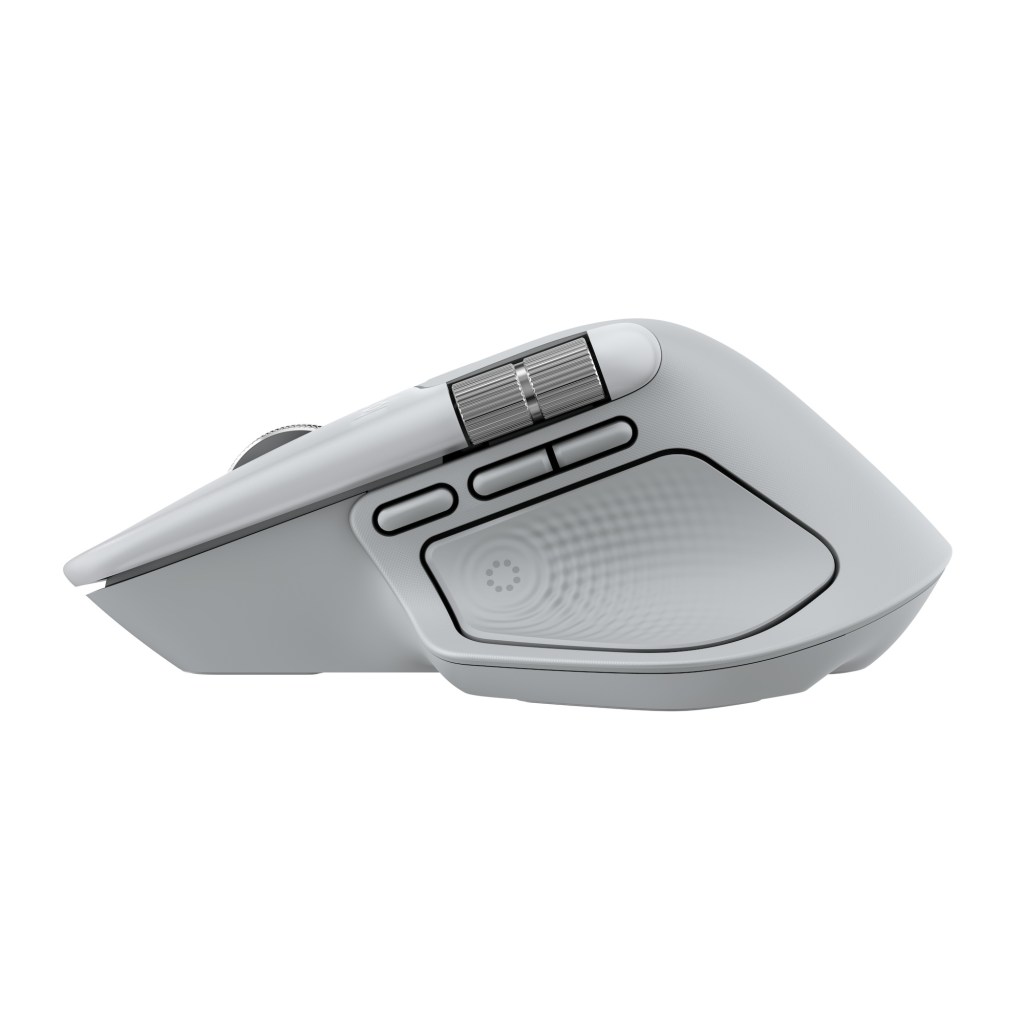
- Designed for comfort: An ergonomic design keeps you in flow with a natural tilt, intuitive buttons, and a thumb scroll that reduces hand stress for fluid navigation.
- Quiet clicks: A soft, satisfying feel with 90% less click noise reduces noise and distraction, perfect for focused workflows.
- Logi Options+: Customize shortcuts, tracking speed, and app-specific presets, automate tasks with Smart Actions, and use Flow to seamlessly work across devices.
- Built to last: Easy-to-maintain, durable design that is built to handle the daily challenges of professional use while providing long-lasting performance.
- USB-C quick charging: Up to 70 days of power on a full charge and three hours of use from a one-minute quick charge.
- Multi-device pairing: Connect and switch between up to three devices without interruptions.
- Match your setup: Available in Graphite, Pale Grey, and Black with a dedicated Mac version in Space Black and White Silver finishes to fit perfectly with Apple setups.
- Designed for sustainability: Features a low-carbon aluminum thumbweel, battery with 100% recycled cobalt, and the plastic parts include recycled plastic: 54% for Graphite, Black and Space Black, 48% for Pale Grey and White Silver.

Haptic feedback
As early leaks revealed previously, the new MX Master 4 features an onboard haptic feedback engine localized in the side panel (thumb position). It’ll give you a buzz when you’re floating your cursor around the Actions Ring, when you setup custom Smart Actions, and is, at launch, deeply integrated across Photoshop, Lightroom, and Zoom via dedicated, tailor-made plug-ins (the API is basically open to all, so we assume more apps will get added to the list over time).

Actions Ring
For those unfamiliar here, the Actions Ring is a Logi Options+ app-based digital overlay that floats atop your OS at the touch of a button – in its default state, when you click the side panel thumb button, the Actions Ring will pop up on display to offer up a ring of quickly-accessible actions. You’ll find “app-specific shortcuts and customizable controls” that delivers frequently used tools and commands front and center and immediately accessible alongside the ability to assign “commands in Photoshop or automating functions in Excel.”
Logitech says “professionals can save up to 33% of their time and reduce repetitive mouse movements by 63%” – this is largely because there are loads of commands and options floating around your cursor wherever it might be at any time, and at the click of a button.
Connectivity
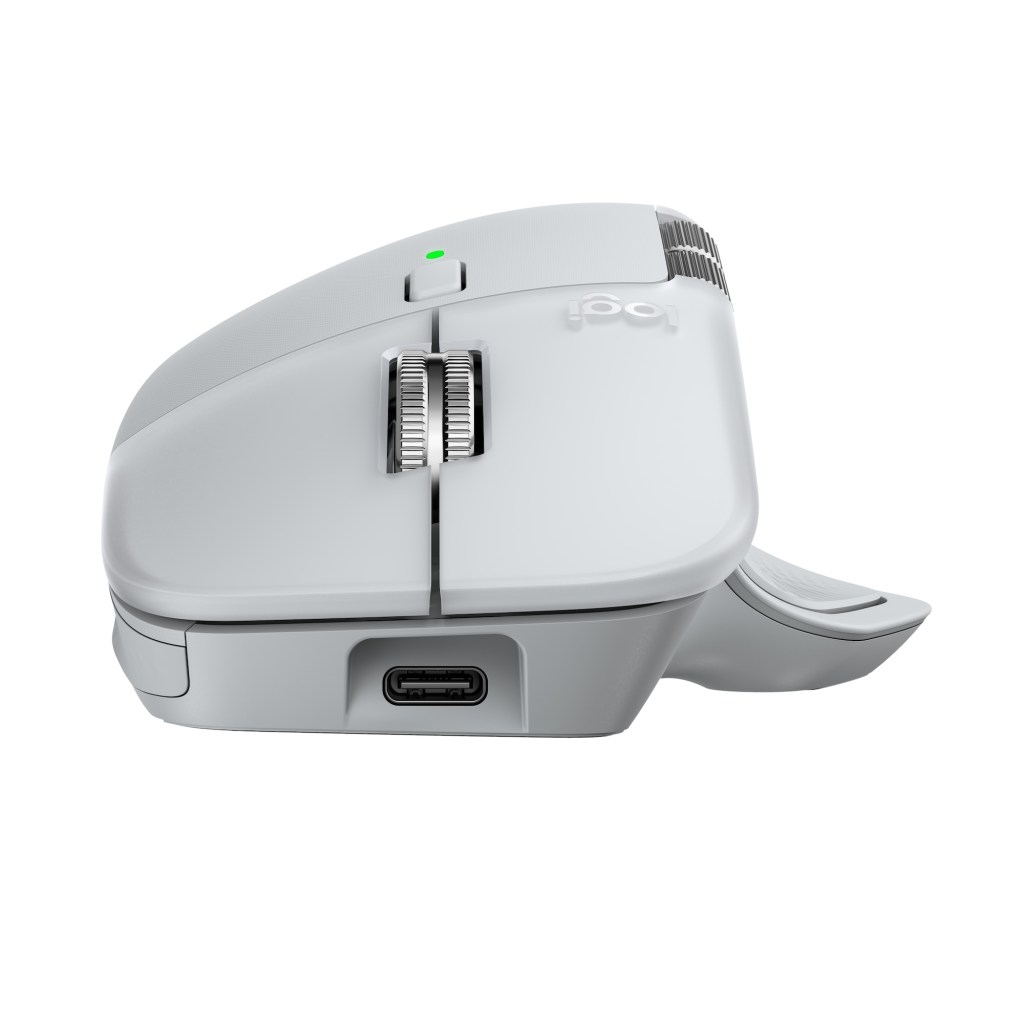
Connectivity has been improved across the board here as well with a “high-performance chip and optimized antenna.” Logitech says it delivers 2x connectivity strength compared to previous models while the included USB-C dongle (not on the not Mac-specific models) “ensures quick and dependable pairing across laptops, desktops and tablets, keeping users connected without delays.”


Build
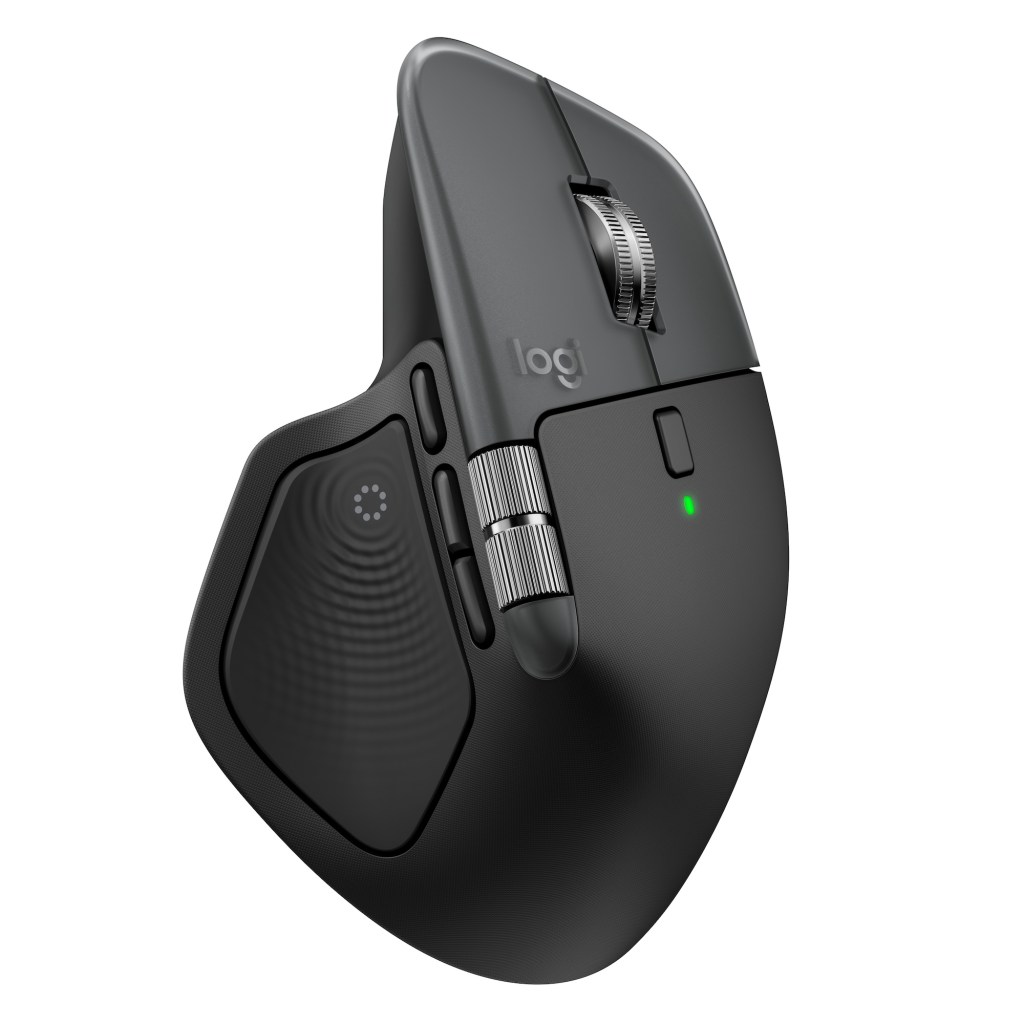
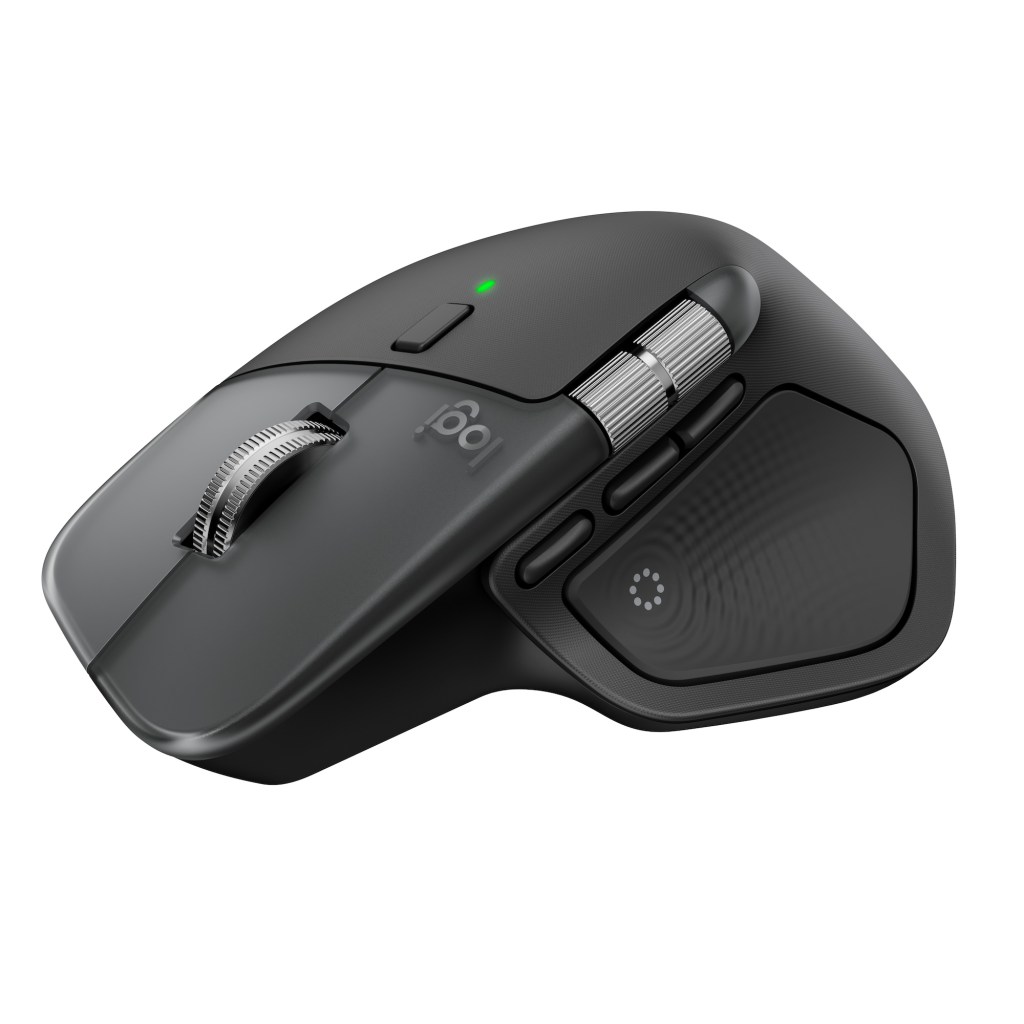
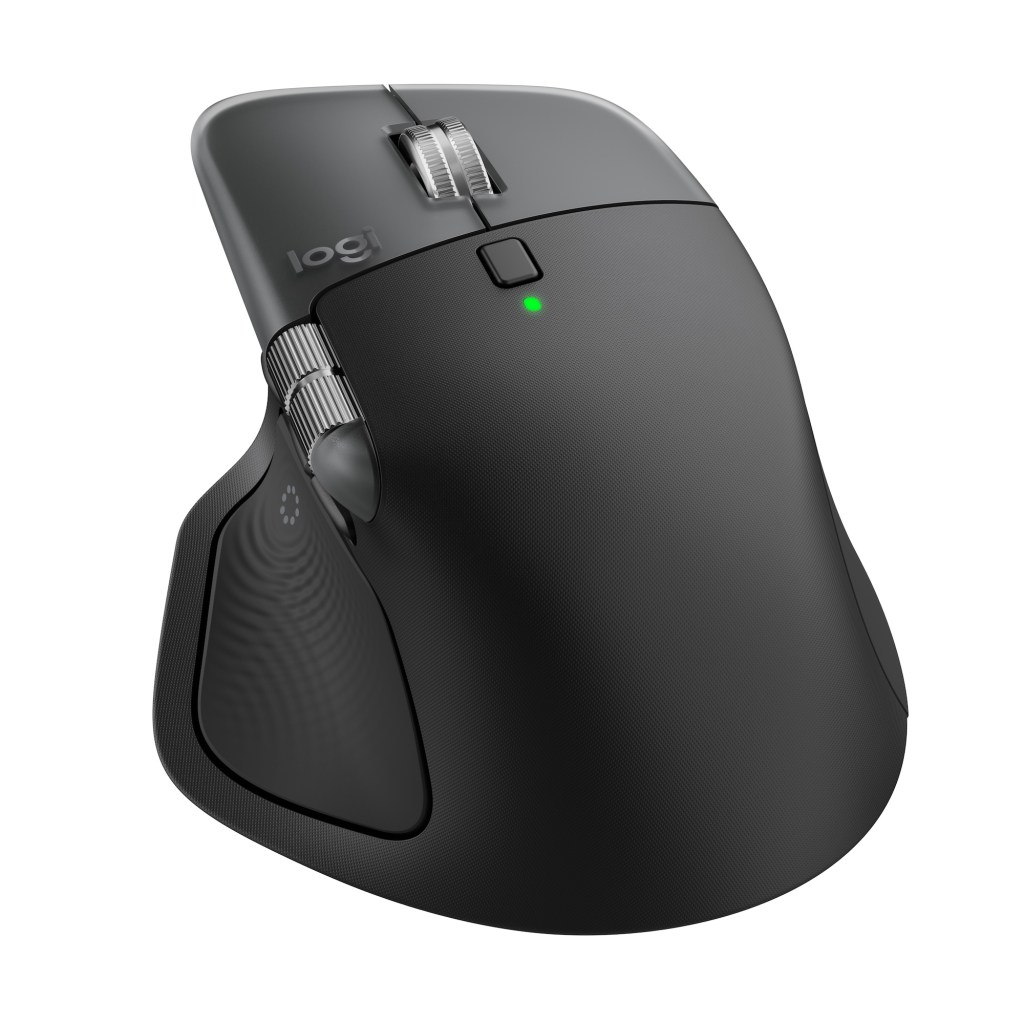
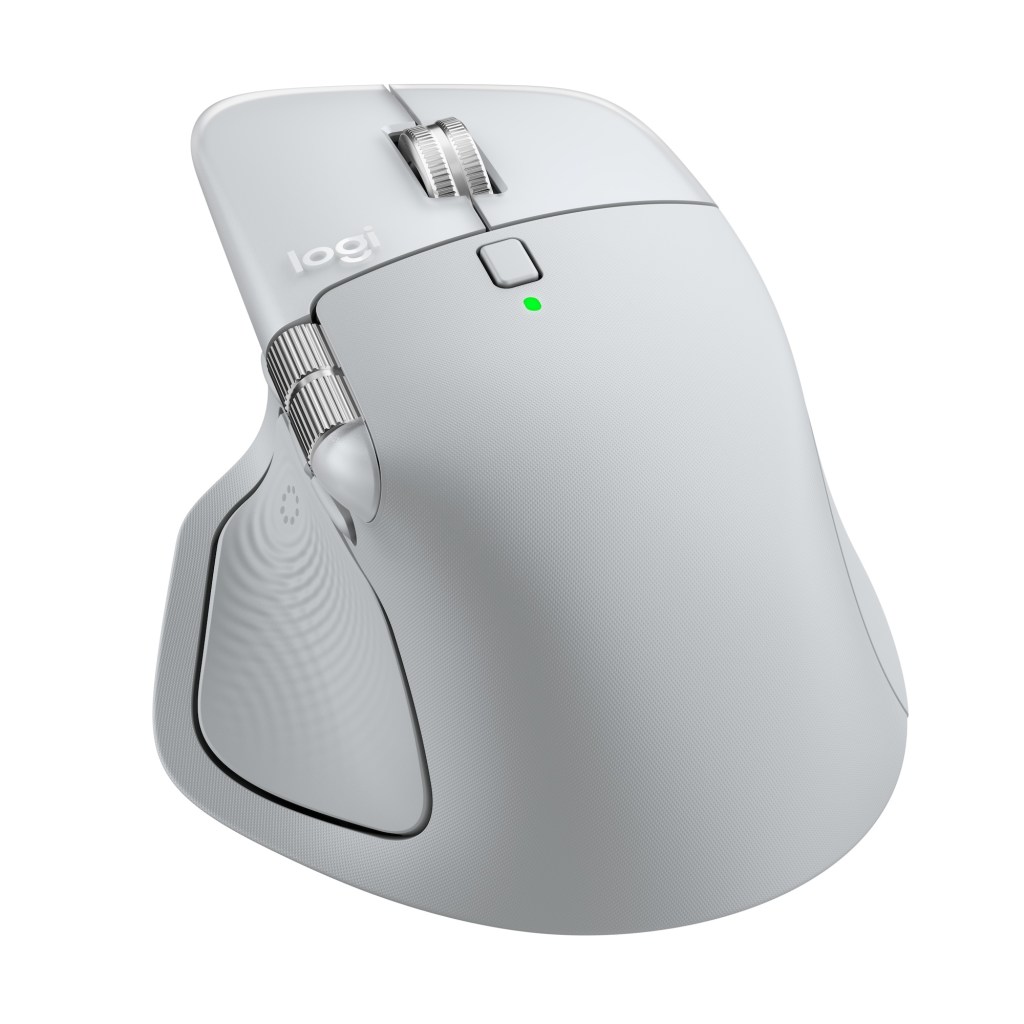
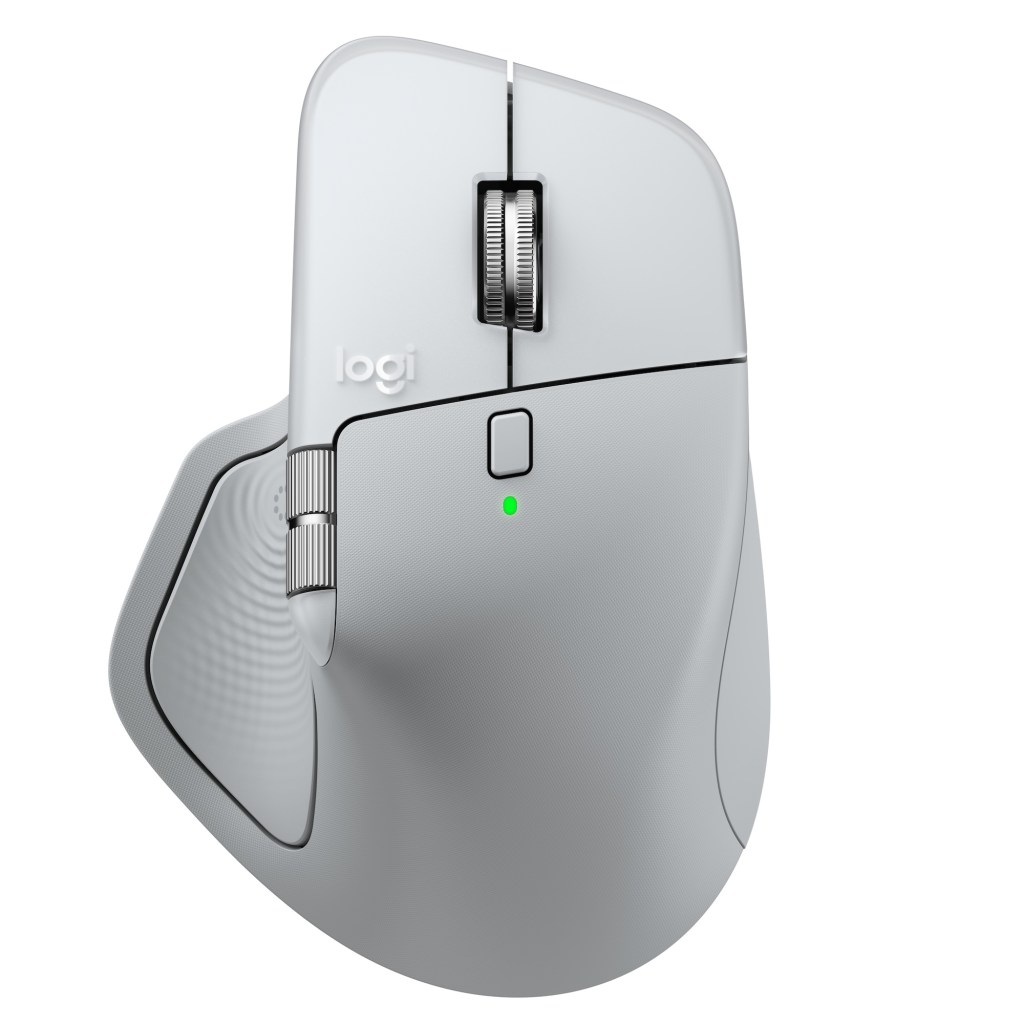
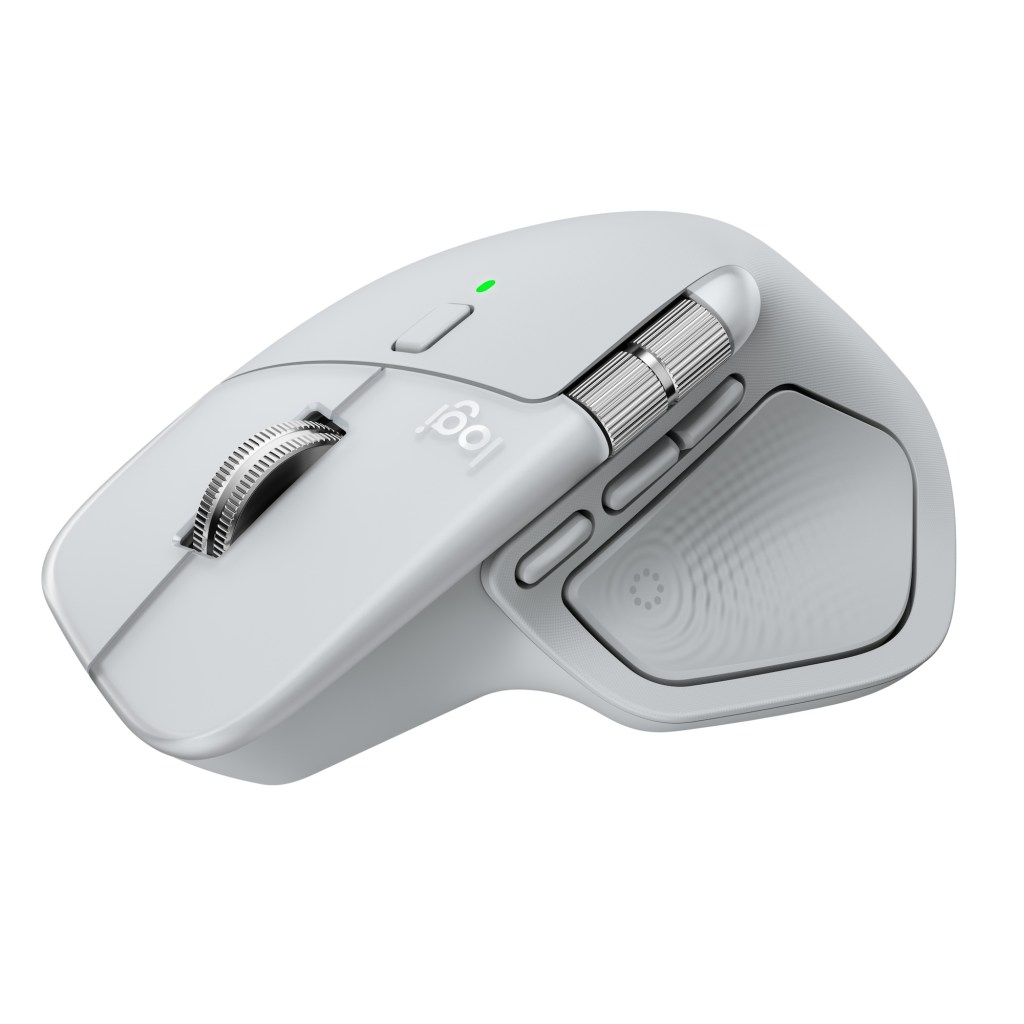
The experience is largely the same as previous iterations – chances are if you loved the previous models, you’ll love this one too. It is a tiny bit heavier and larger in the hand, but not by much (roughly 0.14 and 0.20 inches longer and wider). It is only available for righties, once again and features similar battery life as last go around.
I also happen to think the mouse looks much better in person as well. You’ll find a similar low-carbon aluminum thumbwheel and a “battery featuring 100% recycled cobalt” this time around alongside “48% certified post-consumer recycled plastic,” but there’s also a sort of semi-translucent treatment encasing the main lift/right-click buttons that adds a touch of “premium” to the look here. It’s subtle, but like it quite a lot.
Logitech has replaced the sort of rubbery finish in favor of a more matte and slightly textured treatment – it was pretty adamant with us that both it and the new left/right click finishes are far more durable and will be able to handle your constant abuse much better, and without developing that sort of shiny worn in gloss.
Battery life
As far as battery life goes, Logitech says a 1-minute charge powers you for up to 3 hours of use, while letting the MX 4 juice up entirely can deliver as much as 70 days of battery life. I haven’t had the thing in my office long enough to test this out just yet, but based on 9+ hours of use per day (with limited haptics use because I’m not a Photoshop, Lightroom, or Zoom user), it looks like Logitech is right on point here.
Here’s some looks at the mouse’s functionality from the Logi Options+ app (these are from the early beta build ahead of today’s release):
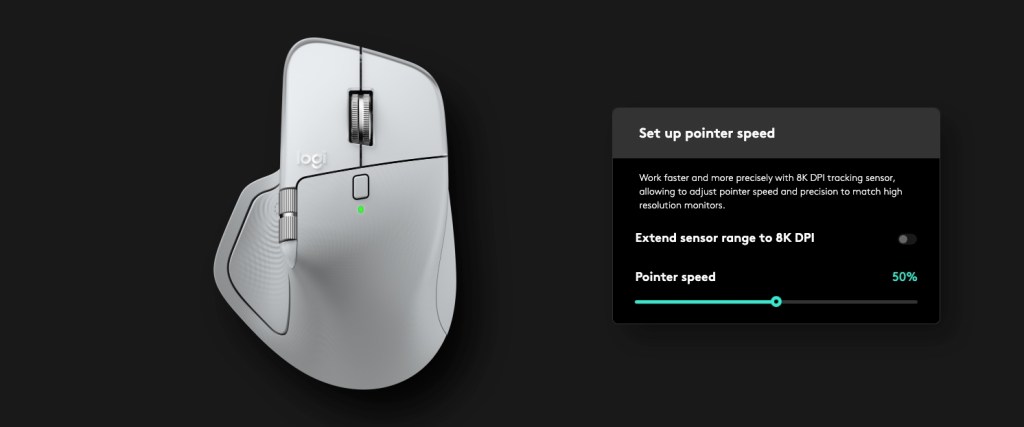
Pointer Speed options above.
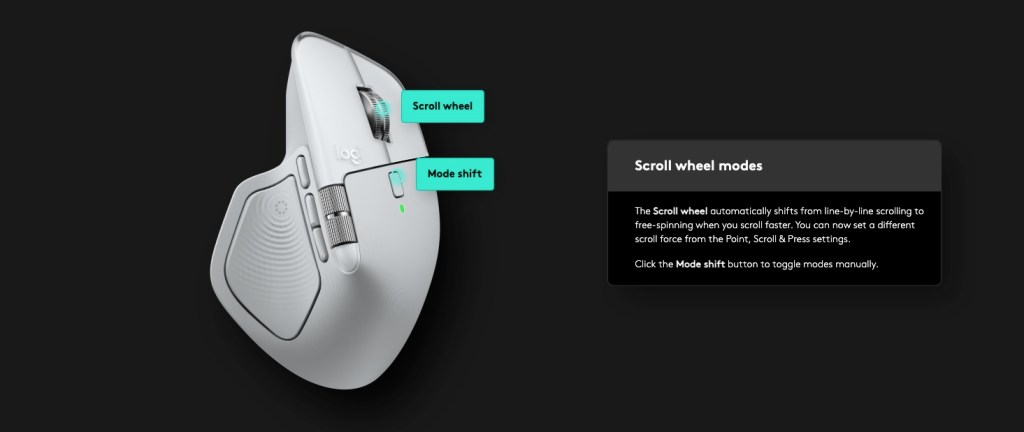
Scroll wheel modes.
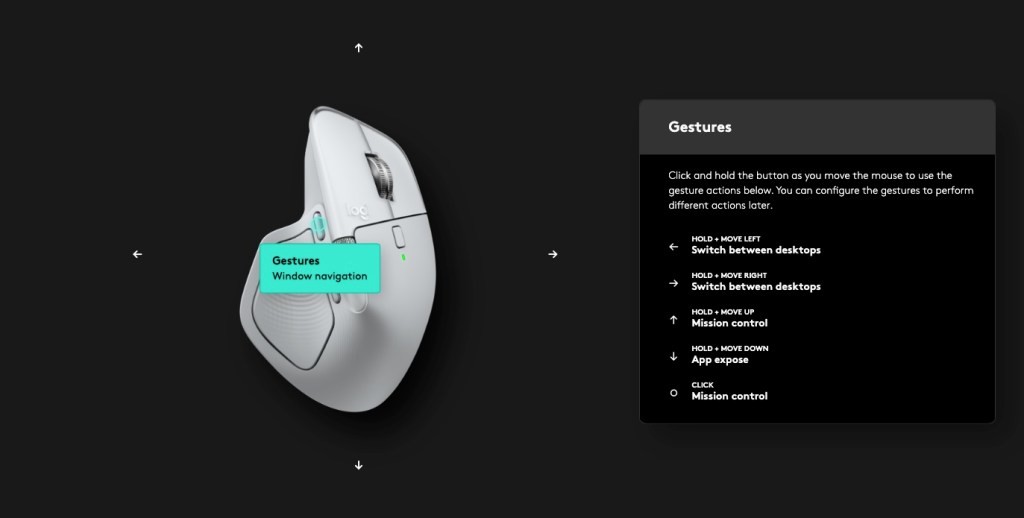
Gesture options.
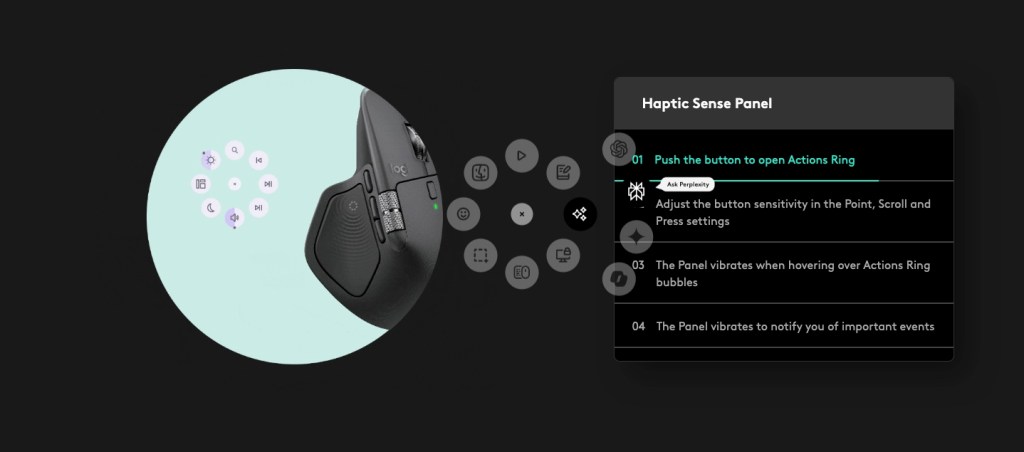
A look at the Haptic Sense Panel and the Actions Ring.
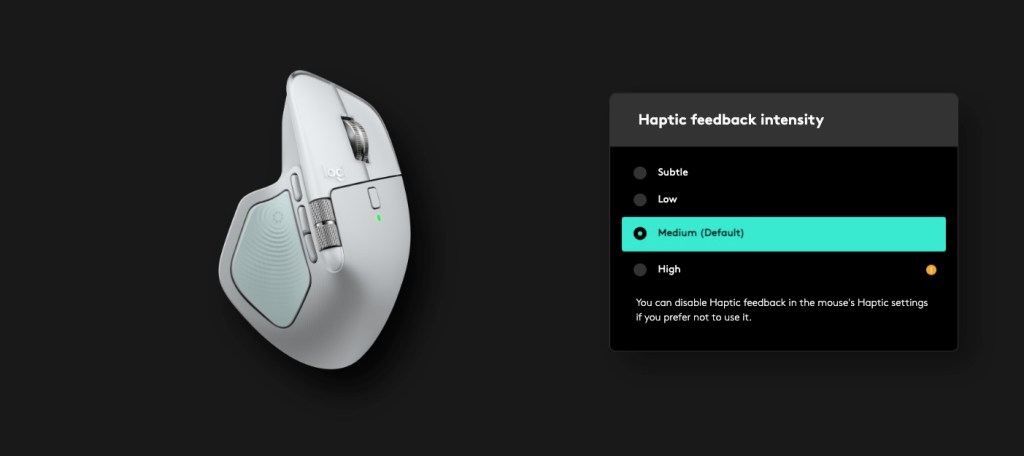
Haptic feedback options.
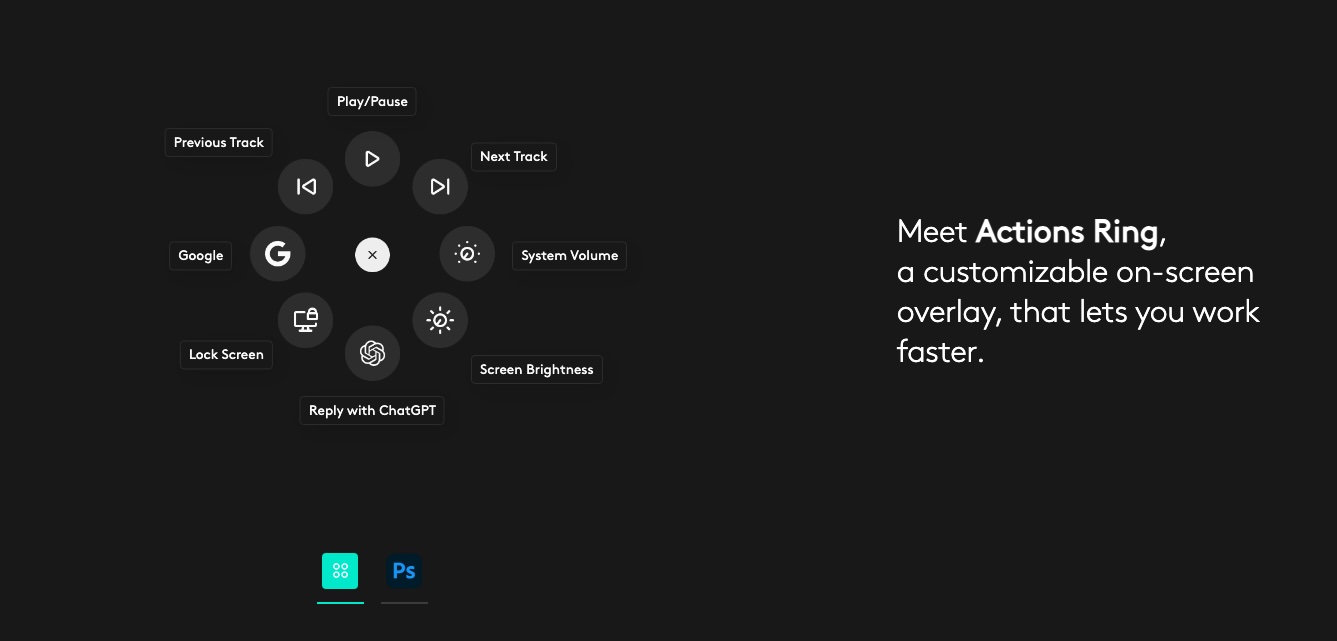
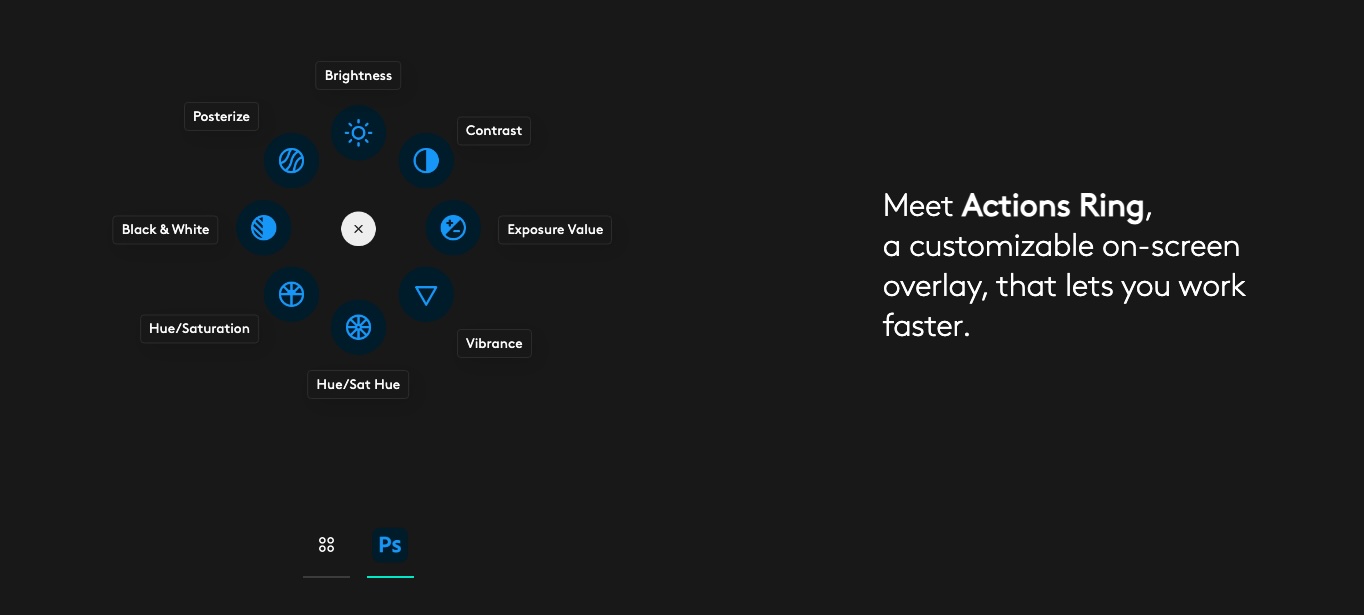
Left: Action Ring stock. Right: Action Ring for Photoshop.
9to5Toys’ Take
Some of my other colleagues here at 9to5 have also had a chance to use the mouse ahead of release, so I’ll let them handle the full reviews – here are some of my personal thoughts after giving it go for a few weeks:
Haptics…it is a total gimmick? Kiiiinnnda? But it’s also kind of amazing too. There’s something highly interactive here. Something highly communicative and, frankly, something I can’t believe hasn’t been in every half decent mouse from every company for years already. Apple and the other big tech/PC/Android smartphone outfits having been implementing this tech elsewhere for years. PlayStation nailed it pretty darn well in the PS5 DualSense controllers, so why isn’t this buzzy interaction already in place on the thing millions of folks are using every single day while they are at work, composing songs, editing films, blasting enemies, and so on? I don’t know, but it probably should be.
Is there even a chance Apple doesn’t completely rip-off Logitech here in a next-gen Magic Mouse? I hope not. Haptics are great on iPhone, and the gesture support atop a Magic Mouse now is already basically an iPhone touchscreen…it just seems like it should be there, and perhaps already should have been a long time ago. Although Apple is, unfathomably, still trying to figure out how to get the USB-C port positioned properly so we can use the thing while it’s charging – it’s basically a useless turtle flipped over on its shell when juicing right now – so haptics might still be a stretch (Logitech has positioned the USB-C port in a sort of hidden spot right on the front of the mouse – you can charge and play here).
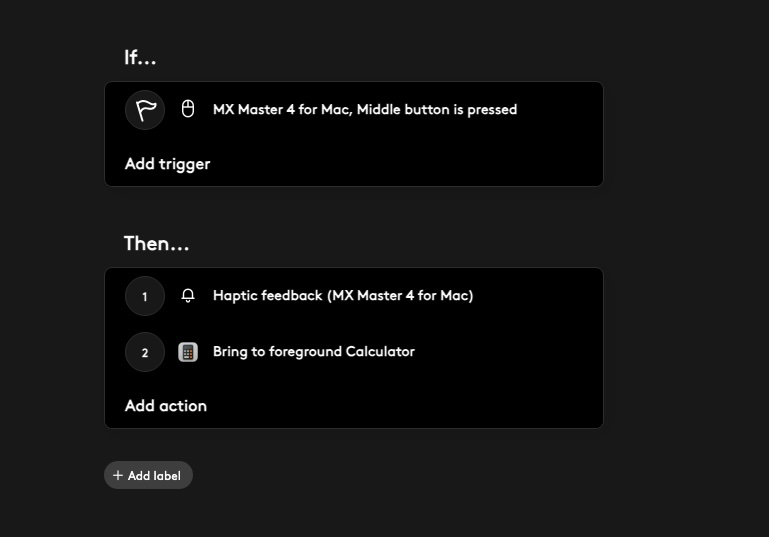
Here’s the thing though, the haptics implementation, or rather integration, is still, at least to some degree, in its infancy. It works and feels really nice, but it is by and large hyper-localized to just the side panel thumb position (outside of some of the custom implementation in the limited number of plug-ins – like the Photoshop setup). It works in the Actions Ring (it buzzes when you wave over the options on the Smart Ring), when you’re flipping between desktops on macOS, via a single Haptic feedback option when setting up custom Smart Actions (you can ask the MX Master 4’s haptic engine to give you a buzz when your custom Smart Action trigger has been executed), and in three apps – Photoshop, Lightroom, and Zoom. It feels a little bit limited overall to me, but the integration is a little more advanced with the custom plug-ins, and skies the limit if other devs really take hold of it.

These three apps have official MX Master 4 plugins to deeply integrate Logitech’s haptics into every nook and cranny of their respective workflows. One can only assume, especially considering how popular the previous iterations of this mouse have been, this list will grow, and perhaps significantly over time (Logitech could not provide any specifics here, but judging by their facial expressions when I asked them about this specifically, there’s plenty more haptic plug-ins for various inbound).
The haptics are great here, but it’s not all that useful or impressive for me personally until it works across macOS and in the apps I actually use everyday – I wish it was on the main left and right click too, right through my browser and across macOS.


FTC: We use income earning auto affiliate links. More.




Comments