
For years CES has had autonomous robot helpers on display, and 2026 is no different – check out the LG CLOiD bot. But we don’t often see devices that can transform your iPhone into a mini desktop AI bot like the Loona DeskMate claims to.
At its most basic, the Loona DeskMate is effectively a desktop charging hub, complete with USB-C and USB-A ports to power up some of your externals as well as the main top-mounted MagSafe pad for iPhone (and presumably other magnetically inclined handset setups down the road).
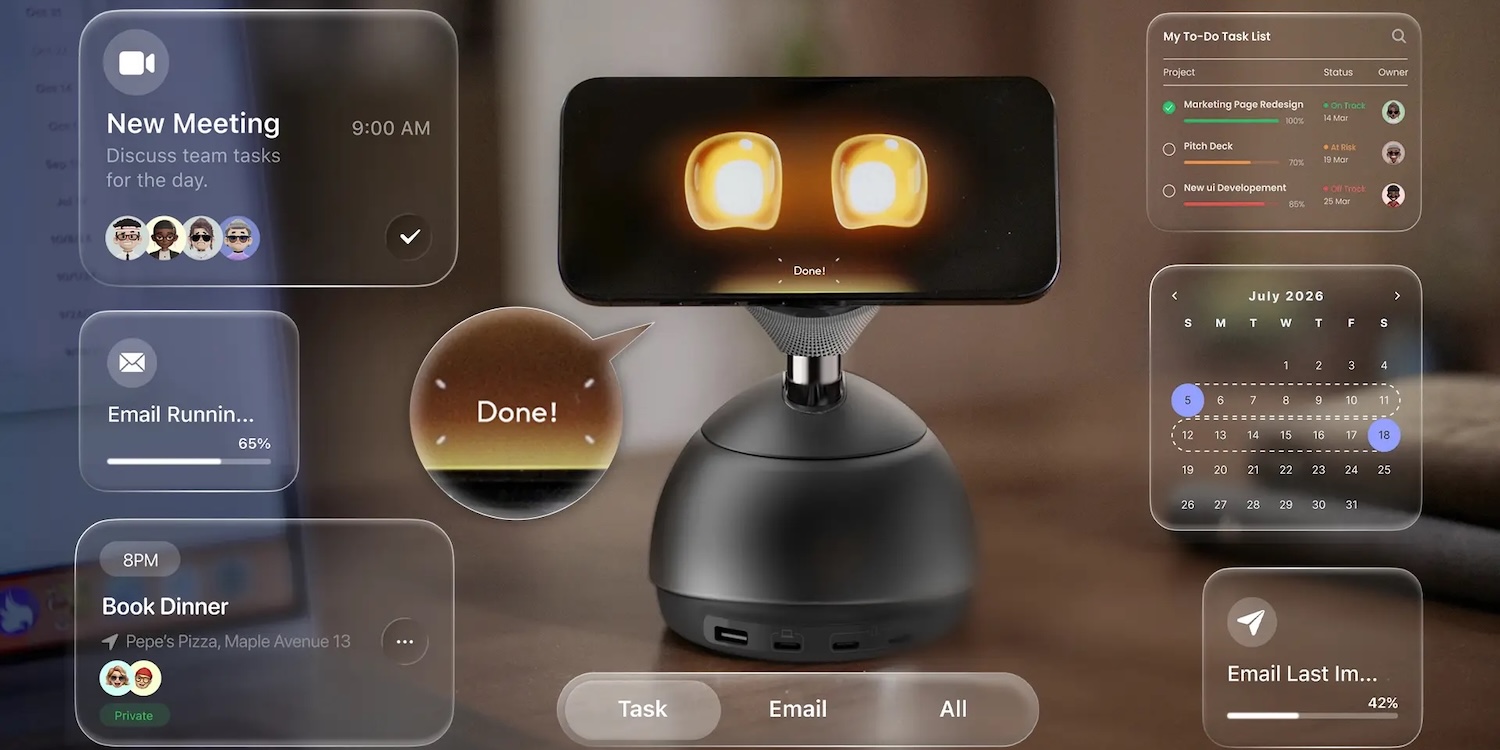
Ok cool, there are hundreds of those, but not very many of them will automatically transform your iPhone into a mini desktop AI bot just by dropping it down on the MagSafe pad the way DeskMate says it can. The company says the device will automatically launch an AI companion app when your phone touches down, presenting an adorable robot face on the display and delivering a host of what appear to be integrated and AI-powered features – it leverages the display, camera, mic, and battery power your device already has.
- Intent: Knows what you want to do — even from subtle actions or incomplete expressions.
- State: Understands your current context and level of focus, staying quiet when you’re thinking and becoming active when needed.
- Emotion: Loona remembers you — so its responses feel emotionally aligned, not one-size-fits-all.
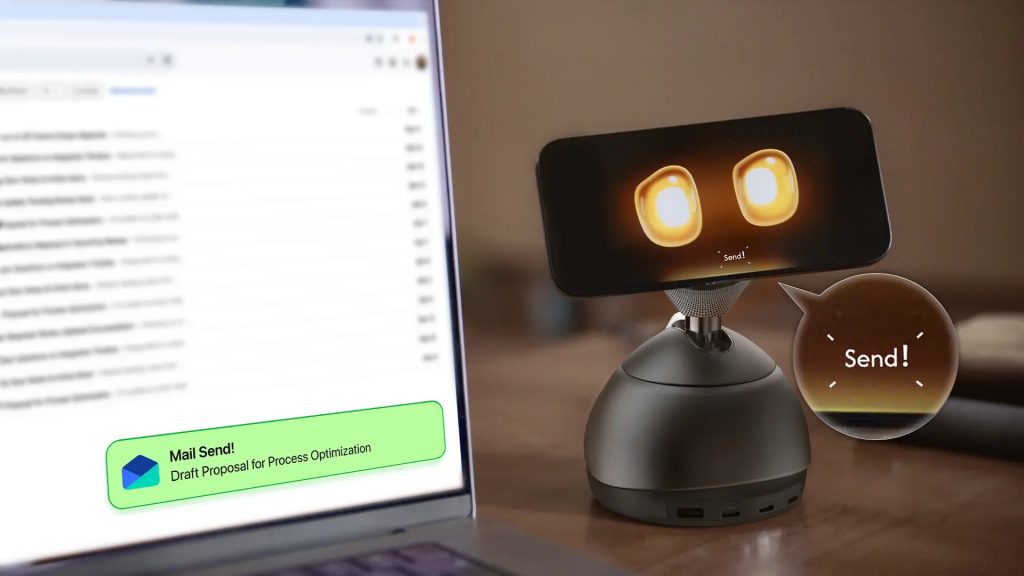
A MagSafe charger that automatically fires up an app on your phone isn’t all that impressive though is it? However the MagSafe stand here also has the ability to tilt and turn to face you, listen in, await your commands, and what sounds like a whole lot more:
- Combines vision and sound to understand who you’re talking to — and when — without a wake word.
- Eliminates 300–500 ms silence delays
- Responds only when you’re actually addressing it
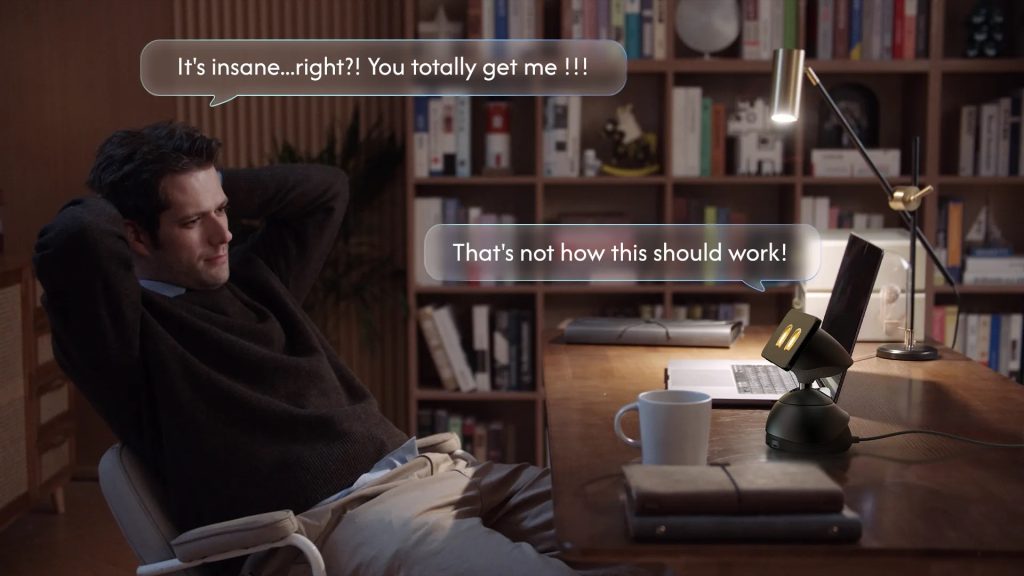
It can even integrate with the apps and service you are running on your Mac by the sounds of it:
- Deep Computer Integration: Works With Your Screen
- Real-time clipboard and screen awareness
- Mac supported, Windows via a related app
- No context explaining, no app switching
- Ask about what you see. Get answers based on your screen — and your workflow.
- Email Assistant – Summarizes emails and drafts replies through Gmail.
- Calendar Management – Plans, reminds, and adjusts schedules.
- Automated Booking – Books restaurants and services via integrations like SendGrid and Yelp.
- Work Integrations – Connects with Slack to assist with messages and information lookup.
- Meeting Scheduling – Coordinates Zoom meetings via Calendly and sends invitations.
There are more than a few questions up in the air about this thing, but it honestly sounds like there’s some interesting, if not rather gimmicky, potential here. It certainly sounds fun, but it is still yet to launch its crowdfunding campaign and it sounds like it might run you somewhere in the realm of $300 when it does.


FTC: We use income earning auto affiliate links. More.





Comments