
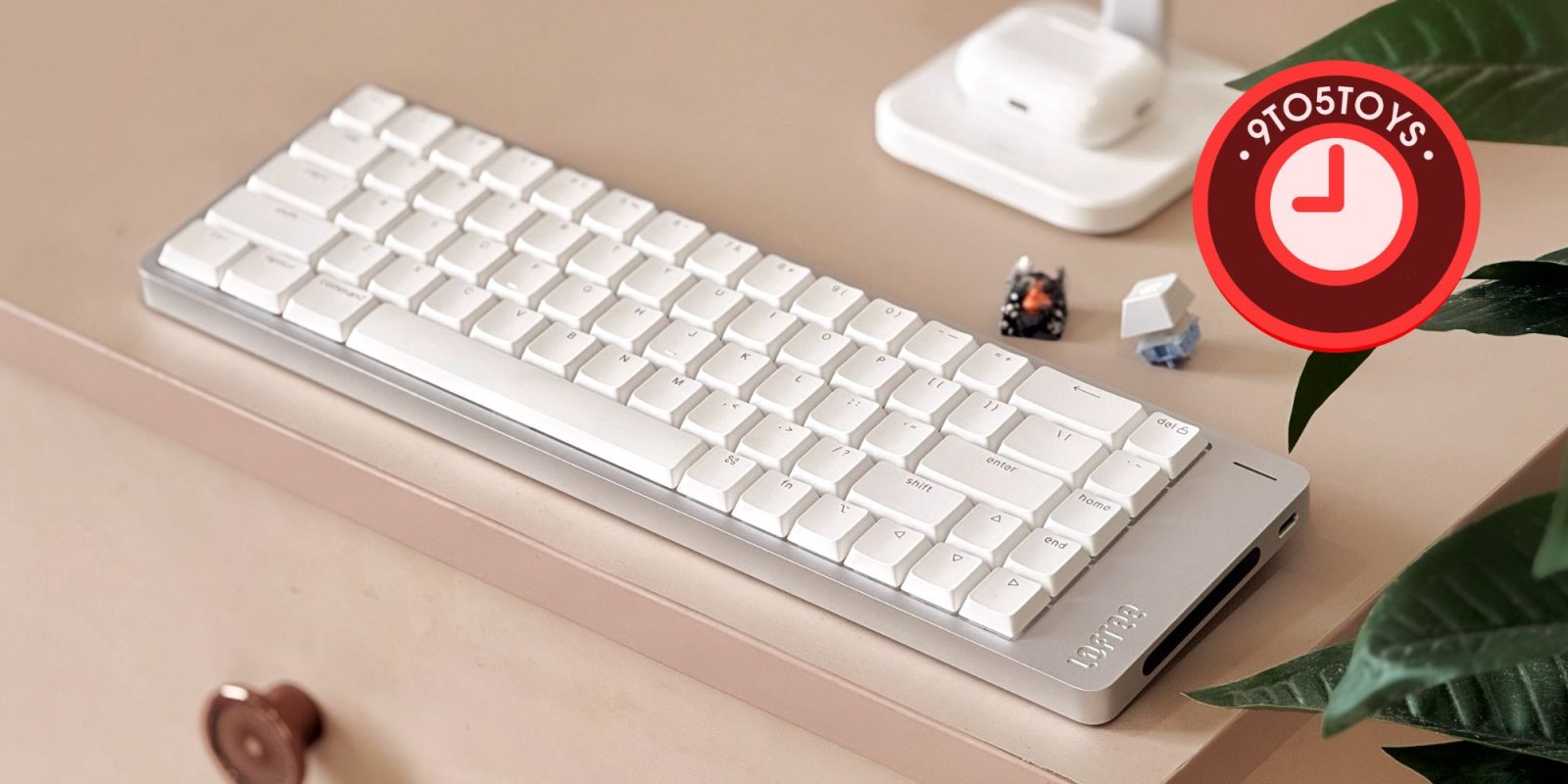
As someone who has reviewed and used plenty of mechanical keyboards, I’d started to feel like I’d seen it all in this space. Most boards today only really differ in layout or materials, while the overall design feels pretty repetitive. But the LOFREE Flow 2 we’re checking out today actually stands out. On paper, it sticks to a familiar 68-key layout, but the design is quite different, and it brings a few thoughtful additions that make it genuinely interesting. I’ve been using the Flow 2 wireless low-profile keyboard as my main board for the past few months, and it’s one I keep coming back to, even with several other keyboards sitting on my desk.
LOFREE Flow 2 keyboard review
LOFREE Flow 2 is available in different layout options, so you can even get a full-sized option with 100 keys. The one highlighted here in this review is the 68-key version in silver, and this particular unit comes fitted with the brand’s Surfer linear switches. You can get it for $149.99 shipped in Silver and Space Gray finishes, although the one with silent linear switches would cost you an additional $10.
Features at a glance
- CNC-machined one-piece aluminum body with a smooth, scratch-resistant matte finish.
- 3.2x larger backlight cutouts deliver sharper, brighter key illumination without the usual blur.
- Redesigned gasket mount with five layers of dampening for a softer, cushioned typing experience with a satisfying sound.
- Full QMK/VIA support for easy key remapping, macros, shortcuts, and switching between work and gaming modes.

Build quality and feel
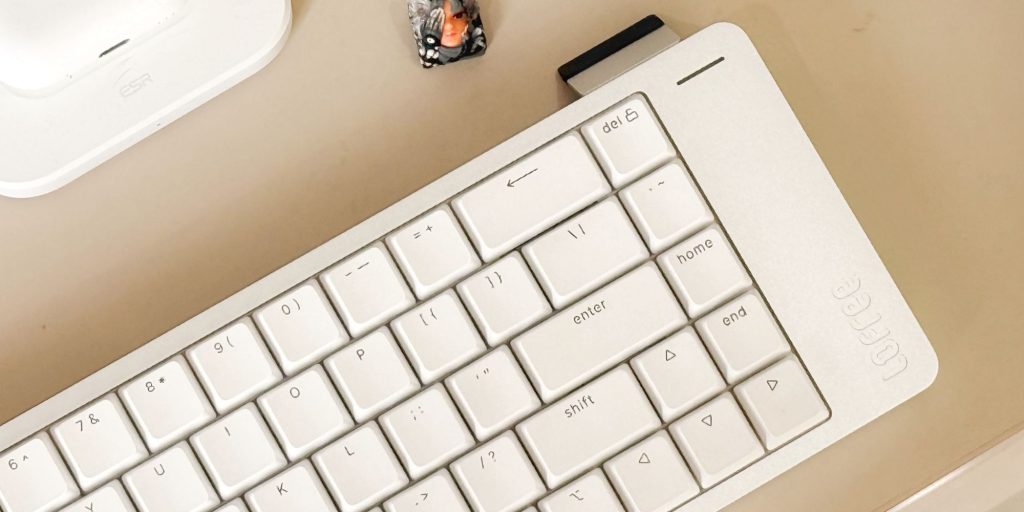
The LOFREE Flow 2 features a CNC-milled aluminum chassis that looks and feels premium. It uses a two-part case design, so you can open it up and access the internals if needed. The overall finish – especially the anodization – looks flawless on my unit. Honestly, it feels like something Apple would design and sell themselves, and that’s coming from a hobbyist who’s built plenty of custom mechanical keyboards over the years. The silver version I have comes with white PBT shine-through keycaps, paired with a clean typeface that looks sharp without being distracting.
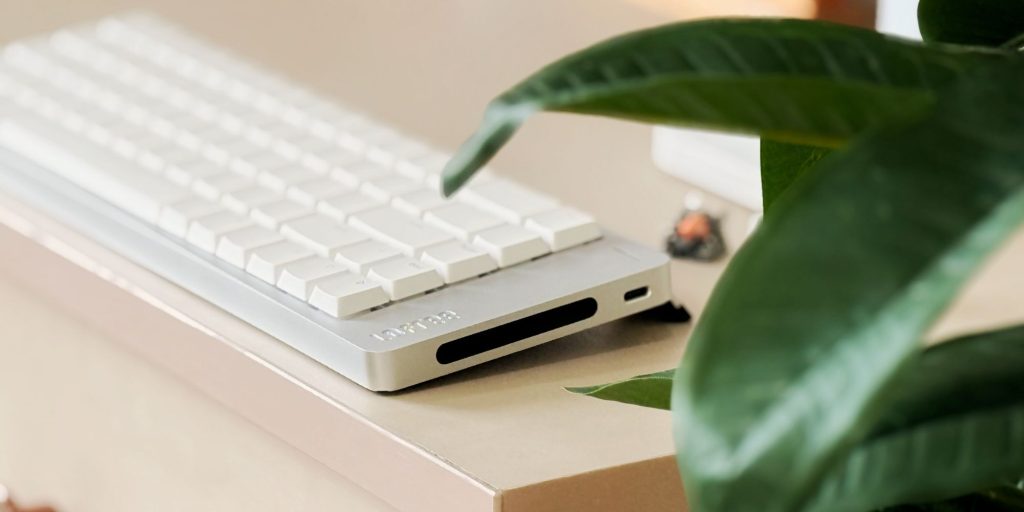
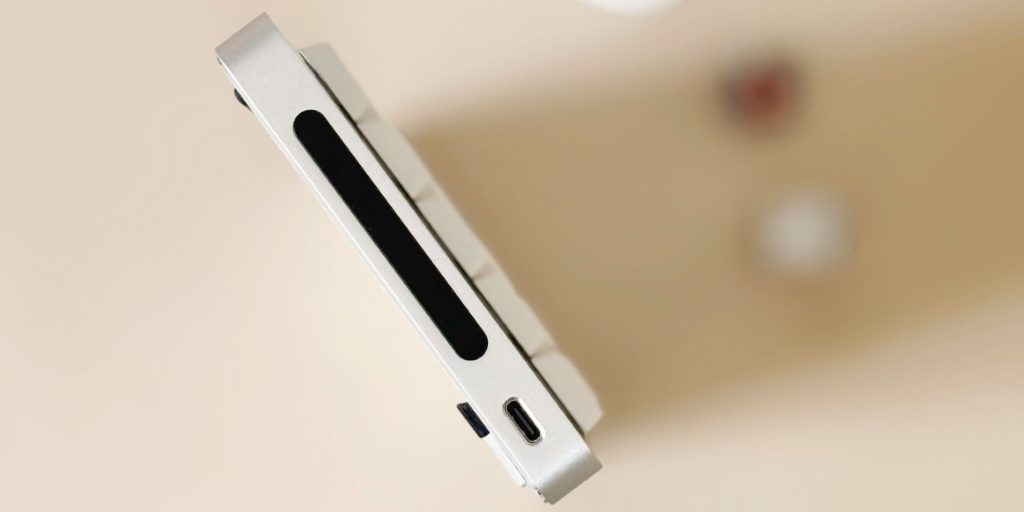
Its low-profile design makes it excellent for everyday typing, and the compact 68-key layout is easy to carry around if you need something portable for work. One of the standout features here is the side-mounted touch bar, which lets you adjust volume or Mac brightness without reaching for on-screen controls. Most keyboards stick to a rotary knob for this, so this feels refreshingly different. Plus, having it on the side makes it very intuitive and easy to use.
Typing and connectivity
The low-profile linear switches on this keyboard will feel instantly familiar, even if you’re coming from a full-sized mechanical setup as I did. The overall typing experience, I’d say, is comfortable and consistent, and the flip-out feet give you a 7-degree tilt that makes long sessions easier on your wrists. It also features backlighting, so you won’t have to fumble around in the dark trying to find keys. Overall, the experience feels well thought-out and easily holds its own alongside premium options from the likes of Apple and Logitech.
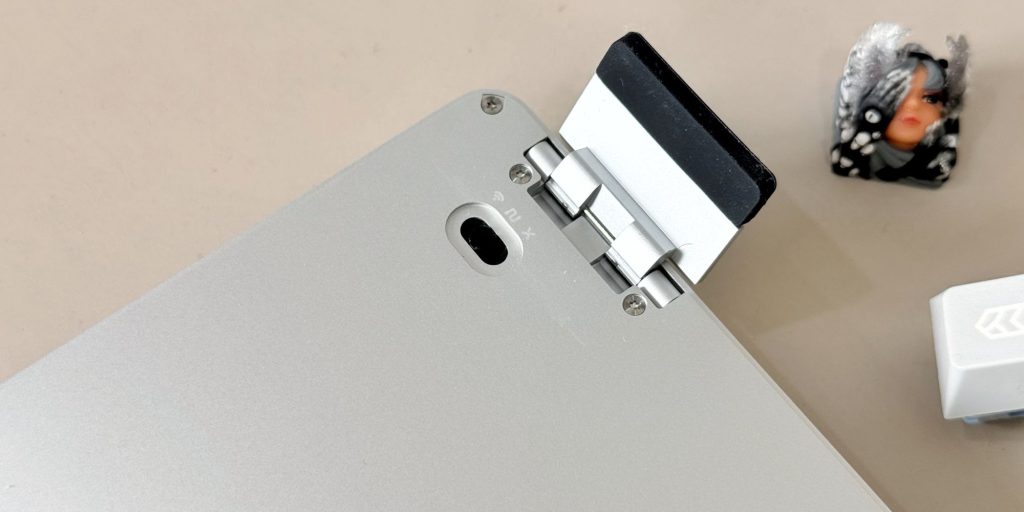
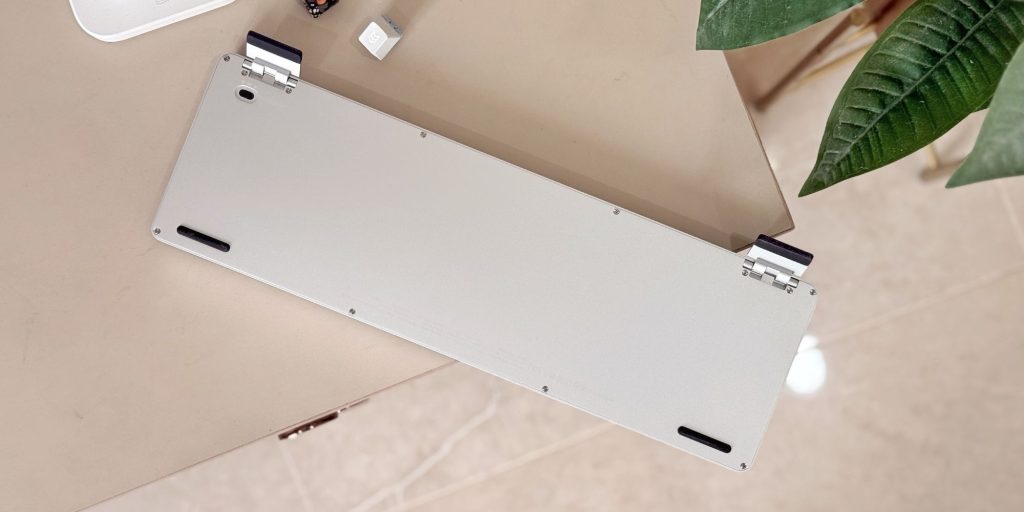
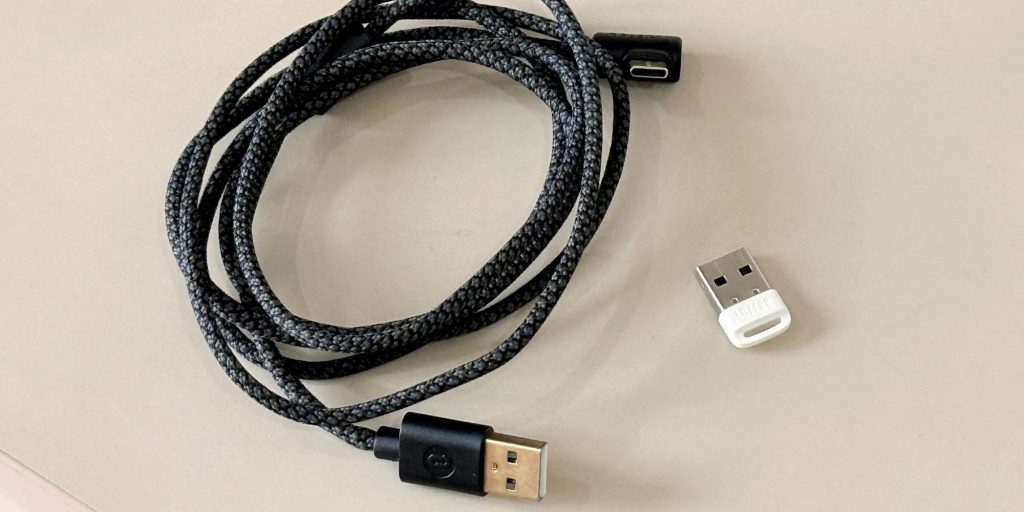
The LOFREE Flow 2 is a wireless keyboard with tri-mode connectivity, supporting 2.4GHz via a dongle, Bluetooth, and USB. It comes with a tiny dongle and a braided USB-C cable with a right-angle connector, so you’re ready to go right out of the box. In my testing, it connected seamlessly to both my MacBook and Windows PC, with a stable and reliable connection throughout. You can even use it with an iPhone over Bluetooth for seamless connectivity on-the-go. It’s also VIA-compatible, which means you can remap keys, set up macros, and tweak layouts in real time through a simple interface. That’s a huge advantage, especially if you’re looking for something simple and easy to customize, so you can transition to a new board easily.
Price
The LOFREE Flow 2, as previously mentioned, is priced at $149.99 shipped, which is on par with – or even slightly under – similar offerings from brands like Logitech, Keychron, and Nuphy. At this price, it’s hard to argue against the value it brings. You’re getting a premium fit and finish that feels genuinely great to use and type on, especially if you’re pairing it with a Mac setup. On top of that, it brings a few unique touches that help it stand out from the usual crowd, without compromising on the overall typing experience.
I’d recommend this in a heartbeat if it drops below the $150 mark. It’s worth considering even at its full price as a dependable keyboard for both your desk and on-the-go setup. If you’re looking for something a bit different from the usual options, this is definitely one to check out.
Buy LOFREE Flow 2 keyboard


FTC: We use income earning auto affiliate links. More.




Comments