
TL;DR: iScanner is a document scanner and PDF editor for your phone, and a lifetime subscription is on sale for $24.97 (reg. $199) through October 25.
For most people, scanning documents isn’t a daily thing, but if you have a physical scanner, it’s taking up space every single day. If you want a tool that fits into your life a little better, try iScanner. This iOS scanner app can digitize any document, and a lifetime subscription is on sale now for $24.97 (reg. $199).
Scan, edit, and sign documents on your phone
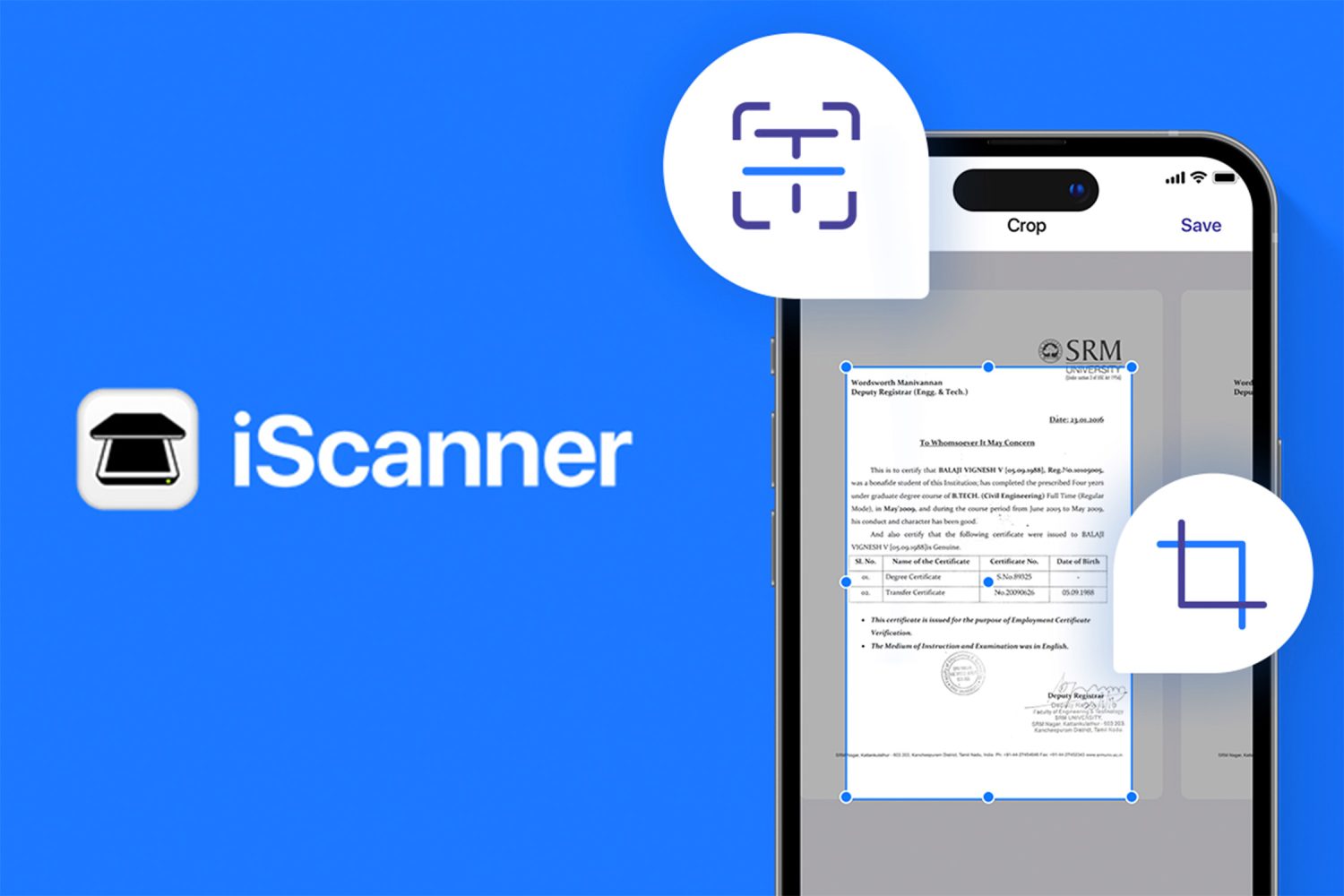
When a page is in view, iScanner detects its borders automatically. AI tools straighten curved or skewed pages and recognize text in more than 20 languages, so a contract photographed at an angle comes out flat and legible. Finished scans can be exported as PDF, JPG, DOC, XLS, PPT, or TXT files.
Scans can also be edited in the app’s PDF editor. Color correction and noise removal improve dim or grainy images. You can sign documents by hand or add a signature from an image, and cover or blur any text that should not be shared. A file manager organizes scans into folders, and both folders and individual files can be locked with a PIN. Documents can be merged, split by page, numbered, or watermarked.
Additional scanning modes extend the app well beyond paperwork. ID Card and Passport mode creates copies of personal documents, and Math mode solves equations. Area mode measures an object’s length and area, Count mode counts similar objects, and a QR code reader is included as well. You might not use these all every day, but they’re great to have on hand.
iScanner is ad-free and won the People’s Voice award at the 27th Annual Webby Awards. Each subscription includes 200MB of cloud storage and future updates.
Scan and sign documents with your phone instead of buying a desktop scanner.
Through October 25, you can get an iScanner lifetime subscription on sale for $24.97 (Reg. $199).
iScanner App: Lifetime Subscription (iPhone, iPad & Android)
StackSocial prices subject to change.


FTC: We use income earning auto affiliate links. More.



Comments