
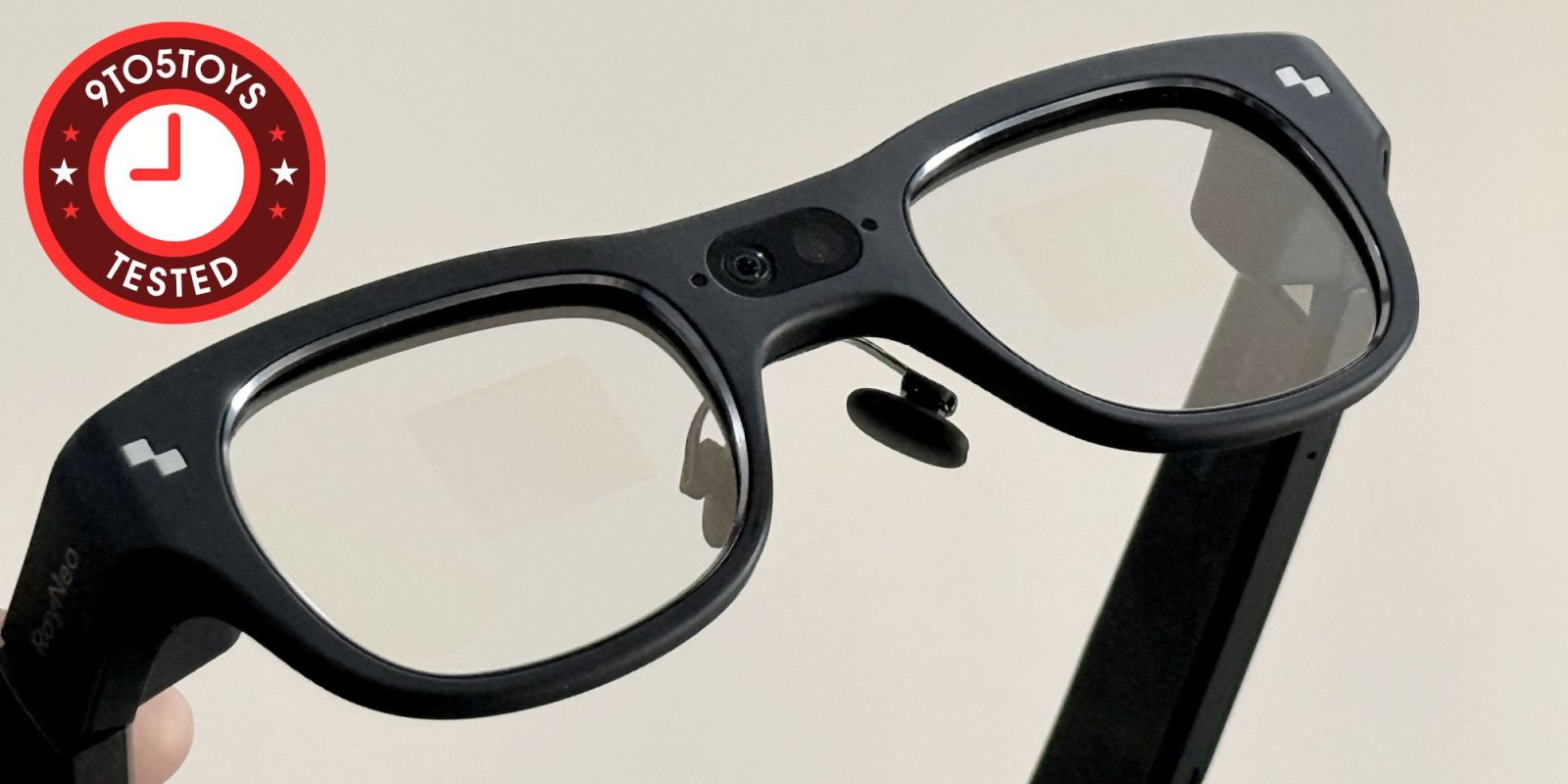
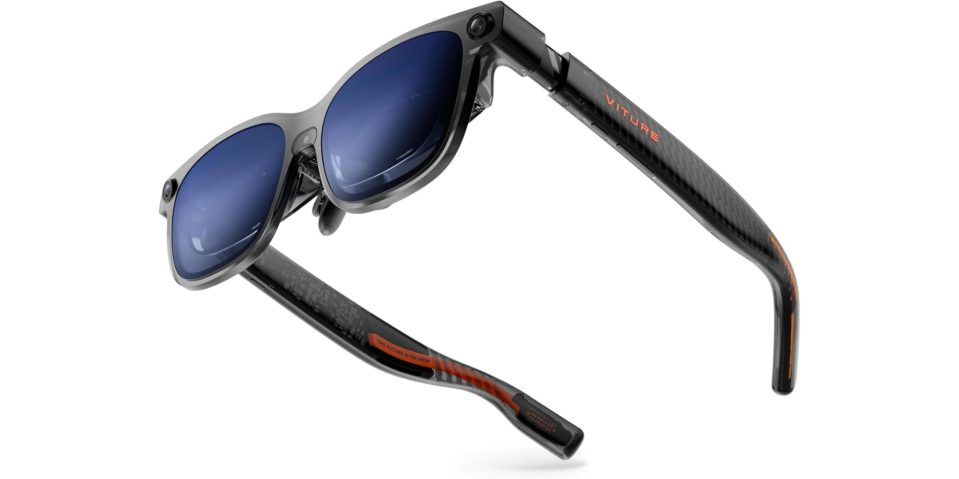
Today’s smart glasses generally fall into two camps: ones that put a big, wearable display in front of your eyes purely for entertainment, gaming, and media like Viture’s Lumar Ultra, and there are others like the RayNeo X3 Pro we’re checking out today – that aim to deliver practical, everyday AR experiences. I’m already a heavy user of the first kind for daily entertainment, but I’ve yet to see anything truly compelling in the “real” AR space for day-to-day use. I’ve been using the RayNeo X3 Pro as my primary pair of glasses for the past few weeks, and they offer a glimpse into where AR is in 2026 – full of potential, but still weighed down by deal-breaking compromises. Head below for a closer look and my full experience.
You’re reading Tested with 9to5Toys, where we explore everyday tech essentials that make life a bit easier. Browse through our entire guide for all of the latest reviews, and sound off in the comments below if there’s something you’d like to see featured.
Hands on with RayNeo X3 Pro smart glasses
The RayNeo X3 Pro AR smart glasses are now up for grabs from the brand’s online store for $1,299 shipped. That makes it more expensive than even the Meta Ray-Ban Display. RayNeo does have an official Amazon storefront, although these glasses aren’t available there just yet.
Features at a glance
- Powered by Google Gemini – Built-in, always-on AI that helps with questions, tasks, and everyday assistance.
- RayNeo AI OS – A 3D spatial interface designed specifically for smooth, natural AR interactions.
- Global Translation – Real-time speech translation displayed directly in your view.
- Smart Assistant – Quickly manage reminders, notes, and your daily schedule.
- Heads-up Navigation – Live turn-by-turn directions shown right in front of you.
Design, display, and audio
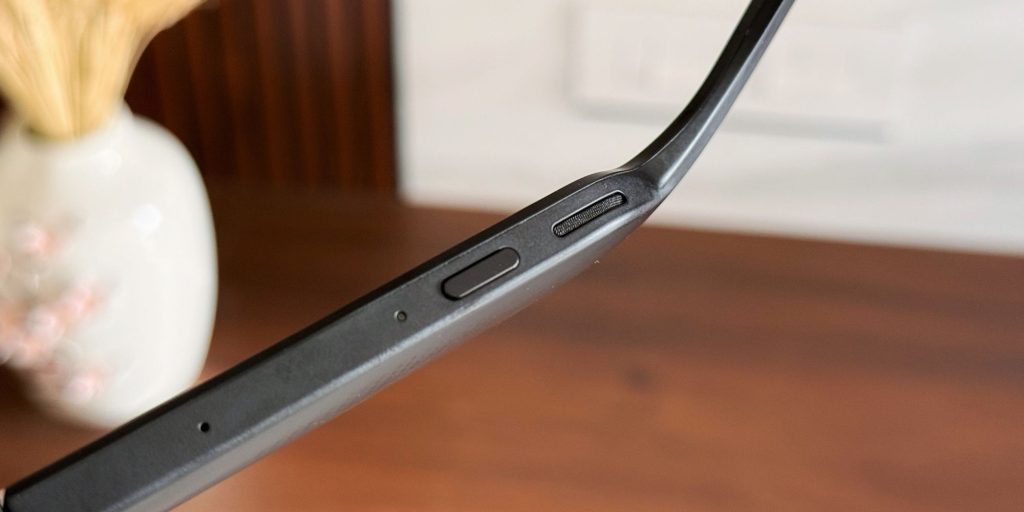
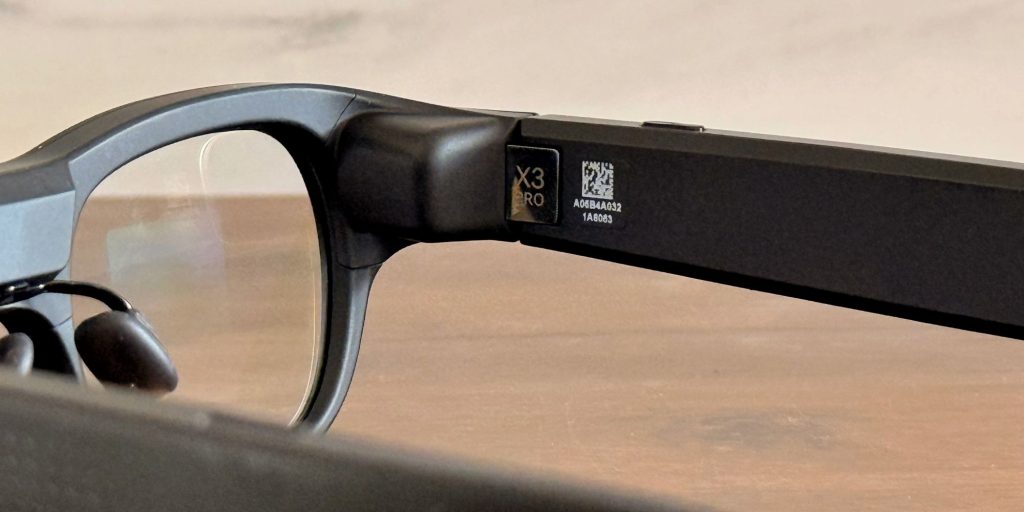
The first thing that stood out to me about the X3 Pro is its design. They definitely look like smart glasses and are nowhere near as discreet as Meta’s Ray-Bans – but they’re also far less attention-grabbing than something like Snap’s Spectacles. The build quality, however, is not nearly as impressive. The plastic shell feels a bit cheap, and the buttons on my unit had a noticeable wobble, already rattling as if they’re worn in. That said, they absolutely nail comfort. Despite packing an impressive amount of tech, including displays, sensors, and batteries, they’re surprisingly light. As someone who regularly wears Viture and XReal glasses – even for work – these feel no different from a normal pair of everyday specs, and that’s a big win.
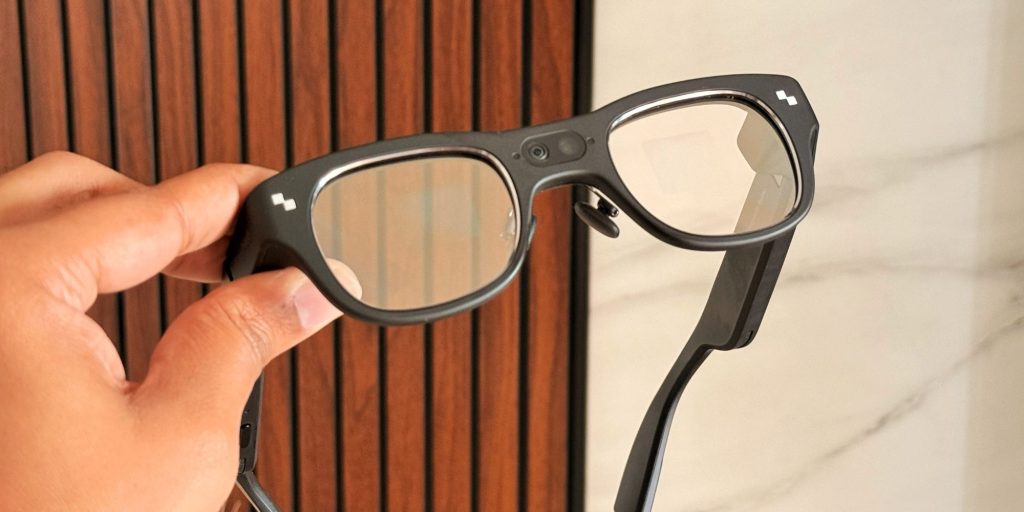
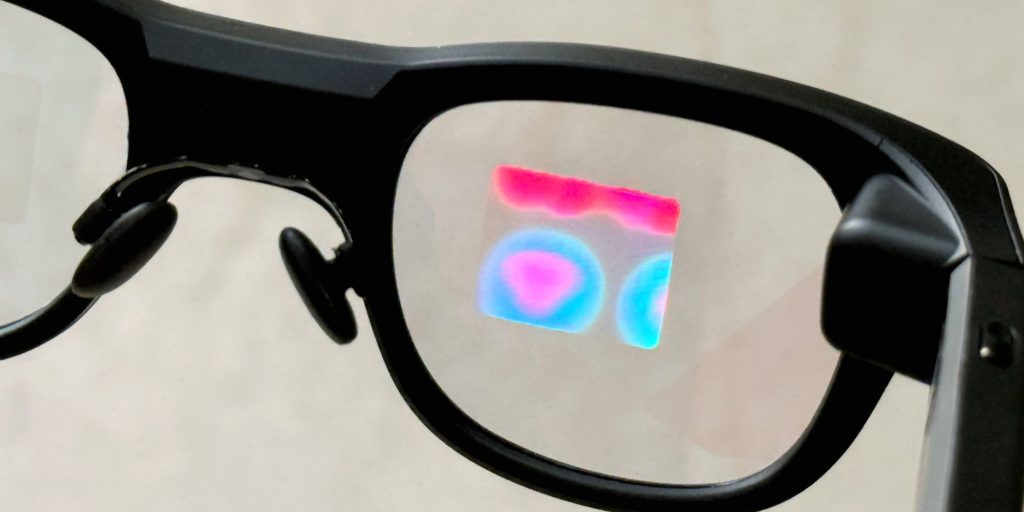
The built-in display is just as impressive on these glasses. It’s bright, sharp, and actually feels dimensional. The X3 Pro uses a dual-lens 640 × 480 color micro-LED setup that hits up to 6,000 nits of peak brightness. That, in case you’re wondering, is even brighter than even the Meta Ray-Ban Display, which tops out at 5,000 nits. Everything looks clean and easy to read, whether it’s apps, media, or simple text. Similarly, audio is another area where the X3 Pro genuinely surprised me. It actually sounds better than what you get on many other smart glasses out there. I tested it with Spotify on Android and Apple Music on an iPhone, and the output was clear, full, and even had a hint of bass, which I wasn’t expecting at all. They’re not replacing my earbuds or noise-canceling headphones anytime soon, but for open-air speakers in glasses, the results are impressive.
The Snapdragon AR1 also handles the fork of Android installed on these glasses well. The UI elements move smoothly and I didn’t notice any lags or other issues while navigating through the menu items. Even the built-in applications load up quickly and work without any issues. Demanding workloads like live translation and Gemini processing tend to take some time, but it’s not necessarily a deal-breaker. Using the companion app on your phone is also fairly straightforward, and it’s got all the menu items laid out well.
App support and battery life
Unfortunately, that’s where the list of things that impressed me about these glasses ends. There are simply too many caveats that keep me from actually wanting to use them. One of my biggest gripes is app support. The lineup of native apps that come preinstalled is very thin, at least at the time of writing this. Sure, there are a few genuinely useful options like navigation and live translation, but even features you’d expect to lean on – like the Gemini-powered voice assistant – feel severely limited. I was met with “RayNeo can’t do that” far too often, including for basic tasks like checking or adding items to a to-do list.
Yes, you can sideload Android apps to make things like Instagram work, but the process is a far too cumbersome. It involves Android Debug Bridge, command prompts, and a lot of trial and error. It took me hours to get something working, and I wouldn’t wish that experience on anyone who isn’t already comfortable with this kind of tinkering, especially after spending upwards of $1,200. If you really enjoy hacking around with your devices, the RayNeo X3 Pro might be worth keeping on your radar to unlock its full potential. But if you’re a casual user who is just here for a simple user experience, these probably aren’t a good fit.
You can use these glasses to snap photos and shoot 1440p video via the single 12MP camera tucked under the nose bridge. This ended up being one of my most-used features, especially since I already rely on my Ray-Ban Meta glasses for the same purpose. That said, the results are only good enough for casual sharing as they fall short for anyone serious about creating social media content.
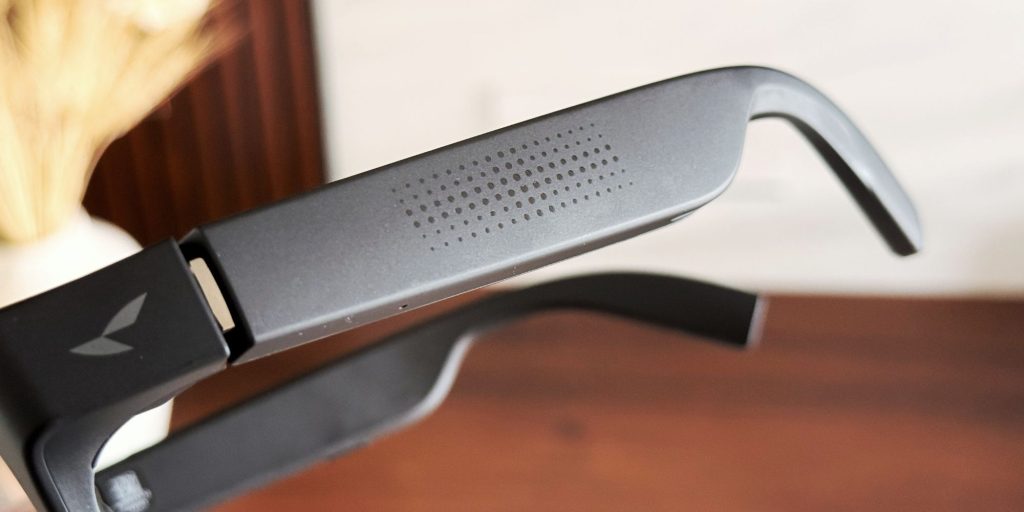
Battery life is another major letdown and limits much of what these glasses can do well. Crank the volume and just listen to music, and you’re looking at roughly three hours before they die. Push them harder to, say, record frequently while traveling or running navigation, and they’ll run dry even faster. You’ll need to carry a power bank and cable at all times if you’re really trying to make the most of these glasses. In fact, a power bank with a built-in cable is your best bet, because the included case doesn’t even have room to store the cable, let alone pack in a battery to top them up on the go.
9to5Toys Take
After spending time with them and bumping up against the limitations, it’s clear the RayNeo X3 Pro gets a few fundamentals right. The display is genuinely impressive, the frame is light and comfortable to wear, and the on-glass interface is clean and easy to use. There’s real potential here, which is severely being limited with the overall software experience. To me, in its current state, the X3 Pro feels practically barren. Sure, that might improve if developers eventually rally behind the platform, but this looks like it’s still in its “work in progress” era.
That might not bother you if you’re an early adopter who enjoys experimenting with bleeding-edge tech and doesn’t hesitate to drop $1,299 on something that feels more like a preview than a final product. For everyone else, though, this is still a waiting game. The idea of using a genuinely good AR smart glasses everyday is exciting, but the execution just isn’t there yet to make our lives easier or deliver a hassle-free experience.


FTC: We use income earning auto affiliate links. More.




Comments