
 $120/$100
This offer has expired!
Be sure to follow us on Twitter for the latest deals and more. Sign-up for our newsletters and have our best offers delivered to your inbox daily.
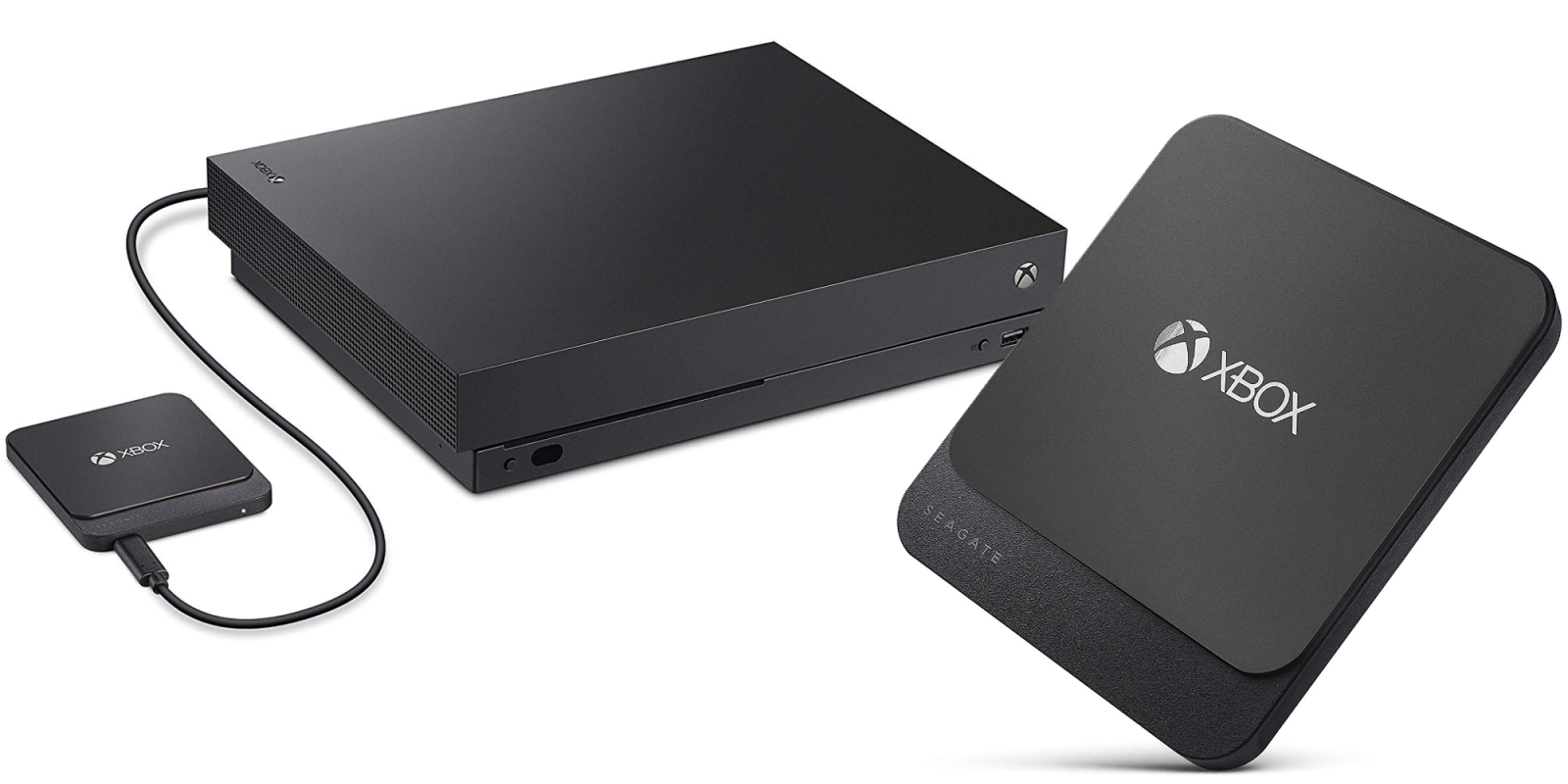
Amazon offers the Seagate Game Drive for Xbox One 500GB External Solid State Drive bundled with two months of Game Pass for $99.99 shipped. Originally selling for $130, we’ve more recently seen it fetching $120. That’s good for a $20 discount and is a new Amazon all-time low. Seagate’s Game Drive expands your Xbox One’s storage pool with an extra 500GB of fast SSD storage. It’s a perfect addition to the All-Digital Edition console, as well as anyone with a growing collection of non-physical games. Plus with two months of Xbox Game Pass, you’ll be able to download and enjoy hundreds of titles for free. Rated 4.4/5 stars from over 2,600 customers.
If you’d rather trade the speeds benefits of an SSD for high capacity storage, you can save even more. The 2TB Seagate Game Drive for Xbox One features a spinning disk hard drive, but is still a notable option for increasing the available storage on your Xbox One.
Seagate Game Drive for Xbox One features:
- With 500GB of space on this external solid state drive, store 15+ titles and boot games faster with the full-throttle speeds of a portable external SSD built exclusively for Xbox
- Gain free access to 100+ great games with a limited-time membership to Xbox Game Pass
- Dive into the action with quick step-by-step setup and plug-and-play USB 3.0 connectivity—no power cable needed
- This external solid state drive features a lightweight, shock-resistant design with a sleek black finish to complement the Xbox One X


FTC: We use income earning auto affiliate links. More.



Comments