
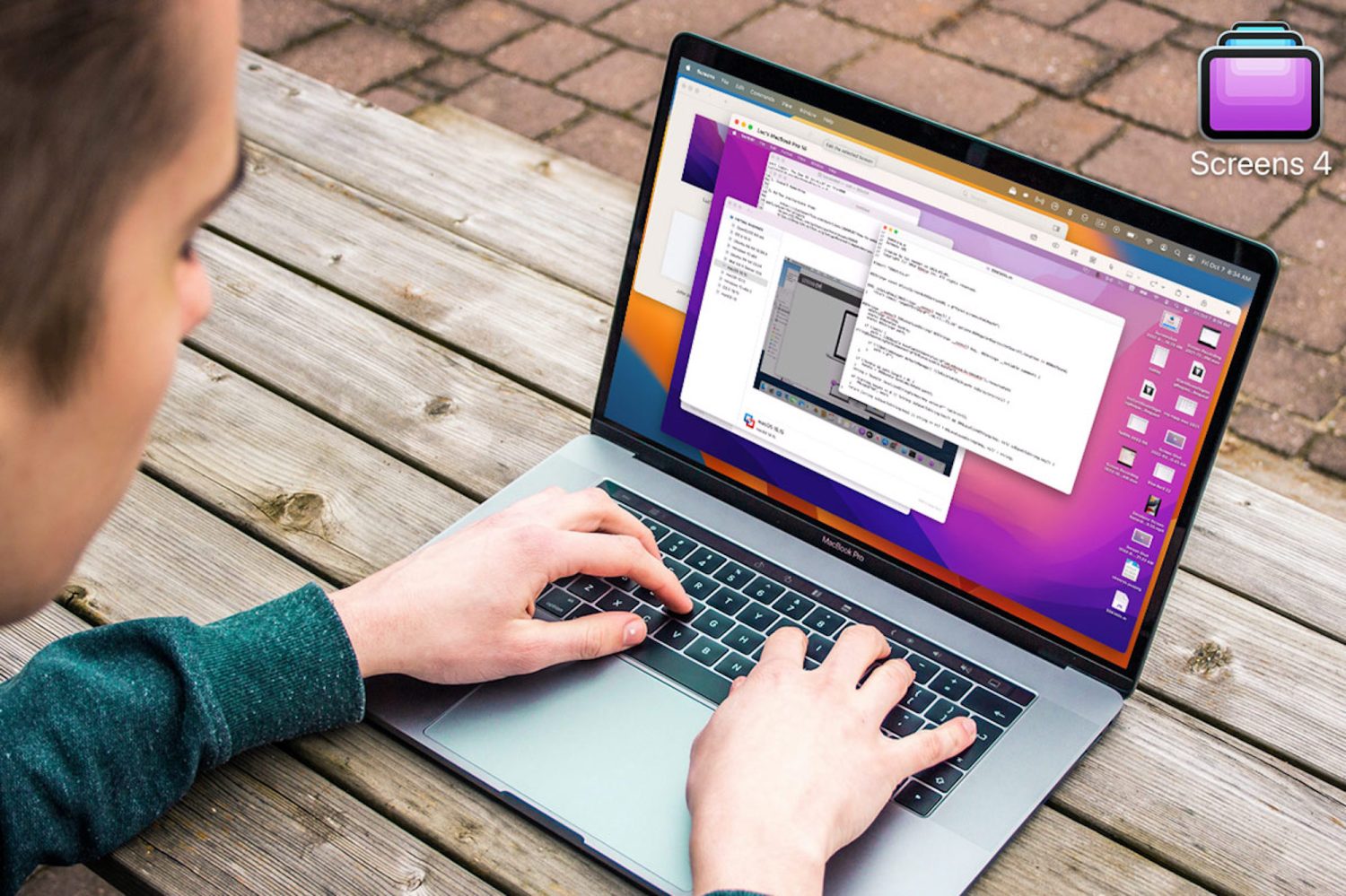
Whether you’re an office worker new to remote work or a long-time digital nomad, working outside the office benefits your health, well-being, and wallet. However, trying to connect to all your computers at once can be frustrating. When you’re trying to work at home or while traveling, you can’t afford to be missing files! That’s where a program like Screens 4 for macOS comes in handy. You can get it today for only $19.99 (Reg $29) at 9to5Toys Specials.
Screens 4 lets you control any computer from your Mac, including PCs, iPhones, iPads, and more! With Screens 4, you’ll be able to connect from your Mac with the latest iOS software to OS X 10.4 Tiger, Windows XP, or later, as well as most Linux and Raspberry Pi systems. That means you just need one Mac computer to connect to almost anything else! Screens 4 makes it easy to switch between computers, with many features that smooth out many of the issues that come with multiple systems.
You’ll get easy file transfer so you can move files between hard drives without needing another program. It also comes with multi-display compatibility; you’ll be able to use multiple monitors to good use by displaying each connected system separately to maximize your productivity! Syncing computers and content has never been easier with Screens 4.
Screens 4 earned 4.6 out of 5 stars on the App Store, with customers loving how easy it is to use and control. One review said, “Screens 4 combines functionality of both Screen Sharing and Microsoft Remote Desktop and does it remarkably well.”
So join tons of satisfied customers who have loved Screens 4. Order now for just $19.99 to get this powerful connecting app now at 33% off MSRP.


FTC: We use income earning auto affiliate links. More.

Comments