
This offer has expired!
Be sure to follow us on Twitter for the latest deals and more. Sign-up for our newsletters and have our best offers delivered to your inbox daily.
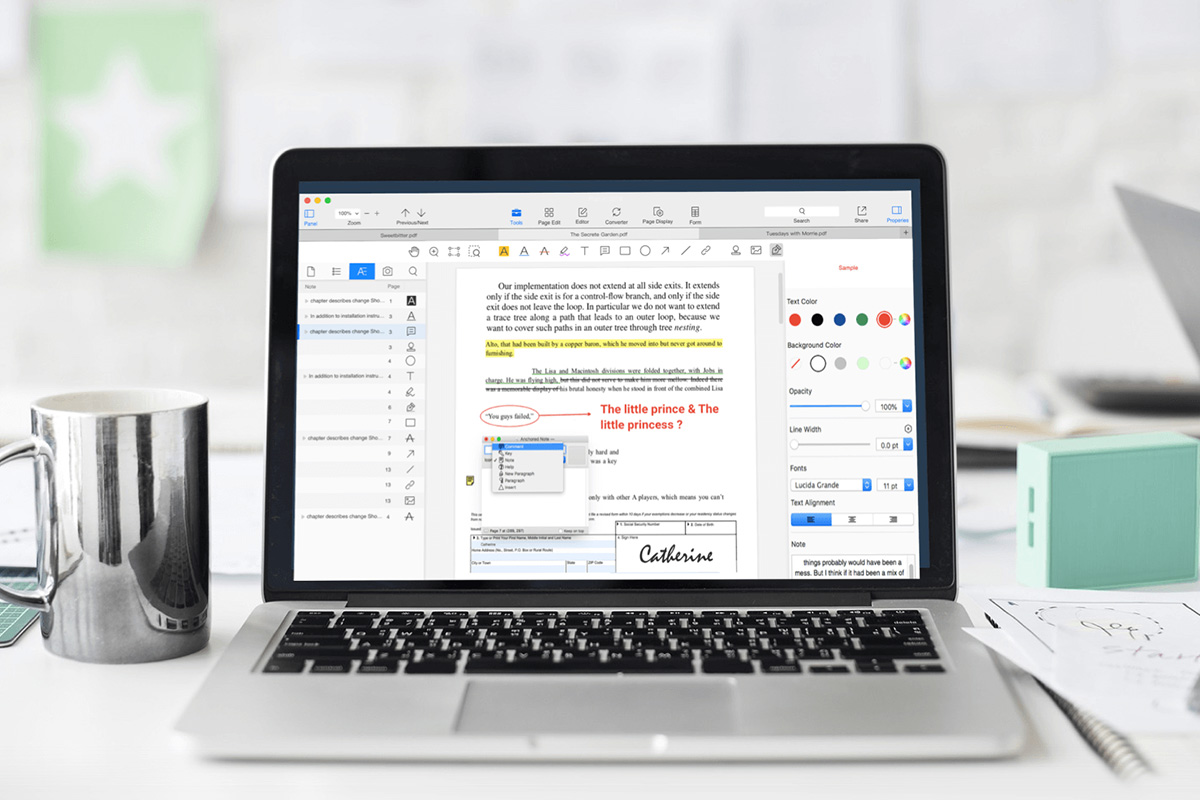
Editing a PDF shouldn’t require a subscription. But if you’ve ever tried to fix a typo, sign a form, or extract pages only to be met with Adobe’s monthly fees, you know the struggle. That’s why PDF Reader Pro for Mac is such a refreshing alternative; it gives you full control over your documents for a one-time price of just $39.99 (MSRP $79.99).
There are no recurring charges, no cloud-based lock-ins, and no limits on how long you can use it. You pay once, and it’s yours, simple as that.
Whether you’re updating contracts, digitizing your tax files, or converting documents to editable Microsoft formats, PDF Reader Pro offers a surprisingly robust toolkit for the price.
What you can do with PDF Reader Pro:
- 📝 Edit text and replace images directly in your PDFs
- 📁 Merge, split, crop, and rearrange pages quickly
- 🔍 Compare documents side-by-side and leave comments
- 🔄 Convert PDFs to Word, Excel, PowerPoint, and HTML
- 🔐 Add e-signatures, password protection, and watermarks
- 🧠 Make scanned files searchable using built-in OCR
- 💼 Batch process headers, footers, and file conversions
It’s beneficial for freelancers, small business owners, or anyone working remotely who needs a dependable PDF editor without yet another monthly bill.
Get PDF Reader Pro for Mac for just $39.99 (MSRP $79.99) — lifetime license, no upsells.

PDF Reader Pro Premium License For Mac: Lifetime Subscription
StackSocial prices subject to change.


FTC: We use income earning auto affiliate links. More.



Comments