
This offer has expired!
Be sure to follow us on Twitter for the latest deals and more. Sign-up for our newsletters and have our best offers delivered to your inbox daily.
TL;DR: Get a lifetime subscription to PDF Expert on sale for $79.99 (reg. $139.99).
Editing a PDF on a Mac usually means fighting Preview’s thin toolset or renting Adobe Acrobat by the month. PDF Expert 3 for Mac gives you a full editing suite instead, and a lifetime subscription is on sale for $79.99 (reg. $139.99).
One app for all your PDFs
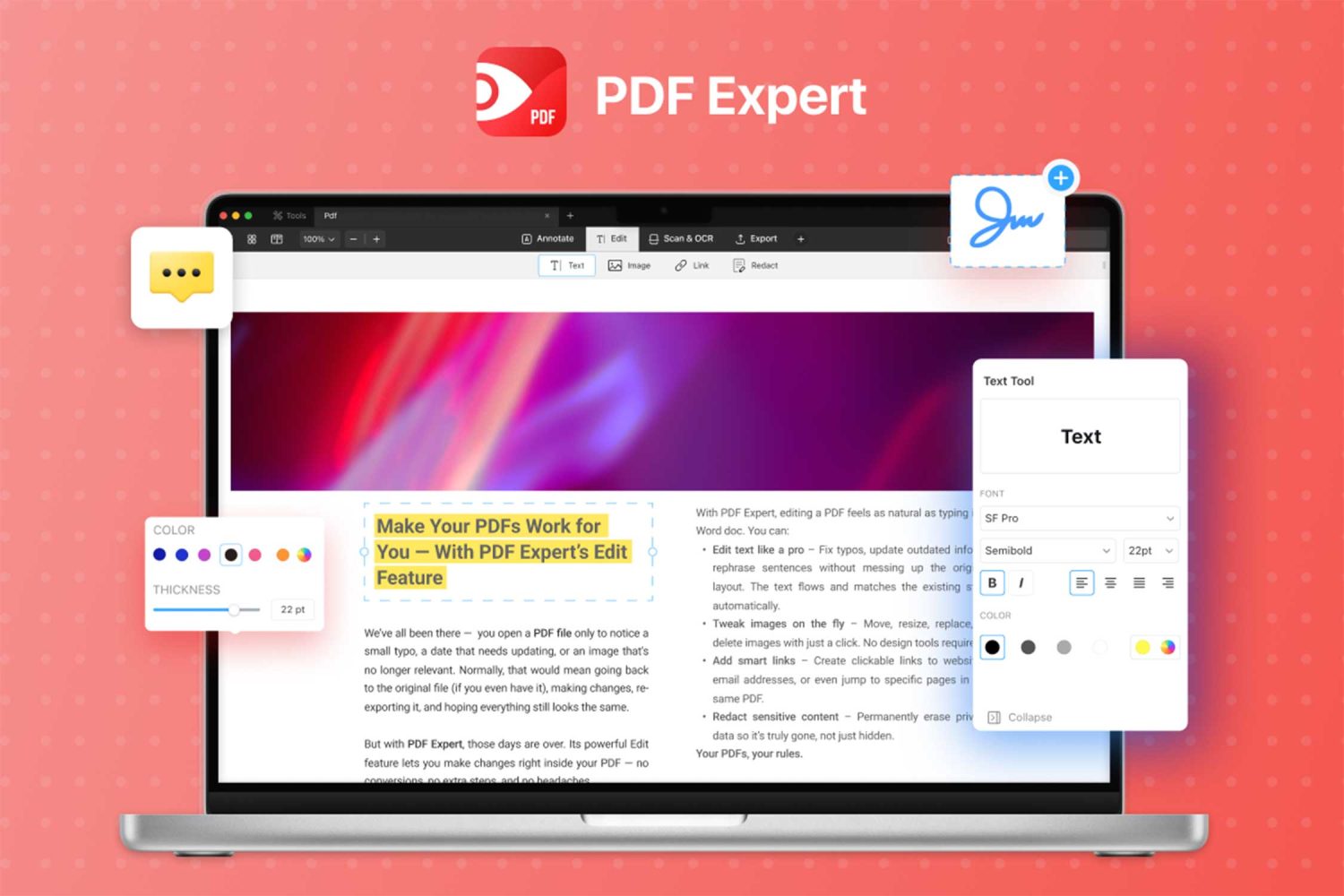
PDF Expert gives you a clean interface to work with PDFs effortlessly. You can change text right inside a document, so fixing a typo or updating a number in a signed contract takes seconds rather than a full re-export. Swap a stale logo for a current one, or drop a fresh chart into a report without leaving the file. Highlights, pop-up notes, and custom stamps let you mark up a page the way you’d mark up paper, and whoever reads it next sees exactly what mattered.
Merging, splitting, and rearranging pages is easy. Just drag the parts where you want to go, so you can pull three loose files into one clean document before a meeting starts. Conversion runs in both directions too. Turn a PDF into an editable Word file, an Excel sheet, or a PowerPoint deck, then flip Word, JPG, or PNG files back into PDFs when you’re finished. Either way you convert your files, your formatting remains the same.
Filling out forms takes a click per field, and adding a signature only takes a few more. Built-in OCR reads the text inside scanned pages, so an old paper document becomes searchable and copyable again.
Stop paying Adobe every month and own your PDF editor outright.
Get a PDF Expert Premium Lifetime Subscription on sale for $79.99.

PDF Expert Premium Plan: Lifetime Subscription (Mac)
StackSocial prices subject to change.


FTC: We use income earning auto affiliate links. More.


Comments