
Apple just gave the Mac mini and Mac Studio a fresh round of upgrades, and if you’re planning to bring one of the new machines home, you’re probably going to need a monitor to go with it. Apple’s own Studio displays are obviously an option, but there are plenty of alternatives out there that can give you more screen space, higher refresh rates, OLED panels, or simply a much lower price. We’ve rounded up some of the better monitors worth pairing with the new Mac mini and Mac Studio, ranging from more affordable 4K options to sharper 5K and 6K displays, along with an ultrawide for folks who want more room to work with. There’s a good mix here from LG, Samsung, BenQ, and Dell, so whether you’re building a basic Mac mini desk setup or a more serious Mac Studio workstation, you should find something that fits below.
LG UltraFine evo 6K
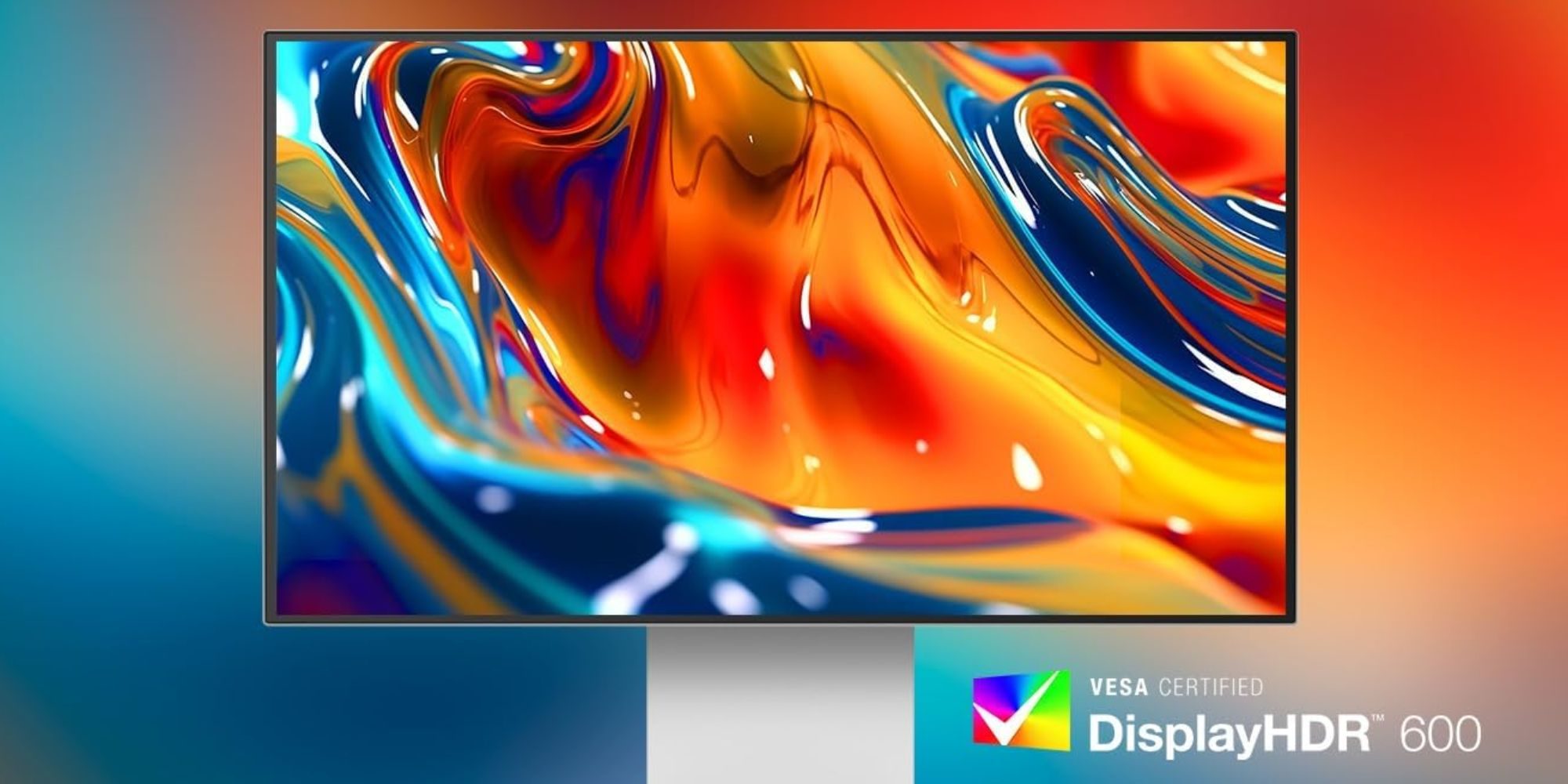
LG’s UltraFine evo 6K is probably the most obvious premium pick for the new Mac mini or Mac Studio. You’re looking at a 32-inch 6144 x 3456 panel with 224 PPI, giving macOS plenty of room to breathe while keeping text and UI elements nice and sharp. It also covers 99.5% of Adobe RGB and supports DisplayHDR 600, so it’s well suited for photo, video, and other creative work. Thunderbolt 5 is another big highlight here, alongside HDMI, DisplayPort 2.1, and additional USB-C connectivity. The silver finish also happens to look right at home next to Apple’s desktop Macs. It’s a bit pricey compared to other models here on the list, but still notably cheaper than Apple’s higher-end displays.
Samsung ViewFinity S8 (S80HF)
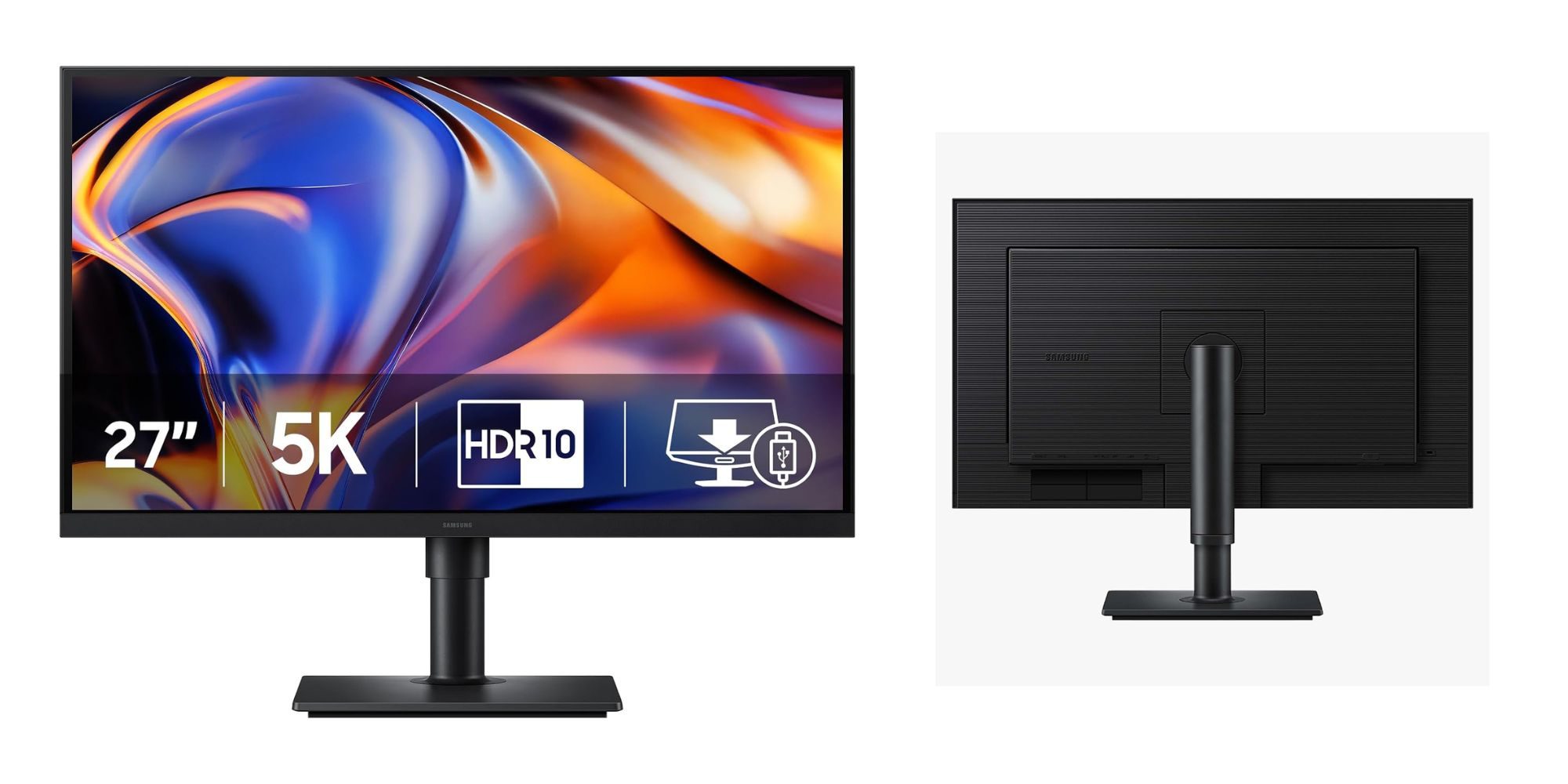
Samsung’s new 27-inch ViewFinity S8 (S80HF) is a solid 5K option to pair with the new Mac mini or Mac Studio. It uses a 5120 x 2880 IPS panel at 218 PPI, which gives you the kind of sharp text and clean macOS scaling you want from a desktop display without stepping up to Apple’s pricier Studio Display. This 2026 model also keeps things pretty straightforward for workstation use, with USB-C, DisplayPort, HDMI, and Ethernet connectivity, along with HDR10 support and a fully adjustable stand. The 27-inch size is also a nice fit if you want something that feels more compact than a 32-inch display while still giving you plenty of room for editing, multitasking, and everyday work.
Samsung Smart Monitor M9 OLED
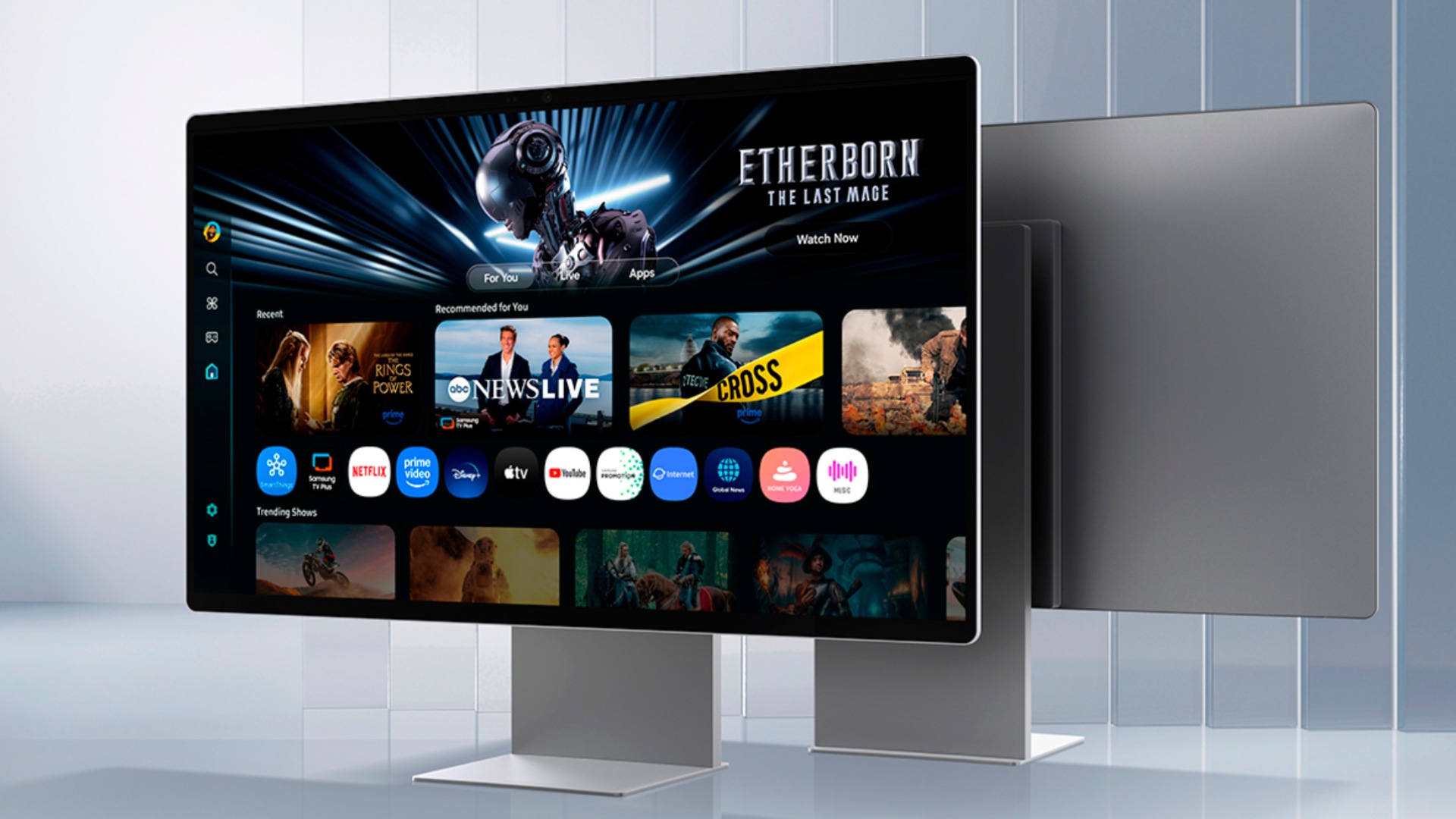
Samsung’s OLED M9 Smart Monitor takes a very different approach from the more productivity-focused 5K displays in this roundup. It sports a 32-inch 4K QD-OLED panel with a much faster 165Hz refresh rate, making it a particularly good fit if your Mac setup also doubles as a gaming or entertainment hub. You don’t get the same pixel density as the 5K and 6K options here, but OLED brings much deeper blacks, stronger contrast, and excellent image quality for movies and other media. It also has USB-C, HDMI, DisplayPort, a built-in 4K camera, and Samsung’s full suite of smart TV features.
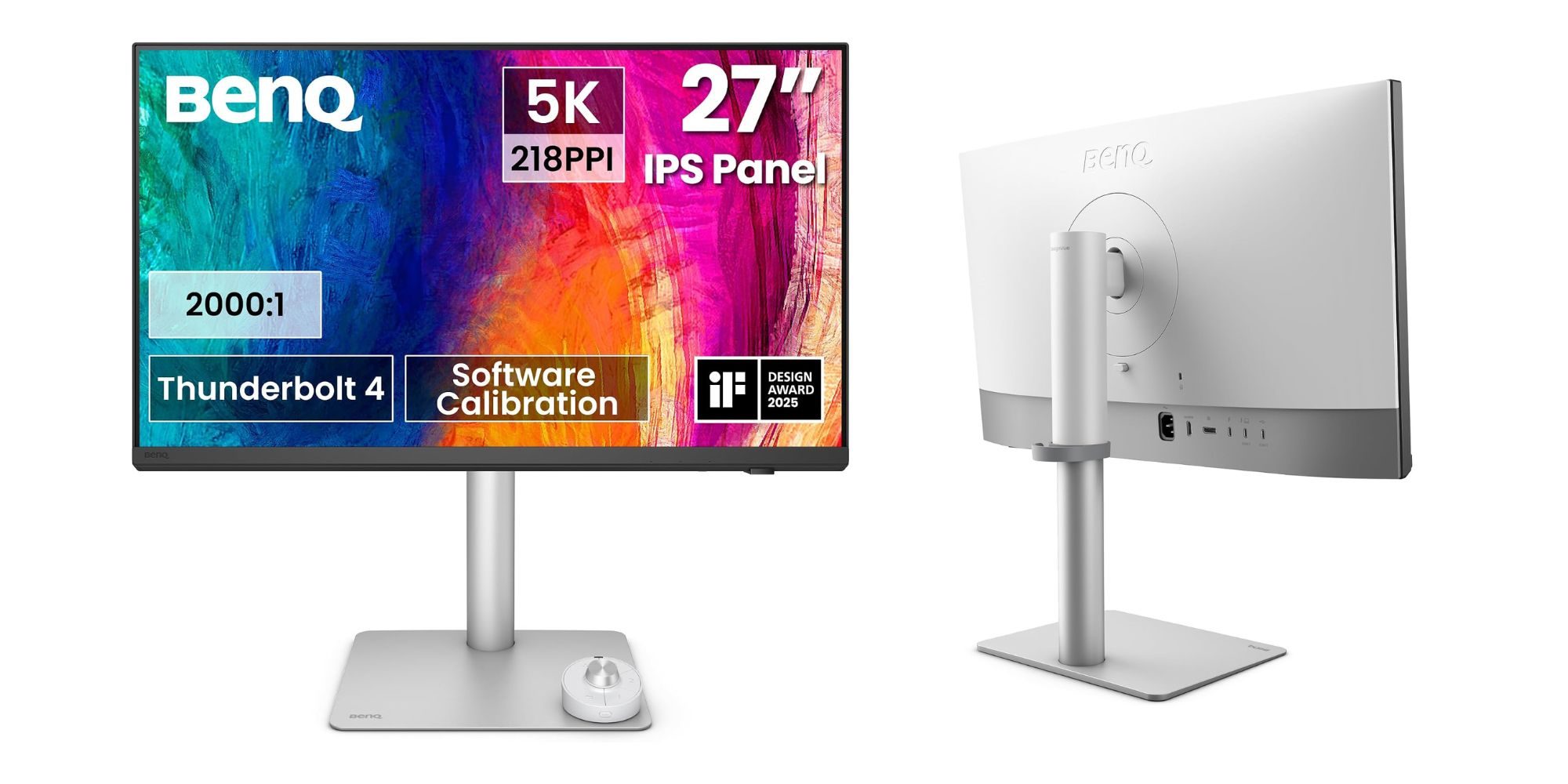
BenQ PD2730S 5K
The BenQ PD2730S is yet another solid alternative to Apple’s Studio Display. It comes with a 27-inch 5120 x 2880 panel at 218 PPI, giving you that same sharp 5K resolution that works so well with macOS. BenQ also puts a lot of emphasis on color accuracy here, with 100% sRGB and Rec.709 coverage alongside 98% DCI-P3. You also get a good set of connectivity options here, including a Thunderbolt 4, HDMI 2.1, DisplayPort, USB-C, and several USB-A ports. Notably, there’s BenQ’s Hotkey Puck G3, which gives you a physical dial and programmable controls for quickly adjusting display settings.
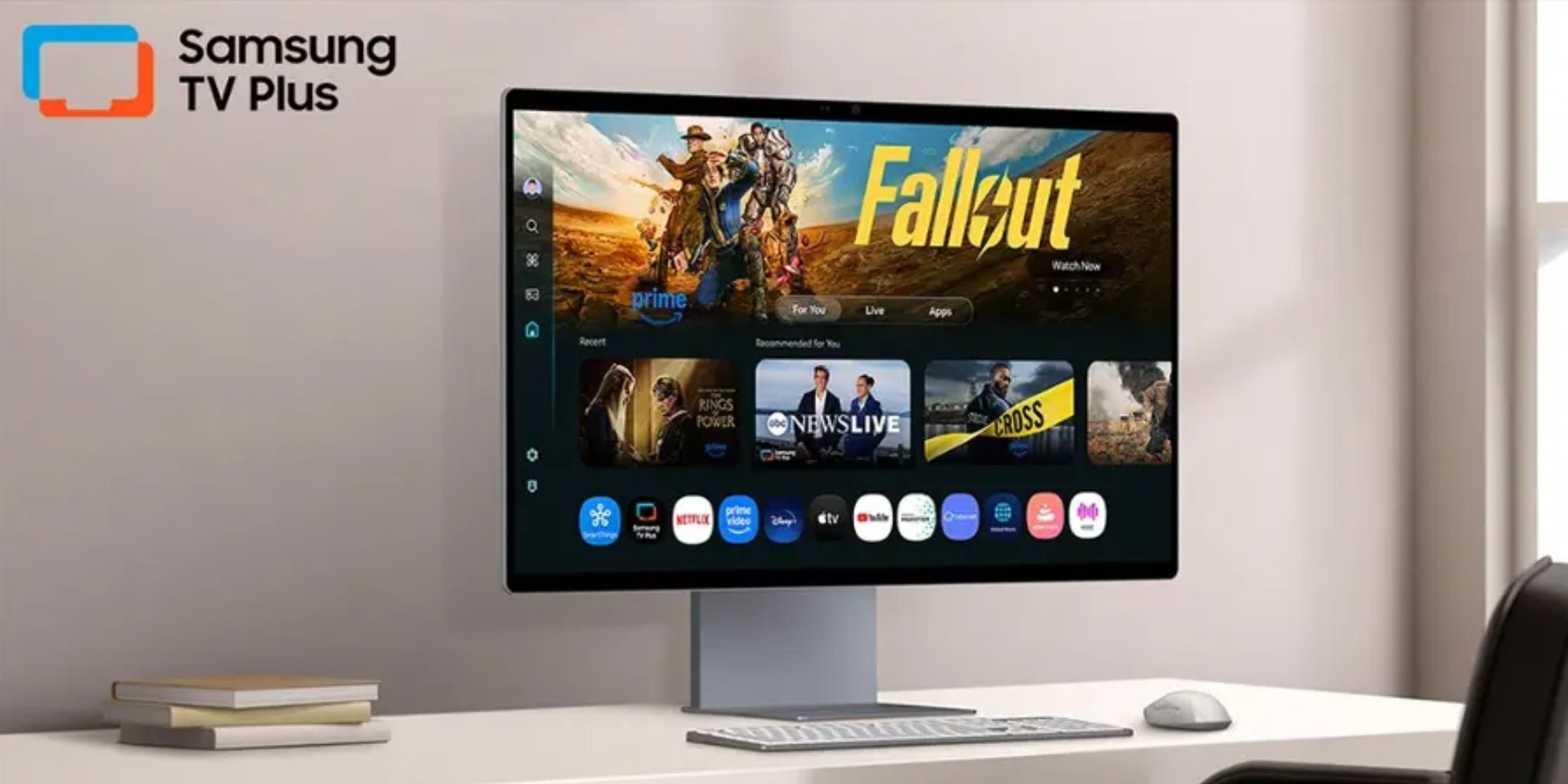
Samsung Smart Monitor M8
Samsung’s M8 Smart Monitor is the more affordable option of the bunch and makes sense for anyone buying a regular Mac mini without wanting to spend nearly as much on the monitor itself. It gives you a 32-inch 4K panel, which is a big step up from cheaper 1080p Smart Monitor models while still keeping the price relatively reasonable. The M8 also stands out because it can double as a standalone smart TV, with built-in streaming apps and Samsung’s Tizen platform. Its USB-C connectivity makes it super easy to connect to a Mac, while the clean, slim design fits nicely into an Apple-style desk setup. It’s not the choice for serious creative workflows, but it’s a versatile everyday monitor for productivity and entertainment.
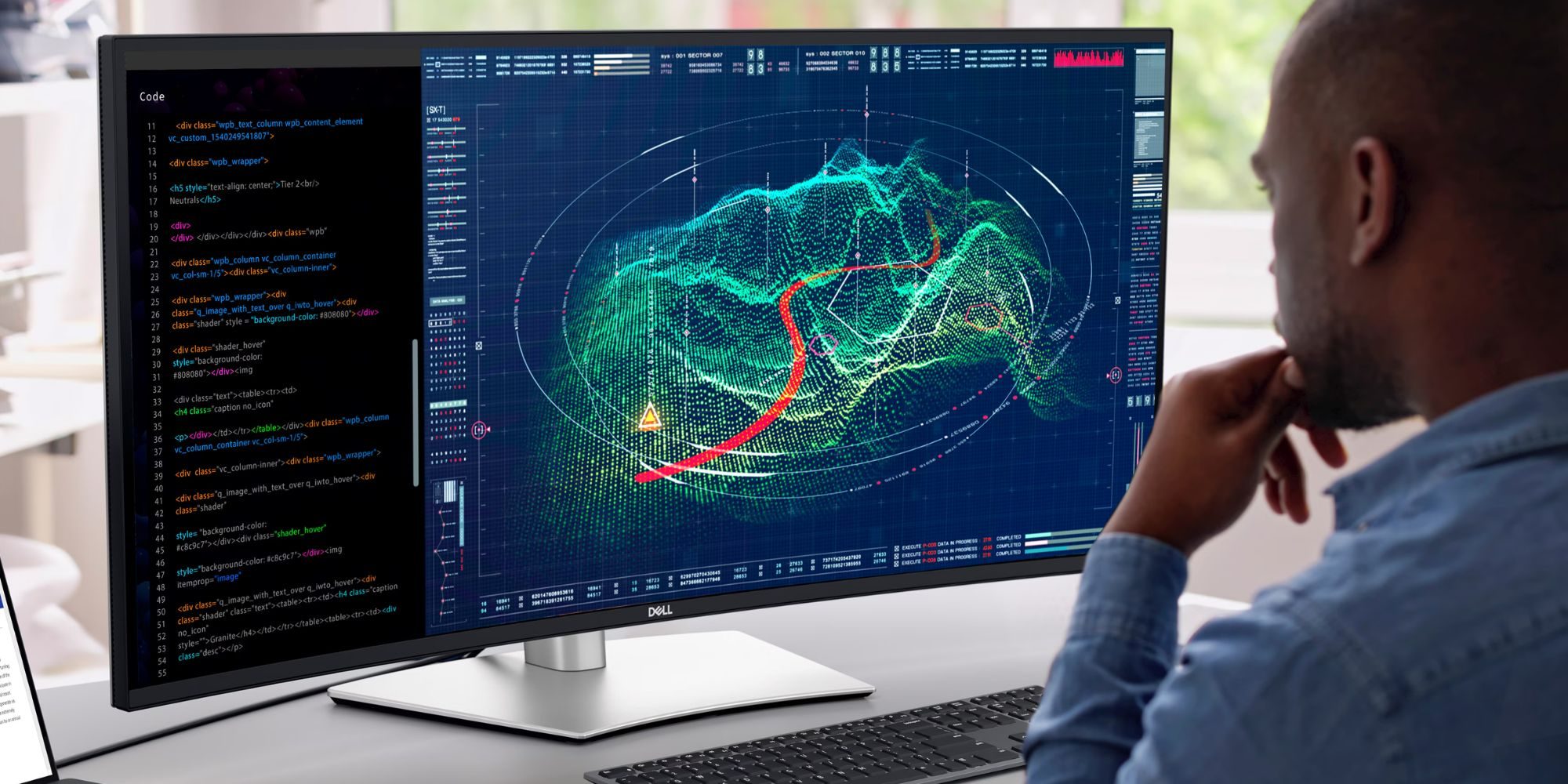
Dell UltraSharp U4025QW
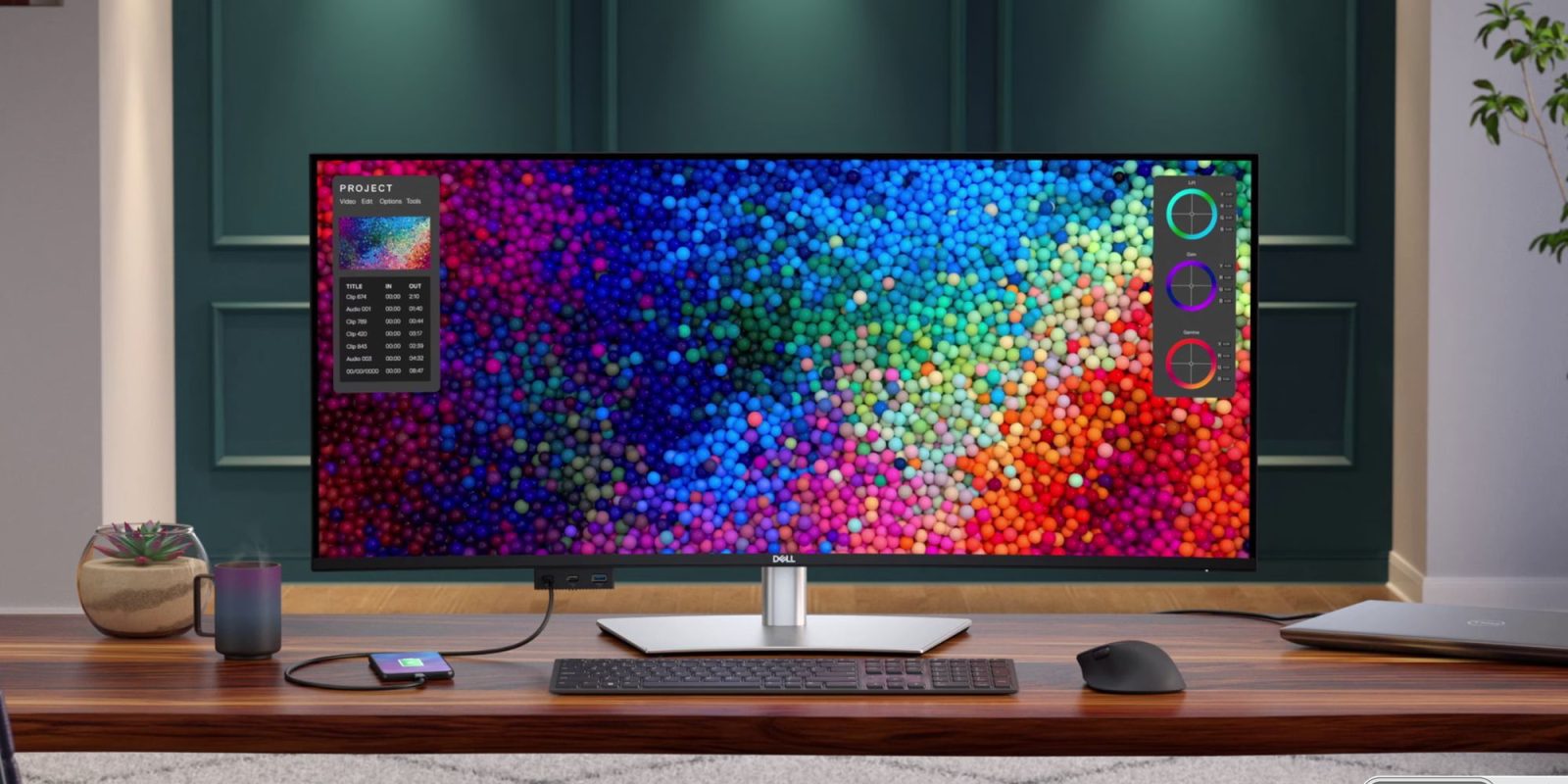
Dell’s UltraSharp U4025QW is the ultrawide pick worth considering if you want more room for multitasking. It sports a massive 39.7-inch curved 5K2K panel with a 5120 x 2160 resolution, giving you space for multiple windows, editing timelines, large spreadsheets, and other workstation-heavy tasks without needing a second display. It also runs at 120Hz, which is a nice upgrade over the 60Hz panels on most productivity monitors. Connectivity is excellent, too, with Thunderbolt 4 delivering up to 90W, HDMI 2.1, DisplayPort, Ethernet, multiple USB-C and USB-A ports, and a headphone jack. It’s not the most affordable display, but it’s one of the better ultrawide options around for a Mac Studio workstation where screen real estate matters most.


FTC: We use income earning auto affiliate links. More.



Comments