
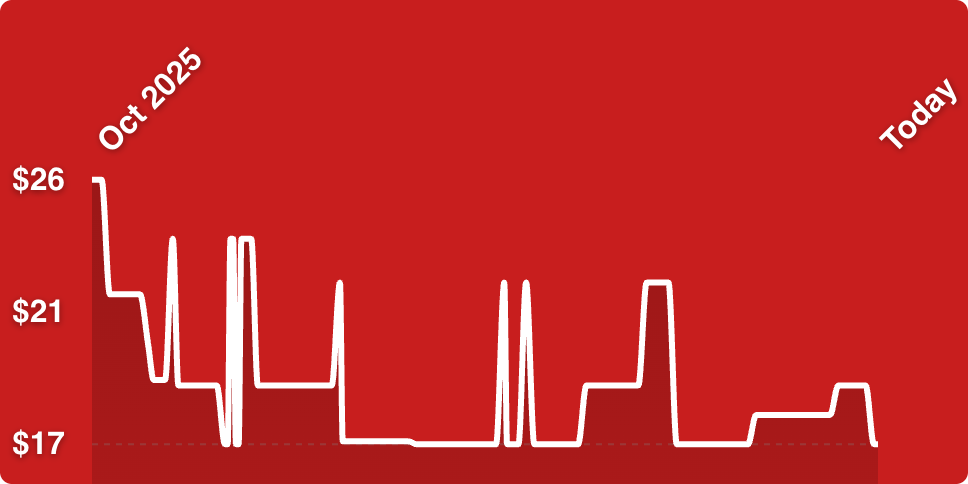
11% off/$17
This offer has expired!
Be sure to follow us on Twitter for the latest deals and more. Sign-up for our newsletters and have our best offers delivered to your inbox daily.
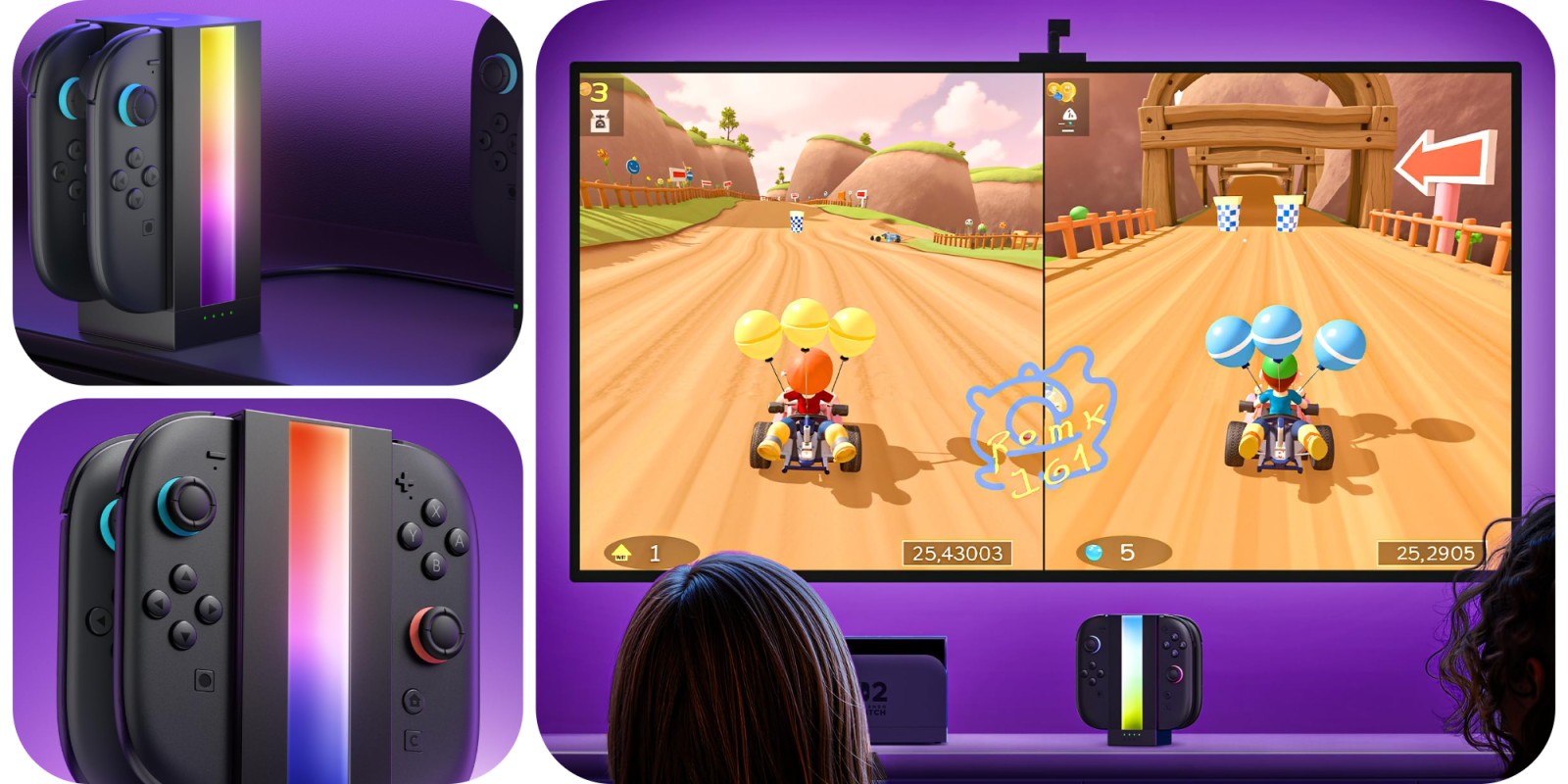
JSAUX EnergyFlow Joy-Con 2 Charging Dock
Buy for $17 (Reg. $19)
What we love
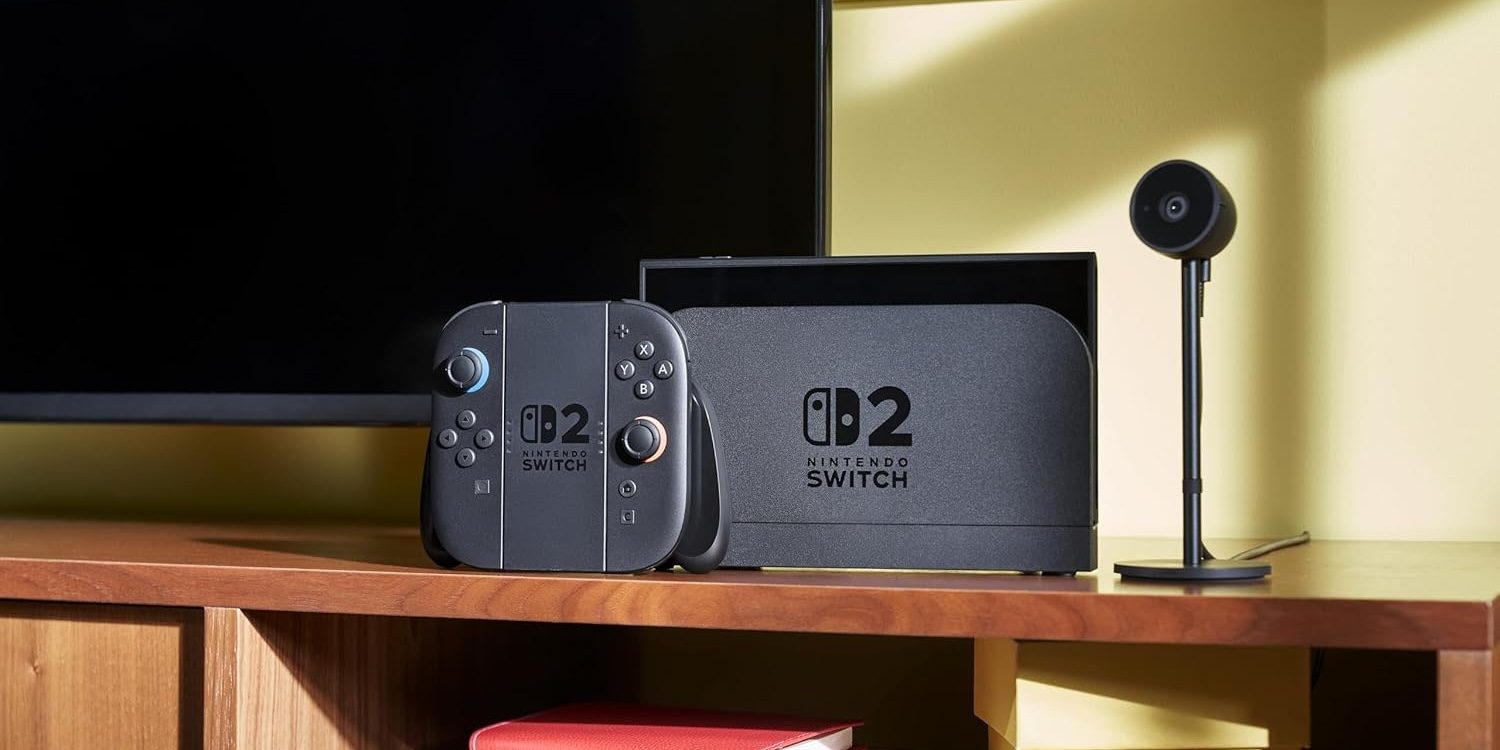
I used charging docks like this for all of my controllers, right now I have one for a couple sets of Joy-Con 2 controllers and two for DualSense gamepads. It’s really nice to not only have controllers always topped off, but also to have a dedicated place to set them down when I’m done with them.
More curated coverage for you

JSAUX EnergyFlow Joy-Con 2 Charging Dock features:
- Designed Exclusively for Switch 2 JoyCon: The JSAUX EnergyFlow Charging Dock is fully compatible with the 2025 Switch 2 JoyCon controllers. It can simultaneously charge 2 pairs (4 units) of JoyCons at high speed, eliminating low-battery interruptions during gameplay and keeping all controllers ready to go. Note: Not compatible with Switch (2017 model) or OLED version JoyCons.
- Immersive RGB Lighting for a Stylish Setup: A built-in dynamic RGB light bar enhances your gaming environment. Control the lighting with a one-touch button on the top—turn it on or off to suit your mood. The colorful glow adds a modern touch to your desk and boosts your immersive gaming experience.
- Fast Charging, No More Waiting: Charge all 4 JoyCons at once in just about 2.5 hours. Up to 30% more efficient than previous models, it reduces waiting time during multiplayer sessions and eliminates charging-related interruptions. Included: 1.5m USB C cable (power adapter not included).
- Smart Multi-Level Safety Protection: Equipped with an intelligent chip that provides comprehensive charging safety. Built-in safeguards include protection against short-circuiting, overcurrent, overvoltage, overheating, and overcharging. Keeps your JoyCons safe and extends their lifespan.
- Clear Charging Status at a Glance: Each port has an independent LED indicator, Flashing Green = Charging, Solid Green = Fully Charged or Standby, Installation Tip: Match the “+” and “–” marks on your JoyCon with the corresponding symbols on the dock for proper alignment.
Get deals sent directly to your inbox every day with our 9to5Toys newsletter


FTC: We use income earning auto affiliate links. More.
You’re reading 9to5Toys — experts digging up all the latest technology and lifestyle deals, day after day. Be sure to check out our homepage for all the latest news, and follow 9to5Toys on Twitter, Facebook, and LinkedIn to stay in the loop. Don’t know where to start? Check out the best Apple deals, our daily podcast, and subscribe to our YouTube channel




Comments