
This offer has expired!
Be sure to follow us on Twitter for the latest deals and more. Sign-up for our newsletters and have our best offers delivered to your inbox daily.
TL;DR: PDF Expert edits, signs, and converts PDFs on Mac without a subscription, and a lifetime Premium license is on sale for $79.99 (reg. $139.99).
Most Mac PDF editors lock their best features behind a subscription. Editing, signing, and converting a PDF usually means paying Adobe’s recurring Acrobat fee just to get the basics. With PDF Expert, you get much more than the basics — you get a permanent, easy way to edit your PDFs on your Mac for $79.99 (reg. $139.99).
An Adobe Acrobat alternative made for Mac
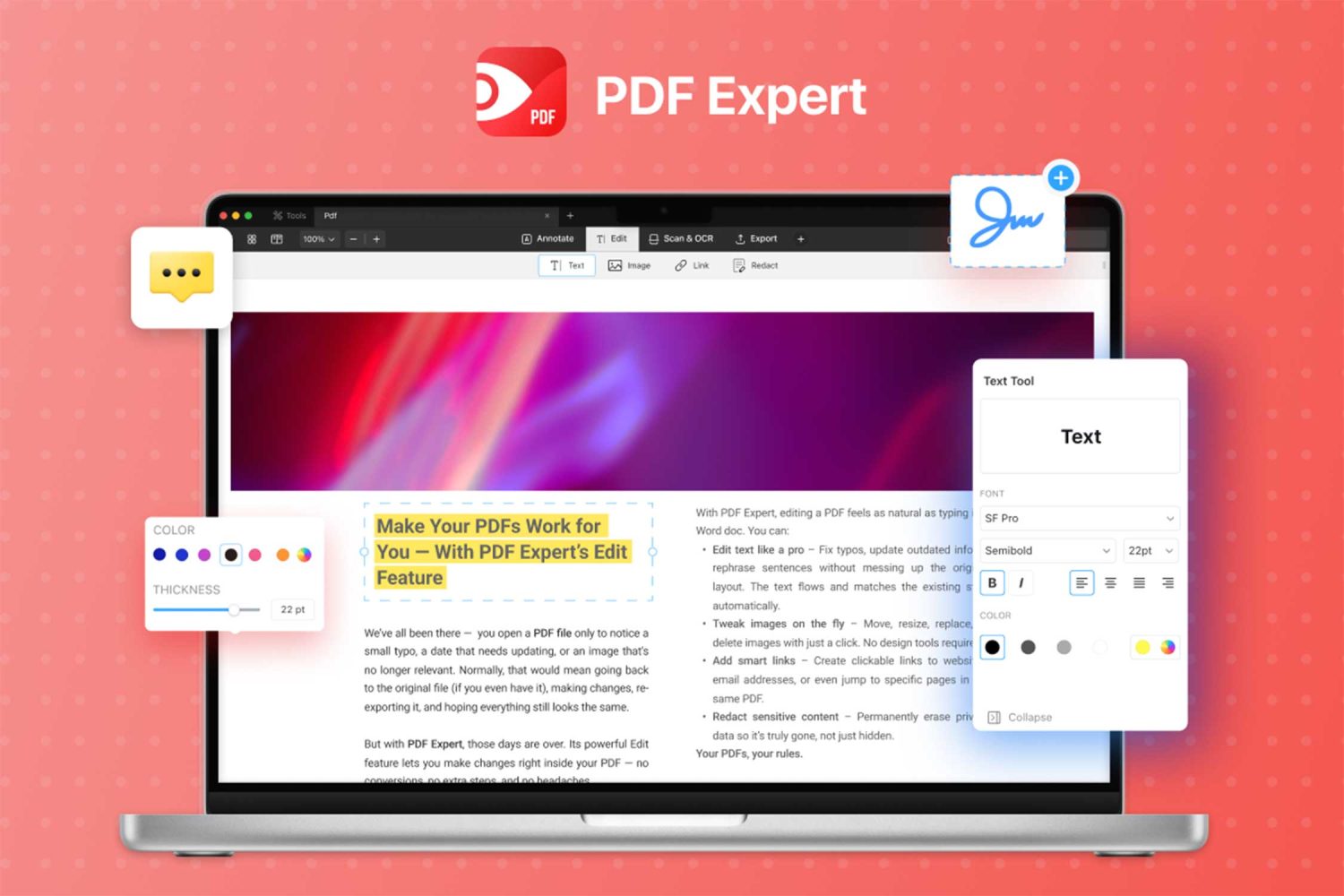
PDF Expert brings editing, annotating, organizing, and converting into one Mac app, without asking for a monthly fee.
- Edit text directly inside a PDF, fix typos, swap out images, and add links without leaving the app.
- Annotate pages with highlights, sticky notes, and custom stamps made for reviews and feedback.
- Merge, split, and reorder pages to organize a document exactly how you need it.
- Convert PDFs to and from Word, Excel, PowerPoint, images, and plain text in a few clicks.
- Fill out and sign forms, and redact sensitive information before sharing a file.
- Run OCR on scanned pages so the text becomes searchable, highlightable, and copyable.
The license activates on unlimited personal Mac devices, and updates and bug fixes continue afterward, though new features may cost extra down the line. Redeem your code within 30 days of purchase, and this deal is limited to new PDF Expert users.
Order PDF Expert now for just $79.99 to get this product, now at 42% off MSRP.

PDF Expert Premium Plan: Lifetime Subscription (Mac)
StackSocial prices subject to change.
FTC: We use income earning auto affiliate links. More.


Comments